Two computers, one monitor and a headset that only works on one machine is a daily desk shuffle, and the best kvm switch with audio support lets one keyboard, mouse, monitor and headset serve every computer on the desk. These switches were compared by computers and monitors, video, audio, switching options and warranty term, using only what each listing publishes.
OfficeKitHQ earns a commission when you buy through links on this page, at no extra cost to you. As an Amazon Associate I earn from qualifying purchases. Affiliate disclosure.
Quick picks
 Best Overall TESmart 2 Port KVM Switch: 4 switching options, audio and mic, EDID emulators Check price on Amazon
 Best for 4 PCs MLEEDA 4 PC KVM Switch: 4 computers, 2 monitors, RS232 control, audio Check price on Amazon
 No-Power Pick Hearvo 2 PC KVM Switch: No power supply needed, EDID adaptive Check price on Amazon
 Best Audio Jack Alxum Audio Jack KVM Switch: Audio jack, 4K at 60Hz, power delivery Check price on Amazon
 Best Dual Monitor Alxum Dual Monitor KVM Switch: 2 monitors, DP plus HDMI, audio and mic Check price on Amazon
The picks
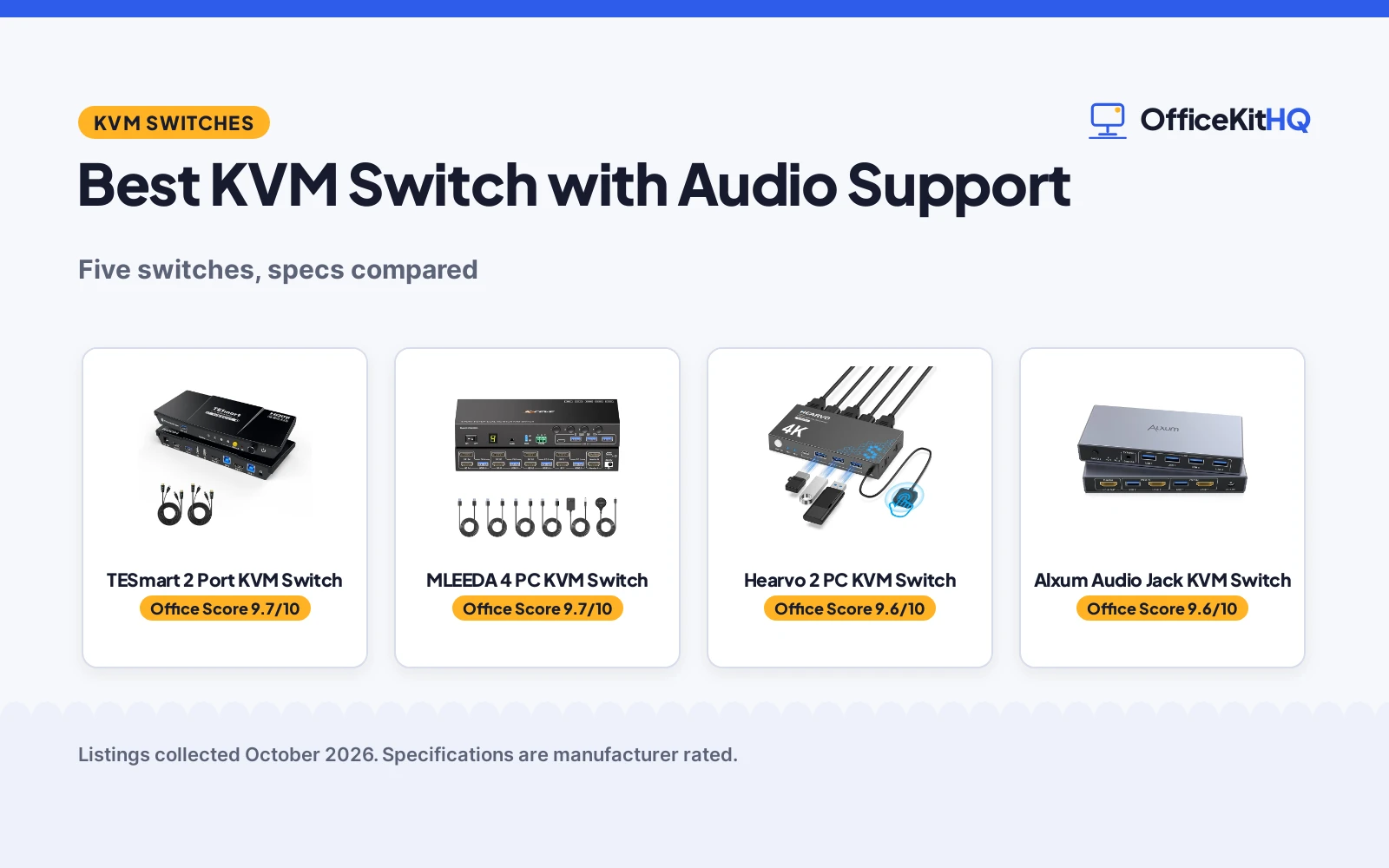
| # | Product | Office Score | Buy |
|---|---|---|---|
| 1 | TESmart 2 Port KVM Switch | 9.7/10 | Buy on Amazon |
| 2 | MLEEDA 4 PC KVM Switch | 9.7/10 | Buy on Amazon |
| 3 | Hearvo 2 PC KVM Switch | 9.6/10 | Buy on Amazon |
| 4 | Alxum Audio Jack KVM Switch | 9.6/10 | Buy on Amazon |
| 5 | Alxum Dual Monitor KVM Switch | 9.6/10 | Buy on Amazon |

TESmart 2 Port KVM Switch
A 2 port HDMI switch for 2 computers and 1 monitor with EDID emulators, audio and microphone, and four switching options.
Pros
- 4 switching options: button, IR remote, hotkey, mouse wheel
- L/R audio and microphone output
- EDID emulators in each input port
- 2 KVM cables and a 12V adapter included
Cons
- IR remote needs AAA batteries, not included
- No laptop charging
- Largest dimensions among the 2 computer picks at 7.68 x 3.07 x 1.1 in
- No custom hotkey function
Detailed Review
TESmart lists this as a 2 port HDMI KVM switch for 2 computers and 1 monitor, with 4K at 60Hz, USB 3.0, EDID emulators, L/R audio and microphone, a hotkey, an IR remote and a front-panel switch. The bullets state 4 switching options, resolutions up to 3840x2160 at 60Hz, 3440x1440 at 100Hz and 2560x1440 at 120Hz, and a packing list of 2 KVM cables, an IR remote and a 12V adapter. The spec table gives dimensions of 7.68 x 3.07 x 1.1 in, an item weight of 9.28 ounces, metal material and a 1-year warranty.
Who it's for: someone who wants the most switching options with audio and microphone for two computers and one monitor. Who should skip it: anyone who needs laptop charging or a second monitor.
Its Office Score of 9.7/10 comes from performance 32/35, build 22/25, value 21/25, safety 7/10 and warranty 3/5: 85 of 100 points, placed on our 9.2 to 9.8 scale.
Key Specifications
| Computers | 2 |
|---|---|
| Monitors | 1 |
| Video | 4K@60Hz |
| Audio | L/R audio, microphone |
Figures as published on the retailer listing, collected 25 October 2026. Performance figures are manufacturer rated.
Safety and Warranty
What this listing states. HDMI 2.0 and HDCP 2.2 specification met, so safety scores 7 of 10. 1-year warranty. It does not say everything a buyer needs, such as who pays return shipping, so warranty scores 3 of 5. See How We Pick.
Power and heat. Use the supplied adapter, treat power delivery wattage and display support as the maker's claims for your laptop model, and give the dock room to vent.
This is general buying information, not professional advice. Follow each product manual and local rules, and see our Safety Disclaimer.

MLEEDA 4 PC KVM Switch
A 4 computer, 2 monitor switch with DisplayPort and HDMI, EDID emulation, audio and RS232 control.
Pros
- 4 computers sharing 2 monitors
- EDID emulation keeps windows in place
- 3 switching modes: buttons, remote, RS232
- 4 USB 3.0 ports at 5Gbps with audio
Cons
- HDMI and DP cables are not included
- 12V adapter required for power
- Each PC needs DP plus HDMI plus USB cables
- RS232 control requires setting a baud rate of 115200
Detailed Review
MLEEDA lists this as a KVM switch for 2 monitors and 4 computers with DisplayPort and HDMI, 4K at 60Hz, EDID emulation, 4 USB 3.0 ports, audio and RS232. The bullets state expanded and mirror modes, 3 switching modes, a wired remote of 1.5 m, and a 12V/2A power adapter. The important note states each PC needs 1 DP plus 1 HDMI plus 1 USB cable, and that HDMI and DP cables are not included. The spec table gives dimensions of 8.27 x 2.99 x 1.26 in, metal material and a 1 year warranty.
Who it's for: someone who runs 4 computers on 2 monitors with audio and RS232 control. Who should skip it: anyone who wants included video cables or bus-powered operation.
Its Office Score of 9.7/10 comes from performance 33/35, build 21/25, value 21/25, safety 7/10 and warranty 3/5: 85 of 100 points, placed on our 9.2 to 9.8 scale.
Key Specifications
| Computers | 4 |
|---|---|
| Monitors | 2 |
| Video | 4K@60Hz |
| Control | Buttons, remote, RS232 |
Figures as published on the retailer listing, collected 25 October 2026. Performance figures are manufacturer rated.
Safety and Warranty
What this listing states. CE specification met, so safety scores 7 of 10. 1 year warranty. It does not say everything a buyer needs, such as who pays return shipping, so warranty scores 3 of 5. See How We Pick.
Power and heat. Use the supplied adapter, treat power delivery wattage and display support as the maker's claims for your laptop model, and give the dock room to vent.
This is general buying information, not professional advice. Follow each product manual and local rules, and see our Safety Disclaimer.

Hearvo 2 PC KVM Switch
A 2 computer, 1 monitor HDMI switch with 4 USB 3.0 ports, EDID adaptive tuning and no power supply needed.
Pros
- No power supply or driver software needed
- Adaptive EDID for stable image transmission
- 4 USB 3.0 ports at 5Gbps, including USB-C
- Button plus wired remote switching
Cons
- No audio support is stated
- Single monitor only, no dual-monitor mode
- Protection Plan terms are not detailed
- Two USB cables included, no HDMI cables stated
Detailed Review
Hearvo lists this as a USB 3.0 HDMI KVM switch for 2 computers and 1 monitor, with 4K at 60Hz, 4 USB 3.0 ports, EDID adaptive tuning and a wired desktop controller. The bullets state data transfer up to 5Gbps, HDCP 2.2 compliance, button and wired remote switching, and no power supply or driver software needed. The package includes 2 USB 3.0 cables, a wired remote switch, a Protection Plan card and 4 anti-slip rubber pads. No audio support is stated. The bullets mention a lifetime Protection Plan.
Who it's for: someone who wants a simple 2 computer, 1 monitor switch without a power adapter. Who should skip it: anyone who needs audio support or a second monitor.
Its Office Score of 9.6/10 comes from performance 26/35, build 21/25, value 20/25, safety 7/10 and warranty 3/5: 77 of 100 points, placed on our 9.2 to 9.8 scale.
Key Specifications
| Computers | 2 |
|---|---|
| Monitors | 1 |
| Video | 4K@60Hz |
| USB | 4 USB 3.0 ports |
Figures as published on the retailer listing, collected 25 October 2026. Performance figures are manufacturer rated.
Safety and Warranty
What this listing states. FCC specification met, so safety scores 7 of 10. Lifetime Protection Plan. It does not say everything a buyer needs, such as who pays return shipping, so warranty scores 3 of 5. See How We Pick.
Power and heat. Use the supplied adapter, treat power delivery wattage and display support as the maker's claims for your laptop model, and give the dock room to vent.
This is general buying information, not professional advice. Follow each product manual and local rules, and see our Safety Disclaimer.

Alxum Audio Jack KVM Switch
A 2 computer, 1 monitor HDMI switch with an audio jack, 4 USB ports and power delivery.
Pros
- Audio jack stated in the title
- 4K at 60Hz with HDCP support
- Button plus remote switching
- Power delivery stated
Cons
- No warranty term is stated
- No microphone port is stated
- Single monitor only
- No included cables are stated
Detailed Review
Alxum lists this as an HDMI KVM switch for 1 monitor and 2 computers with an audio jack, 4K at 60Hz, 2 PC and 1 monitor switching, 4 USB ports, 5Gbps transfer, button and remote control, and power delivery. The bullets state HDCP and HDMI 2.0/1.4 support, dual switching modes, ESD protection and LED indicators. The spec table gives dimensions of 5.75 x 2.44 x 0.81 in, aluminum material and CE, FCC and UL specification met. No warranty term is stated.
Who it's for: someone who wants audio with a 2 computer, 1 monitor switch and power delivery. Who should skip it: anyone who needs a microphone port, a second monitor or a warranty term.
Its Office Score of 9.6/10 comes from performance 29/35, build 21/25, value 20/25, safety 7/10 and warranty 0/5: 77 of 100 points, placed on our 9.2 to 9.8 scale.
Key Specifications
| Computers | 2 |
|---|---|
| Monitors | 1 |
| Video | 4K@60Hz |
| Audio | Audio jack |
Figures as published on the retailer listing, collected 25 October 2026. Performance figures are manufacturer rated.
Safety and Warranty
What this listing states. CE, FCC, UL specification met, ESD protection, so safety scores 7 of 10. No warranty term, so warranty scores zero. See How We Pick.
Power and heat. Use the supplied adapter, treat power delivery wattage and display support as the maker's claims for your laptop model, and give the dock room to vent.
This is general buying information, not professional advice. Follow each product manual and local rules, and see our Safety Disclaimer.

Alxum Dual Monitor KVM Switch
A 2 computer, 2 monitor switch with HDMI and DisplayPort, audio and microphone ports, and remote switching.
Pros
- 2 monitors from 2 computers
- HDMI plus DisplayPort inputs and outputs
- Audio and microphone ports
- Button plus remote switching
Cons
- Dual-screen mode needs desktop PCs, not laptops
- No warranty term is stated
- Plastic body against the metal picks here
- 5V adapter must stay connected
Detailed Review
Alxum lists this as an HDMI DisplayPort KVM switch for 2 computers and 2 monitors, with 4K at 60Hz, 4 USB ports, separate audio and power delivery. The bullets state two computer inputs (one HDMI and one DisplayPort), two monitor outputs, audio and microphone ports, three USB-A ports at 5Gbps, and button plus remote switching. The notes state both computers must be desktop PCs for dual-screen mode, that the switch is not recommended for laptops, and that the included 5V power adapter must stay connected. The spec table gives dimensions of 5.12 x 2.46 x 1.17 in and plastic material. No warranty term is stated.
Who it's for: someone with two desktop PCs who wants two monitors with audio and microphone. Who should skip it: anyone who runs laptops on dual screens or needs a warranty term.
Its Office Score of 9.6/10 comes from performance 30/35, build 19/25, value 20/25, safety 7/10 and warranty 0/5: 76 of 100 points, placed on our 9.2 to 9.8 scale.
Key Specifications
| Computers | 2 |
|---|---|
| Monitors | 2 |
| Video | 4K@60Hz |
| Audio | Audio, microphone |
Figures as published on the retailer listing, collected 25 October 2026. Performance figures are manufacturer rated.
Safety and Warranty
What this listing states. CE, FCC, UL specification met, so safety scores 7 of 10. No warranty term, so warranty scores zero. See How We Pick.
Power and heat. Use the supplied adapter, treat power delivery wattage and display support as the maker's claims for your laptop model, and give the dock room to vent.
This is general buying information, not professional advice. Follow each product manual and local rules, and see our Safety Disclaimer.
As an Amazon Associate I earn from qualifying purchases.
More picks to compare
 4 Port VGA KVM Switch4 port VGA switch with audio and cables, per titleCheck on Amazon
 Dual Monitor HDMI KVM Switch2 port HDMI switch with audio for 2 computers and 2 monitors, per titleCheck on Amazon
Compare the picks
| Switch | Office Score | Computers / Monitors | Video | Audio | Warranty | Amazon |
|---|---|---|---|---|---|---|
| TESmart 2 Port KVM Switch | 9.7/10 | 2 / 1 | 4K@60Hz | L/R audio, microphone | 1 year | View on Amazon |
| MLEEDA 4 PC KVM Switch | 9.7/10 | 4 / 2 | 4K@60Hz | Audio | 1 year | View on Amazon |
| Hearvo 2 PC KVM Switch | 9.6/10 | 2 / 1 | 4K@60Hz | Not stated | Lifetime plan | View on Amazon |
| Alxum Audio Jack KVM Switch | 9.6/10 | 2 / 1 | 4K@60Hz | Audio jack | Not stated | View on Amazon |
| Alxum Dual Monitor KVM Switch | 9.6/10 | 2 / 2 | 4K@60Hz | Audio, microphone | Not stated | View on Amazon |
Specifications are manufacturer rated as listed, collected 25 October 2026. 3 listings state a warranty term, and the rest state none.
How we scored them
The Office Score weighs performance, build, value, safety and warranty. For a KVM switch, safety means stated specifications and protection: Hearvo meets FCC, both Alxum picks meet CE, FCC and UL with ESD protection on one, MLEEDA meets CE, and TESmart meets HDMI 2.0 and HDCP 2.2. 3 listings state a warranty term: TESmart and MLEEDA at 1 year, and Hearvo with a lifetime Protection Plan. How we pick explains the weights.
| Product | Office Score | Perf. /35 | Build /25 | Value /25 | Safety /10 | Warranty /5 |
|---|---|---|---|---|---|---|
| TESmart 2 Port KVM Switch | 9.7 | 32 | 22 | 21 | 7 | 3 |
| MLEEDA 4 PC KVM Switch | 9.7 | 33 | 21 | 21 | 7 | 3 |
| Hearvo 2 PC KVM Switch | 9.6 | 26 | 21 | 20 | 7 | 3 |
| Alxum Audio Jack KVM Switch | 9.6 | 29 | 21 | 20 | 7 | 0 |
| Alxum Dual Monitor KVM Switch | 9.6 | 30 | 19 | 20 | 7 | 0 |
Scores run from 9.2 to 9.8: each product’s point total is placed on that range, so more points always means a higher score.
How to choose the best kvm switch with audio support
Start with computers and monitors
TESmart, Hearvo and the Alxum audio jack switch each serve 2 computers and 1 monitor, the Alxum dual monitor switch serves 2 computers and 2 monitors, and MLEEDA serves 4 computers and 2 monitors. The dual monitor Alxum states both computers must be desktop PCs for dual-screen mode and does not recommend laptops, while MLEEDA states compatibility with desktops, laptops and mini PCs. MLEEDA also states each PC needs 1 DP plus 1 HDMI plus 1 USB cable, and that HDMI and DP cables are not included.
Check the audio support
A kvm switch with audio support should state its audio ports plainly: the Alxum audio jack switch states an audio jack, MLEEDA states audio, and the Alxum dual monitor switch and TESmart state audio plus microphone ports. Hearvo states no audio at all, so it suits a desk where sound stays on the computer. For calls and meetings, a microphone port matters as much as an audio output, and a headset plugs into the audio ports these switches provide.
Switching options
TESmart offers 4 switching options: button, IR remote, hotkey and mouse wheel. MLEEDA offers 3: front-panel buttons, wired remote and RS232 control, with the remote measuring 1.5 m. The other picks offer button plus remote switching, with Hearvo using a wired remote switch. More options help when the switch itself sits out of reach, while a single button suits a switch kept on the desk.
| Switch | Computers / Monitors | Video | Audio |
|---|---|---|---|
| TESmart 2 Port KVM Switch | 2 / 1 | 4K@60Hz | L/R audio, microphone |
| MLEEDA 4 PC KVM Switch | 4 / 2 | 4K@60Hz | Audio |
| Hearvo 2 PC KVM Switch | 2 / 1 | 4K@60Hz | Not stated |
| Alxum Audio Jack KVM Switch | 2 / 1 | 4K@60Hz | Audio jack |
| Alxum Dual Monitor KVM Switch | 2 / 2 | 4K@60Hz | Audio, microphone |
Figures as stated in each listing.
Power and cables
Hearvo needs no power supply or driver software. MLEEDA needs its 12V adapter, the dual monitor Alxum needs its 5V adapter connected, and TESmart includes a 12V adapter. The audio jack Alxum states power delivery. Check the box contents before ordering: TESmart includes 2 KVM cables, while MLEEDA states its video cables are not included.
Check the warranty line
3 listings state a warranty term: TESmart and MLEEDA at 1 year, and Hearvo with a lifetime Protection Plan. The Alxum listings state no warranty term, so their warranty score is zero. A switch bought for daily multi-computer work should be judged on its stated ports and switching options, not on a warranty promise the listing does not spell out.
Setup Notes
- Count computers and monitors first: picks here cover 2 computers with 1 monitor to 4 computers with 2 monitors.
- Check audio needs: Hearvo states no audio, while the other picks state audio or audio plus microphone.
- Confirm power: MLEEDA needs its 12V adapter, and Hearvo needs no power supply.
- Check cables: MLEEDA states HDMI and DP cables are not included, while TESmart includes 2 KVM cables.
- Plug-and-play setup is stated: no drivers are needed for these switches.
Frequently Asked Questions
Why use a KVM switch?
A KVM switch lets two or more computers share one monitor, keyboard and mouse, so one desk serves several machines.
Which switches here support audio?
The Alxum audio jack switch states an audio jack, MLEEDA states audio, and the Alxum dual monitor switch and TESmart state audio plus microphone. Hearvo states no audio.
Can I use a laptop with a dual-monitor switch?
The Alxum dual monitor switch states both computers must be desktop PCs for dual-screen mode and does not recommend laptops. MLEEDA states compatibility with desktops, laptops and mini PCs.
Do these switches need power?
Hearvo needs no power supply. MLEEDA needs its 12V adapter, the dual monitor Alxum needs its 5V adapter, and TESmart includes a 12V adapter. The Alxum audio jack switch states power delivery.
What warranty terms are stated?
TESmart and MLEEDA state 1-year warranties, and Hearvo states a lifetime Protection Plan. The Alxum listings state no warranty term.
Related guides
See every docking station and USB hub guide and all connectivity guides.
More picks: computer speakers, headsets, monitor arms and stands.