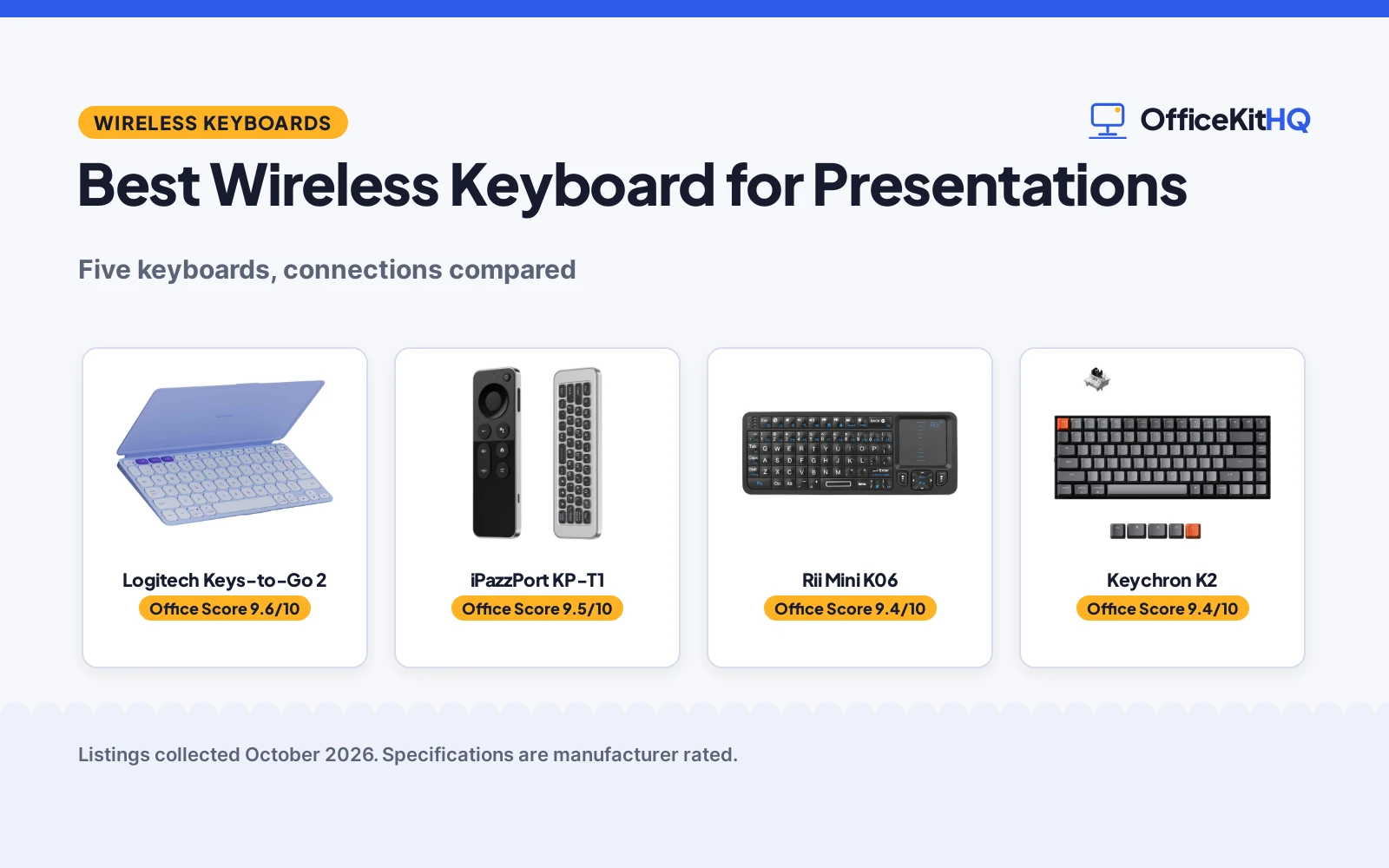
The best wireless keyboard for presentations is the one that keeps working from wherever the presenter stands, without a cable tying the presenter to the laptop. A keyboard that drops its connection mid-slide, or forces a walk back to the laptop for every advance, breaks the flow of a talk. We compared wireless keyboards by connection type, key count, battery claims, range and warranty term, using only what each listing publishes.
OfficeKitHQ earns a commission when you buy through links on this page, at no extra cost to you. As an Amazon Associate I earn from qualifying purchases. Affiliate disclosure.
Quick picks
 Best Overall Logitech Keys-to-Go 2: Pairs with 3 devices, built-in cover, battery life of up to 3 years Check price on Amazon
 Best Air Mouse iPazzPort KP-T1: 6-axis gyro cursor control plus a QWERTY reverse side, 10 meters range Check price on Amazon
 Best for TV Control Rii Mini K06: IR learning with 10 learning keys, touchpad, backlit, 2.4G and Bluetooth Check price on Amazon
 Best Typing Feel Keychron K2: 84-key mechanical board, Brown switches, 50 million keystroke lifespan Check price on Amazon
 Best for Projection MOJO Projection Keyboard: Laser projection on any flat surface, 200 minutes of working time Check price on Amazon
Our desk picks
| # | Product | Office Score | Buy |
|---|---|---|---|
| 1 | Logitech Keys-to-Go 2 | 9.6/10 | Buy on Amazon |
| 2 | iPazzPort KP-T1 | 9.5/10 | Buy on Amazon |
| 3 | Rii Mini K06 | 9.4/10 | Buy on Amazon |
| 4 | Keychron K2 | 9.4/10 | Buy on Amazon |
| 5 | MOJO Projection Keyboard | 9.3/10 | Buy on Amazon |

Logitech Keys-to-Go 2
A slim Bluetooth keyboard with a built-in cover, scissor keys, pairing with up to 3 devices and battery life the listing puts at up to 3 years.
Pros
- Pairs with up to 3 devices and switches between them with a tap of a key
- Built-in cover protects the keyboard in a bag
- Full row of shortcut keys for volume, media and screen brightness
- 1 Year Limited Hardware Warranty is stated
Cons
- No dimensions are stated in the spec table
- 78 keys, fewer than the 84-key boards here
- Logi Options+ customization is limited to Windows, macOS and Googlebook OS
Detailed Review
Logitech lists the Keys-to-Go 2 as a slim Bluetooth keyboard with a built-in cover, scissor keys, shortcut keys and pairing with up to 3 devices. The listing states up to 3 years battery life, 220 g weight, 78 keys and a 1 Year Limited Hardware Warranty. One contradiction: the bullets say pre-installed coin cell batteries, while the spec table says a built-in rechargeable battery, so treat the power source as unclear.
Who it's for: a presenter travelling light who wants a covered board pairing with several devices. Who should skip it: anyone needing stated dimensions or a 2.4G receiver.
Its Office Score of 9.6/10 comes from performance 30/35, build 22/25, value 21/25, safety 0/10 and warranty 3/5: 76 of 100 points, placed on our 9.2 to 9.8 scale.
Key Specifications
| Keys | 78 |
|---|---|
| Connection | Bluetooth |
| Item weight | 220 g |
| Warranty | 1 Year Limited Hardware Warranty |
Figures as published on the retailer listing, collected 29 October 2026. Performance figures are manufacturer rated.
Safety and Warranty
What this listing states. No FCC or other safety listing is stated, so safety scores zero. 1 Year Limited Hardware Warranty. It does not say everything a buyer needs, such as who pays return shipping, so warranty scores 3 of 5. See How We Pick.
Fit the desk first. Check the stated size against your desk depth and keyboard tray, and charge or pair as the manual describes. No keyboard, mouse or wrist rest prevents or treats injury.
This is general buying information, not professional advice. Follow each product manual and local rules, and see our Safety Disclaimer.

iPazzPort KP-T1
A dual-sided handheld remote with a QWERTY keyboard on the reverse, 6-axis gyro cursor control, Bluetooth and 2.4GHz modes and a stated range of 10 meters.
Pros
- 6-axis gyroscope sensor for cursor control from the couch
- Dual-sided design: controller on one side, QWERTY keyboard on the reverse
- Bluetooth and 2.4GHz modes with free switching
- 1 year warranty is stated
Cons
- No backlight function, per the listing
- Charging cable is not included in the package
- Limited compatibility with devices using proprietary software, per the listing
Detailed Review
iPazzPort lists the KP-T1 as a dual-sided handheld remote with a controller on one side and a QWERTY keyboard on the reverse, with Bluetooth and 2.4GHz modes, a 6-axis gyroscope sensor for cursor control and a stated range of 10 meters. The listing states a built-in rechargeable battery with a Type-C port, a 1 year warranty, 6.3 by 0.35 by 0.25 in dimensions and 45 buttons. One contradiction: the bullets say a built-in rechargeable battery, while the spec table requires 1 9V battery, so treat the power source as unclear. The listing also states no backlight function and no included charging cable.
Who it's for: a presenter working from a couch or projector screen who wants cursor control and typing in one handheld remote. Who should skip it: anyone needing a backlight or a full-size board for long typing.
Its Office Score of 9.5/10 comes from performance 29/35, build 19/25, value 20/25, safety 0/10 and warranty 3/5: 71 of 100 points, placed on our 9.2 to 9.8 scale.
Key Specifications
| Range | 10 meters |
|---|---|
| Connection | 2.4G RF, Bluetooth, USB |
| Dimensions | 6.3 x 0.35 x 0.25 in |
| Warranty | 1 year |
Figures as published on the retailer listing, collected 29 October 2026. Performance figures are manufacturer rated.
Safety and Warranty
What this listing states. This product does not plug in or run on a battery, so safety is not part of its score. 1 year. It does not say everything a buyer needs, such as who pays return shipping, so warranty scores 3 of 5. See How We Pick.
Fit the desk first. Check the stated size against your desk depth and keyboard tray, and charge or pair as the manual describes. No keyboard, mouse or wrist rest prevents or treats injury.
This is general buying information, not professional advice. Follow each product manual and local rules, and see our Safety Disclaimer.

Rii Mini K06
A mini handheld keyboard with 2.4G and Bluetooth modes, IR learning with 10 learning keys, a multi-finger touchpad and a backlit design.
Pros
- IR learning function with 10 learning keys replaces a separate remote
- Touchpad with mouse left and right buttons plus 8 hotkeys
- Backlit mode for use in dark environments
- 365 days warranty is stated
Cons
- Title says 2.4G and Bluetooth while the spec table lists Bluetooth only
- Membrane switches, not mechanical
- Mini size, not a full-size desk layout
Detailed Review
Rii lists the Mini as a handheld keyboard with 2.4G and Bluetooth modes, IR learning with 10 learning keys, a multi-finger touchpad with mouse buttons, 8 hotkeys and a backlit mode. The listing states 5.9 by 2.3 by 0.4 in dimensions, a Type-C charging port, auto sleep and wake-up and a 365 days warranty. Two contradictions: the title says 2.4G and Bluetooth while the spec table lists Bluetooth only, and it lists Button Quantity 10 against Number of Keys 84. The bullets describe 10 learning keys, matching the Button Quantity figure, so this article follows the bullets for the connection and the 84-key count.
Who it's for: a presenter driving a TV box, projector or smart TV from a couch who wants one remote for typing and control. Who should skip it: anyone needing a full-size board or a mechanical switch.
Its Office Score of 9.4/10 comes from performance 28/35, build 19/25, value 20/25, safety 0/10 and warranty 3/5: 70 of 100 points, placed on our 9.2 to 9.8 scale.
Key Specifications
| Keys | 84 |
|---|---|
| Connection | Bluetooth, 2.4G |
| Dimensions | 5.9 x 2.3 x 0.4 in |
| Warranty | 365 days |
Figures as published on the retailer listing, collected 29 October 2026. Performance figures are manufacturer rated.
Safety and Warranty
What this listing states. This product does not plug in or run on a battery, so safety is not part of its score. 365 days. It does not say everything a buyer needs, such as who pays return shipping, so warranty scores 3 of 5. See How We Pick.
Fit the desk first. Check the stated size against your desk depth and keyboard tray, and charge or pair as the manual describes. No keyboard, mouse or wrist rest prevents or treats injury.
This is general buying information, not professional advice. Follow each product manual and local rules, and see our Safety Disclaimer.

Keychron K2
An 84-key mechanical keyboard with Bluetooth 5.1, pairing with up to 3 devices, wired USB-C mode, white LED backlight and a 4000 mAh battery.
Pros
- Connects with up to 3 devices via Bluetooth and switches among them
- 4000 mAh battery, up to 72 hours typing or up to 7 days normal use
- Apex Brown switches with a 50 million keystroke lifespan stated
- Mac layout with extra keycaps for Windows and Mac included
Cons
- No warranty term is stated
- Not Water Resistant, per the spec table
- Plastic enclosure, not metal
Detailed Review
Keychron lists the K2 as an 84-key mechanical keyboard with a 75% layout, Bluetooth 5.1, pairing with up to 3 devices and wired USB-C. The listing states a 4000 mAh battery with up to 72 hours typing or up to 7 days normal use at 8 hours per day, white LED backlight, a Mac layout with extra keycaps for Windows and Mac, and Apex Brown switches rated at 50 million keystrokes. One contradiction: the title and bullets say Apex Brown switch, while the spec table says Gateron G Pro Mechanical Brown. The title and bullets name the switch more specifically, so this article follows them; check with the seller if the brand matters. No warranty term is stated.
Who it's for: a presenter who wants a mechanical board with a full shortcut set and a wired desk fallback. Who should skip it: anyone needing a stated warranty term or a pocket-size board.
Its Office Score of 9.4/10 comes from performance 32/35, build 21/25, value 21/25, safety 0/10 and warranty 0/5: 74 of 100 points, placed on our 9.2 to 9.8 scale.
Key Specifications
| Keys | 84 |
|---|---|
| Connection | Bluetooth, wired USB-C |
| Battery | 4000 mAh |
| Item weight | 1.9 pounds |
Figures as published on the retailer listing, collected 29 October 2026. Performance figures are manufacturer rated.
Safety and Warranty
What this listing states. No FCC or other safety listing is stated, so safety scores zero. No warranty term, so warranty scores zero. See How We Pick.
Fit the desk first. Check the stated size against your desk depth and keyboard tray, and charge or pair as the manual describes. No keyboard, mouse or wrist rest prevents or treats injury.
This is general buying information, not professional advice. Follow each product manual and local rules, and see our Safety Disclaimer.

MOJO Projection Keyboard
A virtual keyboard that projects a laser QWERTY layout on any flat surface, with a 1000 mAh battery and 200 minutes of working time.
Pros
- Projects a full-size QWERTY layout on tables and other flat surfaces
- Works with any Bluetooth-enabled device, per the listing
- 1000 mAh rechargeable battery with 200 minutes of working time
- Projected size of 100 by 240 mm with about 19 mm tilt
Cons
- No warranty term is stated
- Typing happens on a flat surface, not on physical keys
- Needs a flat surface, so it cannot be used on a lap or an uneven table
Detailed Review
MOJO lists a virtual keyboard projecting a laser QWERTY layout on any flat surface, including tables and sheets, with a 1000 mAh battery and 200 minutes of working time. The listing states a projected size of 100 by 240 mm with about 19 mm tilt, compatible with any Bluetooth-enabled device. One contradiction: the spec table lists Button Quantity 105 against Number of Keys 5. Neither figure is explained elsewhere, so treat the key count as unclear.
Who it's for: a presenter who wants no physical board and always has a flat table at the venue. Who should skip it: anyone needing a stated warranty term, physical keys or a longer stated working time.
Its Office Score of 9.3/10 comes from performance 26/35, build 18/25, value 19/25, safety 0/10 and warranty 0/5: 63 of 100 points, placed on our 9.2 to 9.8 scale.
Key Specifications
| Projection size | 100 x 240 mm |
|---|---|
| Battery | 1000 mAh |
| Working time | 200 minutes |
| Connection | Bluetooth, Mini USB, USB |
Figures as published on the retailer listing, collected 29 October 2026. Performance figures are manufacturer rated.
Safety and Warranty
What this listing states. No FCC or other safety listing is stated, so safety scores zero. No warranty term, so warranty scores zero. See How We Pick.
Fit the desk first. Check the stated size against your desk depth and keyboard tray, and charge or pair as the manual describes. No keyboard, mouse or wrist rest prevents or treats injury.
This is general buying information, not professional advice. Follow each product manual and local rules, and see our Safety Disclaimer.
As an Amazon Associate I earn from qualifying purchases.
More picks to compare
 Arteck HB305-4B7-color backlit TV keyboard with touchpad and 10 meters rangeCheck on Amazon
 Clevetura CLVX S78-key keyboard with trackpad built into the keys and RGB backlightCheck on Amazon
 Bnnwa K817Quiet 108-key keyboard with 12 multimedia keys and 3-device switchingCheck on Amazon
Specs compared
| Keyboard | Office Score | Keys | Connection | Battery | Warranty | Amazon |
|---|---|---|---|---|---|---|
| Logitech Keys-to-Go 2 | 9.6/10 | 78 | Bluetooth | Up to 3 years | 1 year | View on Amazon |
| iPazzPort KP-T1 | 9.5/10 | 45 buttons | Bluetooth, 2.4GHz | Not stated | 1 year | View on Amazon |
| Rii Mini K06 | 9.4/10 | 84 | Bluetooth, 2.4G | Not stated | 365 days | View on Amazon |
| Keychron K2 | 9.4/10 | 84 | Bluetooth, wired USB-C | Up to 72 hours typing | Not stated | View on Amazon |
| MOJO Projection Keyboard | 9.3/10 | 105 buttons | Bluetooth, USB | 200 minutes | Not stated | View on Amazon |
All numbers are the manufacturer’s stated specs, not measured in an office, pulled on 29 October 2026. Three of the five state a warranty term; none state a safety certification.
How to choose the best wireless keyboard for presentations
Match the connection to the room
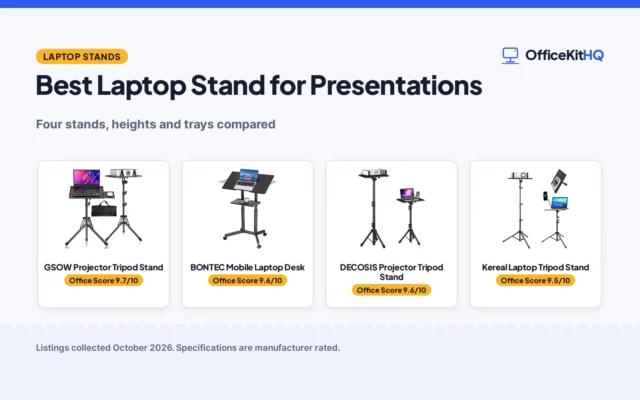
Bluetooth suits a laptop or tablet that already supports it; a 2.4G receiver suits a screen or box without it. The Keychron K2 and the Logitech Keys-to-Go 2 each pair with up to 3 devices. The Rii Mini and the iPazzPort KP-T1 add a 2.4G mode beside Bluetooth, and the iPazzPort states a range of 10 meters. A laptop stand for presentations lifts the screen while the keyboard stays where the hands rest.
| Keyboard | Keys | Connection | Battery |
|---|---|---|---|
| Logitech Keys-to-Go 2 | 78 | Bluetooth | Up to 3 years |
| iPazzPort KP-T1 | 45 buttons | Bluetooth, 2.4GHz | Not stated |
| Rii Mini K06 | 84 | Bluetooth, 2.4G | Not stated |
| Keychron K2 | 84 | Bluetooth, wired USB-C | Up to 72 hours typing |
| MOJO Projection Keyboard | 105 buttons | Bluetooth, USB | 200 minutes |
Figures as stated in each listing; battery figures are the maker’s claims.
Count the keys you actually need
For slides, arrows, a few shortcuts and a familiar layout matter most. The Keychron K2 and the Rii Mini each list 84 keys, the Logitech Keys-to-Go 2 lists 78 keys, and the iPazzPort KP-T1 lists 45 buttons on a handheld remote. The MOJO lists 105 buttons in one spec line and 5 keys in another, so treat its key count as unclear.
Battery claims need a second look
The Keychron K2 lists a 4000 mAh battery with up to 72 hours typing or up to 7 days normal use at 8 hours per day. The Logitech Keys-to-Go 2 lists battery life of up to 3 years, but its bullets say pre-installed coin cell batteries while its spec table says a built-in rechargeable battery, so the power story is unclear. The MOJO lists 200 minutes of working time from a 1000 mAh battery. The Rii Mini lists auto sleep and wake-up, and the iPazzPort lists a rechargeable battery, neither with a working-time figure.
Check the size before it ships
Size decides whether a keyboard rides in a laptop sleeve or needs a bag. The Keychron K2 measures 12.32 by 4.84 by 1.52 in and weighs 1.9 pounds. The Rii Mini measures 5.9 by 2.3 by 0.4 in, and the iPazzPort KP-T1 measures 6.3 by 0.35 by 0.25 in, so both travel easily in a bag. The MOJO projects a layout of 100 by 240 mm on a flat surface, so it needs a table but no board. The Logitech lists no dimensions, only a weight of 220 g. A wireless mouse for hot-desking keeps a travelling kit small.
Read the warranty line, not the headline
The Rii Mini states 365 days, the Logitech Keys-to-Go 2 states a 1 Year Limited Hardware Warranty, and the iPazzPort KP-T1 states 1 year. The Keychron K2 and the MOJO state no warranty term, so failures after purchase are not covered by a stated term.
Setup Notes
- Measure the surface the keyboard will sit on: the Keychron measures 12.32 by 4.84 by 1.52 in, while the Rii measures 5.9 by 2.3 by 0.4 in.
- Check the charging setup before the talk: the Keychron includes a USB cable, while the iPazzPort listing notes the charging cable is not included.
- Confirm the connection the venue screen supports: the Rii and iPazzPort offer 2.4G as well as Bluetooth, while the Logitech pairs over Bluetooth only.
- For the MOJO, confirm a flat surface is available, since the layout projects on flat surfaces.
- Check the battery claim against the length of the session: the Logitech lists up to 3 years, the Keychron up to 72 hours typing, and the MOJO 200 minutes of working time.
FAQ
Which keyboard here pairs with the most devices?
The Keychron K2 and the Logitech Keys-to-Go 2 each pair with up to 3 devices. The iPazzPort lists support for 1 device; the Rii and MOJO state no device count.
Which keyboard among the five picks states the longest wireless range?
The iPazzPort KP-T1 states a range of 10 meters; no range figure is stated for the other four listings.
Which keyboards here have a backlight?
The Keychron K2 has a white LED backlight and the Rii Mini has a backlit mode. The iPazzPort states it has no backlight function; none is stated for the Logitech or MOJO.
Which keyboards here state a warranty term?
The Rii Mini states 365 days, the Logitech states a 1 Year Limited Hardware Warranty, and the iPazzPort states 1 year. None is stated for the Keychron K2 or the MOJO.
Can the projection keyboard work on any surface?
The MOJO listing says it projects on any flat surface, including tables and sheets, at 100 by 240 mm, with a stated working time of 200 minutes.
Score breakdown
The Office Score weighs performance, build, value, safety and warranty. For a keyboard, safety means a stated safety-relevant feature or certification on the listing; none of the five listings state one, so safety scores zero across the group. Three listings state a warranty term: the Rii at 365 days, the Logitech at 1 year and the iPazzPort at 1 year. How we pick explains the weights.
| Product | Office Score | Perf. /35 | Build /25 | Value /25 | Safety /10 | Warranty /5 |
|---|---|---|---|---|---|---|
| Logitech Keys-to-Go 2 | 9.6 | 30 | 22 | 21 | 0 | 3 |
| iPazzPort KP-T1 | 9.5 | 29 | 19 | 20 | 0 | 3 |
| Rii Mini K06 | 9.4 | 28 | 19 | 20 | 0 | 3 |
| Keychron K2 | 9.4 | 32 | 21 | 21 | 0 | 0 |
| MOJO Projection Keyboard | 9.3 | 26 | 18 | 19 | 0 | 0 |
We fit point totals onto a 9.2 low and 9.8 high in a straight line. One item can outscore another only by earning more points.
More for your workspace
See every keyboard guide and all monitor mounts, keyboards and mice guides. Also see our best keyboard for travel. Also see our best keyboard for standing desk.
More picks: keyboards and keyboard trays, mice and mouse pads, monitor arms and stands.