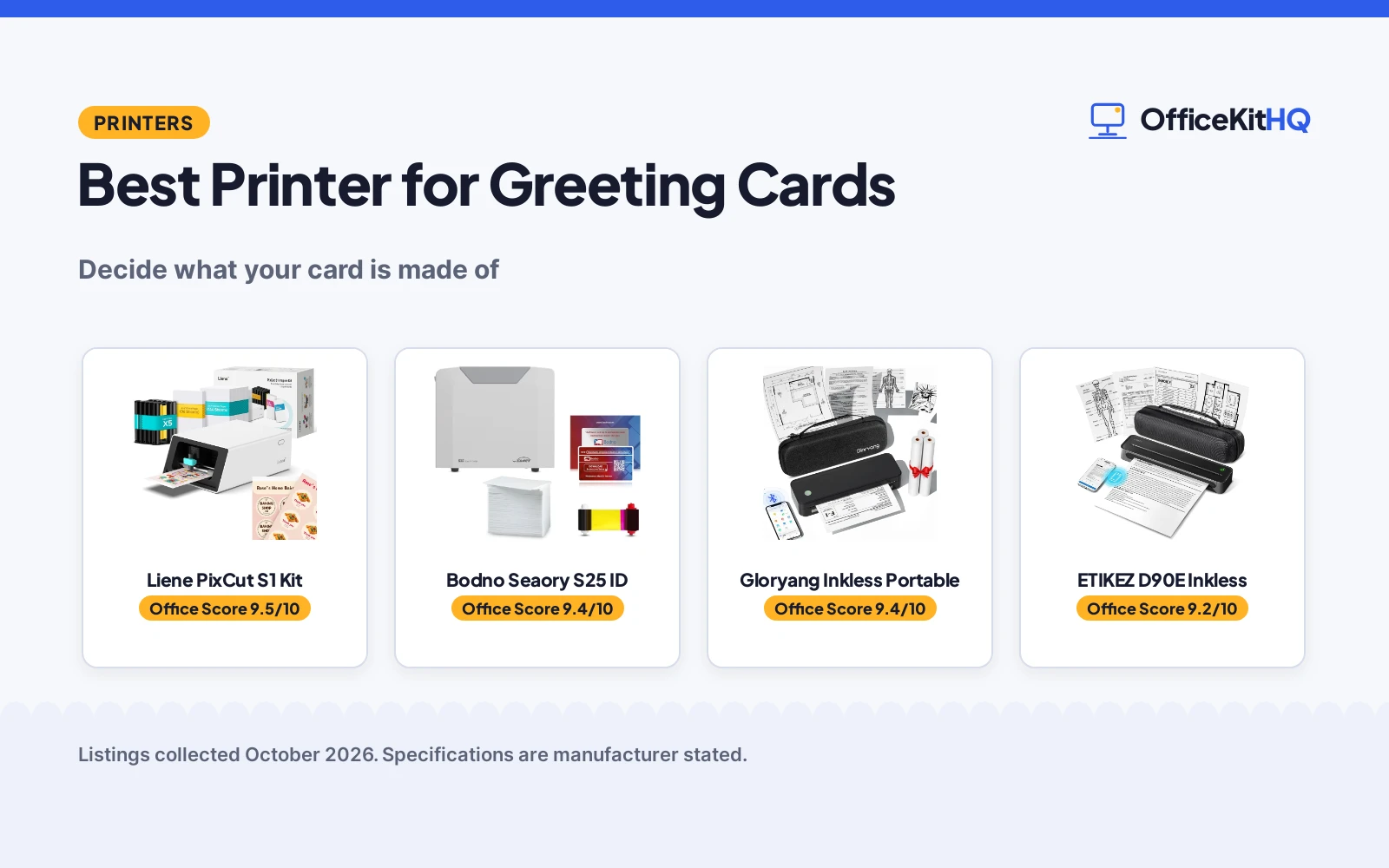
Read this list the honest way first: none of these four listings is the inkjet that prints a folded paper greeting card at home, and this page will not pretend otherwise. The best printer for greeting cards among the actual listings is the Bodno Seaory S25, which prints real cards in colour, plastic ID and gift style cards, hand-fed with software and a 100 print ribbon in the box. The Liene PixCut S1 serves the craft route, printing and cutting the stickers that dress blank cards. The Gloryang and ETIKEZ thermals print the monochrome inserts and labels. We compared stated print types and media, using only what each listing publishes.
OfficeKitHQ earns a commission when you buy through links on this page, at no extra cost to you. As an Amazon Associate I earn from qualifying purchases. Affiliate disclosure.
Quick picks
 Best Card Printer Bodno Seaory S25 ID: prints real cards, ribbon and software included Check price on Amazon
 Best for Crafters Liene PixCut S1 Kit: prints and cuts stickers for card blanks Check price on Amazon
 Best Portable Gloryang Inkless Portable: inkless thermal, case and 3 rolls Check price on Amazon
The picks
| # | Product | Office Score | Buy |
|---|---|---|---|
| 1 | Liene PixCut S1 Inspire Kit | 9.5/10 | Buy on Amazon |
| 2 | Bodno Seaory S25 ID | 9.4/10 | Buy on Amazon |
| 3 | Gloryang PD-A4 | 9.4/10 | Buy on Amazon |
| 4 |  ETIKEZ D90E ETIKEZ D90E | 9.2/10 | Buy on Amazon |

Liene PixCut S1 Inspire Kit
The PixCut S1 print-and-cut color sticker machine bundled with 180 sheets, for crafters who want to start printing and cutting immediately.
Pros
- 300 dpi thermal dye-sublimation color printing with 16.7 million colors
- Prints and die-cuts in one step with AI image extraction and edge following
- Stickers come out waterproof and scratch-resistant per the listing
- 180 sheets included: 36 photo plus 144 sticker paper
Cons
- No warranty term is stated
- 1 page per minute stated speed in black and white and color
- Bluetooth connectivity only: no USB or Wi-Fi is stated
- Near-duplicate of the base PixCut S1 listing with a larger paper bundle
Detailed Review
Liene lists the PixCut S1 Inspire Kit as the DHP700 all-in-one color sticker printer and cutting machine with a 180-sheet bundle: 36 photo papers and 144 sticker papers. The listing gives 300 dpi dye-sublimation printing, AI image extraction with precision cutting, Bluetooth control from the Liene app, and stickers the maker describes as waterproof and scratch-resistant because the photo paper laminates during printing. The unit measures 11.06 x 7.72 x 4.13 inches at 2.9 kg, and no warranty term is stated. It is the same printer as the base PixCut S1 listing with a larger paper supply.
Who it's for: crafters and small sellers who want color printing plus cutting in one machine with paper to start immediately. Who should skip it: anyone who already owns the base PixCut S1, or who only needs monochrome labels.
Its Office Score of 9.5/10 comes from performance 30/35, build 21/25, value 21/25, safety 0/10 and warranty 0/5: 72 of 100 points, placed on our 9.2 to 9.8 scale.
Key Specifications
| Resolution | 300 dpi color |
|---|---|
| Media | 4x7 in max, 180 sheets (36 photo + 144 sticker) |
| Functions | Print and AI die-cut in one step |
| Size | 11.06 x 7.72 x 4.13 in, 2.9 kg |
Figures as published on the retailer listing, collected 18 October 2026. Performance figures are manufacturer rated.
Safety and Warranty
What this listing states. This product does not plug in or run on a battery, so safety is not part of its score. No warranty term, so warranty scores zero. See How We Pick.
Follow the manual. Assemble and use the product as the maker describes, stay under any stated capacity, and read the manual before first use.
This is general buying information, not professional advice. Follow each product manual and local rules, and see our Safety Disclaimer.

Bodno Seaory S25 ID
The Bodno Seaory S25 single sided ID card printer, an all-inclusive package with supplies, a color ribbon for 100 prints and lifetime-license ID software, hand-fed one card at a time.
Pros
- Prints real cards in color
- Supplies and software included
- Lifetime software license
- Hand-fed, on demand
Cons
- Built for ID cards, not paper
- Photo-card thickness only
- No warranty term stated
- No certification stated
Detailed Review
The listing states an all-inclusive package: the printer, supplies and the Seaory 11011 color ribbon rated for 100 prints, plus Bodno ID software in a Bronze Edition carrying a lifetime license for the life of the printer, hand-fed one card at a time for badges on demand. Of this set it is the only machine that prints an actual card, in colour, which makes it the honest leader for plastic gift cards, membership cards and event passes, and the wrong tool for folded paper greetings.
Who it is for: makers of plastic cards and badges. Who should skip it: paper greeting card senders, who should read the framing in the guide below.
Its Office Score of 9.4/10 comes from performance 27/35, build 18/25, value 15/25, safety not scored (non-powered gear) and warranty 0/5: 60 of 90 points, placed on our 9.2 to 9.8 scale.
Key Specifications
| Print type | Single sided card |
|---|---|
| Ribbon | Color, 100 prints |
| Software | Included, lifetime license |
Figures as published on the retailer listing, collected 18 October 2026. Performance figures are manufacturer rated.
Safety and Warranty
What this listing states. This product does not plug in or run on a battery, so safety is not part of its score. No warranty term, so warranty scores zero. See How We Pick.
Shredder and printer safety. Keep hair, ties, jewelry, children and pets away from the feed slot, use the safety lock, unplug when not in use, and give printers and adapters room to vent.
This is general buying information, not professional advice. Follow each product manual and local rules, and see our Safety Disclaimer.

Gloryang PD-A4
A thermal travel printer with a carry case and three paper rolls, for iOS and Android printing on the go.
Pros
- Carry case and 3 thermal paper rolls included
- iOS and Android via the Jadens Printer app
- 1.75 lb and 1.7 in thick per the listing
- 1 year warranty is stated
Cons
- Thermal paper only; no regular paper
- Monochrome, print only
- Only Gloryang thermal paper is supported
- Spec table lists 3.1 lb against the 1.75 lb bullet
Detailed Review
Gloryang lists the PD-A4 as an inkless thermal printer that connects to iOS and Android over Bluetooth through the Jadens Printer app, with a driver for laptops. It states 300 dpi copy resolution and 203 dpi print resolution, 1.75 lb in the bullets against 3.1 lb in the spec table, 11 by 4 by 4 in at 1.7 in thick, and a built-in paper bin. The box includes 3 paper rolls, a carry case, a cable and a manual, and the warranty is 1 year.
Who it's for: someone who wants a travel printer with paper and a case in the box. Who should skip it: anyone who needs color or plain paper.
Its Office Score of 9.4/10 comes from performance 27/35, build 18/25, value 20/25, safety 0/10 and warranty 3/5: 68 of 100 points, placed on our 9.2 to 9.8 scale.
Key Specifications
| Resolution | 300 dpi copy, 203 dpi print |
|---|---|
| Item weight | 1.75 lb (bullets), 3.1 lb (spec table) |
| In the box | 3 paper rolls, carry case |
| Warranty | 1 year |
Figures as published on the retailer listing, collected 17 October 2026. Performance figures are manufacturer rated.
Safety and Warranty
What this listing states. This product does not plug in or run on a battery, so safety is not part of its score. 1 year warranty stated. It does not say everything a buyer needs, such as who pays return shipping, so warranty scores 3 of 5. See How We Pick.
Shredder and printer safety. Keep hair, ties, jewelry, children and pets away from the feed slot, use the safety lock, unplug when not in use, and give printers and adapters room to vent.
This is general buying information, not professional advice. Follow each product manual and local rules, and see our Safety Disclaimer.

ETIKEZ D90E
A 2.08 pound inkless thermal printer with a carry case, printing black and white only at 203 DPI.
Pros
- Travel case, 10 sheets and USB-C cable included
- 2.08 pounds, light enough for a briefcase
- Inkless printing with no cartridges
- Bluetooth and USB connectivity
Cons
- 4 pages per minute, the slowest here
- 203 DPI, the lowest resolution here
- No warranty is stated
- Not compatible with Chromebooks
Detailed Review
ETIKEZ lists the D90E as an inkless portable thermal printer with a travel case, weighing 2.08 lb and printing black and white only. It connects to phones over Bluetooth and to PCs over USB with the Labelnize app, and the package includes the printer, USB-C cable, 10 sheets of paper, travel case and guide. The spec table lists 203 dpi resolution and 4 pages per minute, the slowest and lowest resolution here, and the listing states no warranty.
Who it's for: someone who wants a bundled carry case and prints occasional black and white documents. Who should skip it: anyone who needs fast printing, sharp 300 DPI output, a warranty in writing, or Chromebook support.
Its Office Score of 9.2/10 comes from performance 21/35, build 18/25, value 19/25, safety 0/10 and warranty 0/5: 58 of 100 points, placed on our 9.2 to 9.8 scale.
Key Specifications
| Print speed | 4 ppm |
|---|---|
| Resolution | 203 dpi |
| Weight | 2.08 lb |
| Connectivity | Bluetooth, USB |
Figures as published on the retailer listing, collected 18 October 2026. Performance figures are manufacturer rated.
Safety and Warranty
What this listing states. This product does not plug in or run on a battery, so safety is not part of its score. No warranty term, so warranty scores zero. See How We Pick.
Shredder and printer safety. Keep hair, ties, jewelry, children and pets away from the feed slot, use the safety lock, unplug when not in use, and give printers and adapters room to vent.
This is general buying information, not professional advice. Follow each product manual and local rules, and see our Safety Disclaimer.
As an Amazon Associate I earn from qualifying purchases.
Compare the picks
| Printer | Verdict | Prints | Media | Colour | Amazon |
|---|---|---|---|---|---|
| Bodno Seaory S25 ID | Top pick | Cards | Plastic cards | Yes | View on Amazon |
| Liene PixCut S1 Kit | Craft pick | Stickers, cut to shape | Sticker stock | Yes | |
| Gloryang Inkless Portable | Insert pick | Notes and labels | Thermal rolls | No | |
| ETIKEZ D90E Inkless | Portable pick | Notes and labels | Thermal rolls | No |
Specifications are manufacturer stated as listed, collected 18 October 2026.
How we scored them
Scores weigh print performance, build, value, safety and warranty for the card-adjacent work each machine can honestly do. The Bodno leads as the only true card printer here. The Liene follows on its colour and cutting combination. The thermals close together, monochrome and narrow, scored for inserts and labels rather than greetings. No listing states a warranty term or certification, so those scores sit at zero.
| Product | Office Score | Perf. /35 | Build /25 | Value /25 | Safety /10 | Warranty /5 |
|---|---|---|---|---|---|---|
| Bodno Seaory S25 ID | 9.4 | 27 | 18 | 15 | n/a | 0 |
Scores run from 9.2 to 9.8: each product’s point total is placed on that range, so more points always means a higher score. Safety counts only for powered gear or where the listing states safety features; where it does not apply, the score is taken over the remaining 90 points.
How to choose the best printer for greeting cards
Decide what your card is made of
The media decides the machine. Plastic cards, gift, membership, event and loyalty, belong to the Bodno’s world, printed singly and durably. Paper greetings decorated by hand belong to the Liene’s: buy the blanks, print and cut the art. Notes, inserts and address labels belong to the thermals. A folded card printed edge to edge in colour at home wants a desktop inkjet of the cardstock printer class, which is where this site’s heavier paper work lives; none of the four listings here is that machine, and choosing among them means choosing the neighbouring job you actually have.
Count the consumables in the box
Card projects stall on supplies, so read the inclusions before the specifications. The Bodno ships its first ribbon, rated at 100 prints, plus software with a lifetime license; the Gloryang ships 3 paper rolls and a case. A printer whose first project needs a second order is a slower printer than its engine suggests, whichever media it serves.
Frequently Asked Questions
Can any of these print a paper greeting card?
Not as a finished folded card. The Bodno prints plastic cards, the Liene prints and cuts stickers for dressing blanks, and the thermals print monochrome inserts and labels.
Which printer makes gift and membership cards?
The Bodno Seaory S25, single sided and hand-fed, with a colour ribbon for 100 prints and lifetime-license software included.
Which suits decorating blank cards?
The Liene PixCut S1, printing colour stickers and cutting them to shape as seals, labels and embellishments.
What do the thermal printers add to a card project?
Inserts, message slips and address labels, printed inklessly and portably. The Gloryang includes a case and 3 paper rolls.
Related guides
See every printer guide.
More picks: browse printers for cardstock.