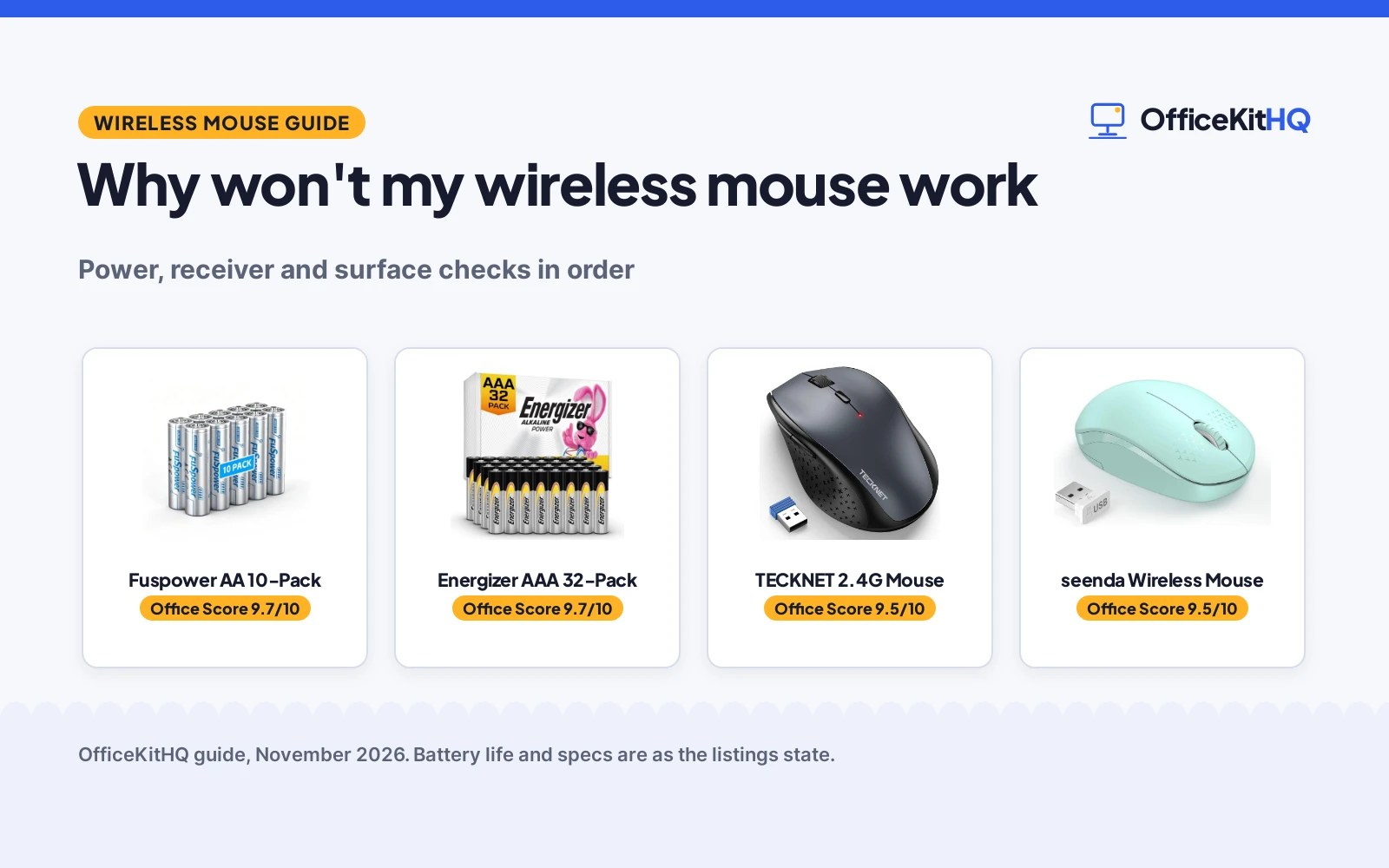
If you are asking why won’t my wireless mouse work, start with power: a mouse that stops responding almost always has spent batteries, a receiver that lost its link, or a power switch left off, and each cause is quick to rule out in turn. Work through the checks below in order, from batteries to receiver to surface, and you will know whether the mouse needs fresh power, a new spot on the desk, or a replacement.
OfficeKitHQ earns a commission when you buy through links on this page, at no extra cost to you. As an Amazon Associate I earn from qualifying purchases. Affiliate disclosure.
Why won’t my wireless mouse work
Several parts have to line up before the cursor moves: power from the batteries, a link between the mouse and the receiver, and a surface the sensor can read. When one of them drops out, the cursor freezes, stutters, or vanishes, and the screen gives no clue which part failed. The checks below take them in order, so a dead battery never sends you shopping for a new mouse.
Check the batteries first
Open the battery door and look at what the mouse takes, then swap in fresh cells from a pack you trust. The Energizer AAA 32-pack (on Amazon) and the Fuspower AA 10-pack (on Amazon) below both state a shelf life of up to 10 years in storage, so a fresh pack kept in a drawer stays ready for this exact moment. Match the size the mouse asks for: AAA cells go in AAA mice, AA cells in AA mice, and a mixed pair of old and new cells is a poor swap. If the cursor wakes up, the old batteries were the whole story.
Reseat the receiver and the switch
Pull the small receiver out of its USB port and push it back in until it sits firm, then try another port if the first one stays silent. Flip the power switch on the underside of the mouse off and back on, and watch for the small light that shows the mouse has power. A receiver tucked behind a metal dock or a hub full of cables can lose its link, so give it a clear port on the computer itself when you can.
Try another surface
Glass, gloss, and bare metal confuse the sensor on many mice, so move the mouse to a plain mouse pad or a sheet of paper and watch the cursor. The best extended mouse pads give the sensor a steady surface across the whole desk, and the mouse pad size guide shows how to match a pad to the space you have. If the cursor moves on the pad and freezes on glass, the surface was the problem, not the mouse.
When the mouse itself is done
If fresh batteries, a reseated receiver, and a plain surface all leave the cursor still, the mouse itself has likely reached the end of its working life. A replacement mouse with a long stated battery life keeps this problem away for longer: the TECKNET mouse (on Amazon) below states a 30-month battery life with a 4800 DPI sensor, and the seenda mouse (on Amazon) states a 24-month battery life. Pick the one whose shape and size suit your hand, then keep a spare pack of batteries with it so the next dead cell is a swap, not a search.
Gear for the power and replacement steps
The checks above need fresh batteries for the power step and a replacement mouse for the last step, so the gear below covers both: two battery packs matched to the two common sizes, and two mice to replace one that has stopped responding.
| # | Product | Office Score | Buy |
|---|---|---|---|
| 1 |  Fuspower AA 10-Pack | 9.7/10 | Buy on Amazon |
| 2 |  Energizer AAA 32-Pack | 9.7/10 | Buy on Amazon |
| 3 |  TECKNET 2.4G Wireless Mouse | 9.5/10 | Buy on Amazon |
| 4 |  seenda Mini Wireless Mouse | 9.5/10 | Buy on Amazon |

Fuspower AA 10-Pack
A 10-pack of 1.5V AA alkaline batteries with a stated 10-year shelf life and a leak-proof design for wireless mice and keyboards.
Pros
- Stated 10-year shelf life in proper storage
- Leak-proof design guards devices against damage and corrosion
- Free from mercury and cadmium, per the listing
- A 1 Year warranty is stated
Cons
- Maker claim of 3 to 5 times longer life than standard carbon batteries cannot be checked from the listing
- No stated capacity figure for a single battery
- 10-pack is the smaller pack here
- AA size only; AAA devices need a different pack
Detailed Review
Fuspower lists a 10-pack of 1.5V AA alkaline batteries with a stated shelf life of up to 10 years in proper storage, a leak-proof design, and a claim of 3 to 5 times longer use than standard carbon batteries. The listing names wireless mice and keyboards among the devices it powers, and states the batteries are free from mercury and cadmium. The spec table gives a 0.53 lb item weight and dimensions of 1.93 by 0.57 by 0.57 in, and states a 1 Year warranty.
Who it's for: someone who wants a stated warranty and a leak-proof design for a mouse and keyboard that share AA cells. Who should skip it: anyone who needs AAA cells, or a larger pack than 10.
Its Office Score of 9.7/10 comes from performance 30/35, build 21/25, value 21/25, safety 8/10 and warranty 3/5: 83 of 100 points, placed on our 9.2 to 9.8 scale.
Key Specifications
| Battery size | AA, 1.5V |
|---|---|
| Pack size | 10 count |
| Shelf life | Up to 10 years |
| Item weight | 0.53 lb |
Figures as published on the retailer listing, collected 12 November 2026. Performance figures are manufacturer rated.
Safety and Warranty
What this listing states. Leak-proof design; free from mercury and cadmium, so safety scores 8 of 10. 1 Year. It does not say everything a buyer needs, such as who pays return shipping, so warranty scores 3 of 5. See How We Pick.
Fit the desk first. Check the stated size against your desk depth and keyboard tray, and charge or pair as the manual describes. No keyboard, mouse or wrist rest prevents or treats injury.
This is general buying information, not professional advice. Follow each product manual and local rules, and see our Safety Disclaimer.

Energizer AAA 32-Pack
A 32-pack of AAA alkaline batteries that the listing states hold power for up to 10 years in storage and power a wireless mouse.
Pros
- 32-pack covers many battery swaps
- Stated to hold power for up to 10 years in storage
- Designed to protect against damaging leaks for up to two years after fully used
- Listing names wireless mouse use directly
Cons
- No warranty term is stated; the listing only names customer care contact
- AAA size only; AA devices need a different pack
- No stated capacity figure for a single battery
- Bulk 32-pack is more than a single mouse needs
Detailed Review
Energizer lists a 32-pack of AAA alkaline batteries that hold power for up to 10 years in storage and are stated to power a wireless mouse, flashlights, thermometers, smart home devices and controllers. The listing states the batteries are designed to protect against damaging leaks for up to two years after fully used. The spec table gives pack dimensions of 3.74 by 4.21 by 1.22 in. The warranty line only names Energizer Customer Care, so no warranty term is stated and warranty scores zero.
Who it's for: a household with several AAA devices that wants one large pack kept in storage. Who should skip it: anyone who needs AA cells, or who wants a warranty term in writing.
Its Office Score of 9.7/10 comes from performance 30/35, build 21/25, value 22/25, safety 8/10 and warranty 0/5: 81 of 100 points, placed on our 9.2 to 9.8 scale.
Key Specifications
| Battery size | AAA |
|---|---|
| Pack size | 32 count |
| Storage life | Up to 10 years |
| Pack dimensions | 3.74 by 4.21 by 1.22 in |
Figures as published on the retailer listing, collected 12 November 2026. Performance figures are manufacturer rated.
Safety and Warranty
What this listing states. Designed to protect against damaging leaks for up to two years after fully used, so safety scores 8 of 10. No warranty term, so warranty scores zero. See How We Pick.
Fit the desk first. Check the stated size against your desk depth and keyboard tray, and charge or pair as the manual describes. No keyboard, mouse or wrist rest prevents or treats injury.
This is general buying information, not professional advice. Follow each product manual and local rules, and see our Safety Disclaimer.

TECKNET 2.4G Wireless Mouse
A right-hand wireless mouse with a stated 30-month battery life, 4800 DPI and 6 buttons.
Pros
- 30-month battery stated in the bullets, the longest here
- 4800 DPI with 6 adjustable levels and 6 buttons
- Silent click stated for quiet environments
- 50 ft wireless range stated
Cons
- 2 AA batteries are not included
- Right-hand shape only
- No warranty term is stated
Detailed Review
TECKNET lists a 2.4G wireless mouse with 6 adjustable DPI levels up to 4800, 6 buttons, silent click and a 50 ft range, at 75 g. The bullets state up to 30 months of use on 2 AA batteries, while the spec table says 400 hours; we trust the bullets. The batteries are not included. No warranty term is stated.
Who it's for: someone who wants the longest stated battery life with adjustable DPI. Who should skip it: anyone who needs a stated warranty term or an ambidextrous shape.
Its Office Score of 9.5/10 comes from performance 33/35, build 21/25, value 21/25, safety 0/10 and warranty 0/5: 75 of 100 points, placed on our 9.2 to 9.8 scale.
Key Specifications
| Battery | 30 months, bullets |
|---|---|
| DPI | 4800 max |
| Buttons | 6 |
| Hand | Right |
Figures as published on the retailer listing, collected 17 October 2026. Performance figures are manufacturer rated.
Safety and Warranty
What this listing states. No FCC or other safety listing is stated, so safety scores zero. No warranty term, so warranty scores zero. See How We Pick.
Fit the desk first. Check the stated size against your desk depth and keyboard tray, and charge or pair as the manual describes. No keyboard, mouse or wrist rest prevents or treats injury.
This is general buying information, not professional advice. Follow each product manual and local rules, and see our Safety Disclaimer.

seenda Mini Wireless Mouse
A small noiseless mouse with a 24-month battery life and a 33 ft range, in Mint Green.
Pros
- 24-month battery life is among the longest here
- Noiseless clicks suit quiet classrooms and libraries
- Compact 4 by 2 by 1.25 in size slides into a laptop bag
- 24-month money-back or replacement warranty is stated
Cons
- Not compatible with MacBook Pro or Type-C-only devices
- 1 AA battery not included
- No DPI figure is stated
Detailed Review
seenda lists a Mint Green wireless mouse with 2.4 GHz plug-and-play wireless, ultra-soft noiseless clicks, smooth tracking and a range of up to 33 ft. The bullets give a compact size of 4 by 2 by 1.25 in for small to medium hands, auto-sleep after 10 minutes of inactivity, and a 24-month battery life on 1 AA battery, which is not included. The listing states a 24-month money back or free replacement warranty. Two contradictions: the spec table lists a button quantity of 1 and compatible devices as Tablet, while the title and bullets describe a standard wireless mouse for laptop, Chromebook and PC; we trust the title and bullets.
Who it's for: a teacher who wants a tiny quiet mouse with a long stated battery life for a Windows laptop or Chromebook. Who should skip it: anyone on a MacBook Pro or a Type-C-only device.
Its Office Score of 9.5/10 comes from performance 28/35, build 20/25, value 21/25, safety 0/10 and warranty 3/5: 72 of 100 points, placed on our 9.2 to 9.8 scale.
Key Specifications
| Battery | 24 months, 1 AA |
|---|---|
| Range | 33 ft |
| Size | 4 x 2 x 1.25 in |
| Warranty | 24 months |
Figures as published on the retailer listing, collected 18 October 2026. Performance figures are manufacturer rated.
Safety and Warranty
What this listing states. No FCC or other safety listing is stated, so safety scores zero. 24-month money back or free replacement. It does not say everything a buyer needs, such as who pays return shipping, so warranty scores 3 of 5. See How We Pick.
Fit the desk first. Check the stated size against your desk depth and keyboard tray, and charge or pair as the manual describes. No keyboard, mouse or wrist rest prevents or treats injury.
This is general buying information, not professional advice. Follow each product manual and local rules, and see our Safety Disclaimer.
As an Amazon Associate I earn from qualifying purchases.
FAQ
Why did my wireless mouse stop working all of a sudden?
A sudden stop usually means the batteries gave out, the receiver lost its link, or the switch got bumped off. Swap in fresh batteries first, then reseat the receiver and check the switch before looking further.
How do I know if my wireless mouse batteries are dead?
Swap in fresh batteries and watch the cursor: if it moves again, the old cells were spent. The Energizer and Fuspower packs below both state a shelf life of up to 10 years in storage, so fresh cells from a stored pack are a fair check.
Why does my wireless mouse work on one surface and not another?
Glass, gloss, and bare metal give the sensor little to read, while a plain mouse pad gives it a steady pattern. Move the mouse to a pad or a sheet of paper: if the cursor moves there, the surface was the cause.
How long do wireless mouse batteries last?
It depends on the mouse: the seenda mouse states a 24-month battery life and the TECKNET mouse states a 30-month battery life, while the Energizer and Fuspower packs state up to 10 years in storage. Keep a spare pack on hand so a dead cell is a quick swap.
More for your workspace
See every Mice and Mouse Pads guide and all Monitor Mounts, Keyboards and Mice guides.
More picks: best wireless mouse for small hands, best wireless mouse for hot desking, best vertical mouse grip, best fingertip grip mouse.