
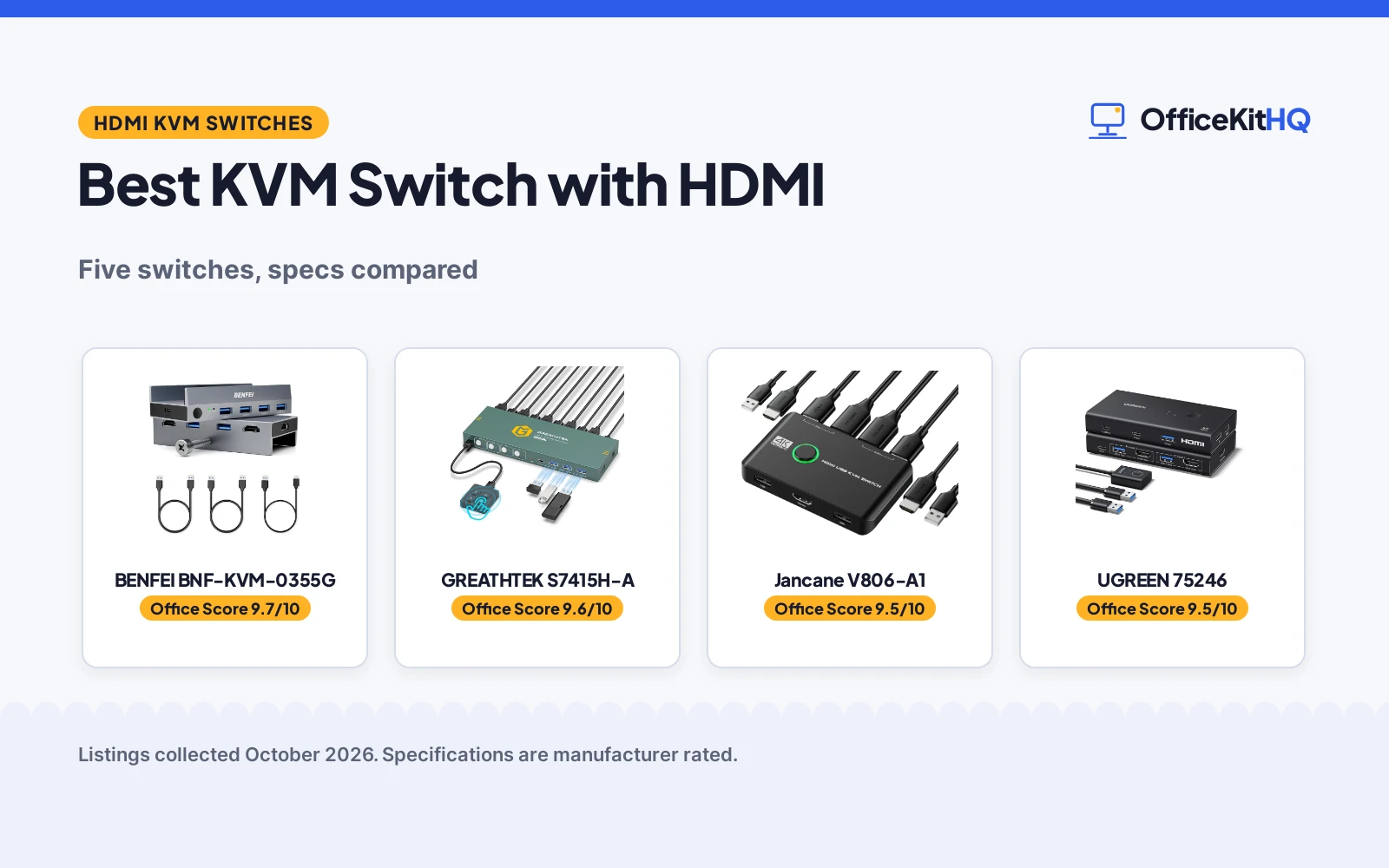
The best kvm switch with hdmi is the one that matches your monitor and your USB needs, because a switch that cannot drive your display or share your devices is just a box on the desk. A home worker juggling a work laptop and a personal desktop needs one keyboard, one mouse and one monitor to serve both, without crawling under the desk to swap cables. We compared five HDMI KVM switches by resolution, computer count, USB ports, switching method and warranty term, using only what each listing publishes.
OfficeKitHQ earns a commission when you buy through links on this page, at no extra cost to you. As an Amazon Associate I earn from qualifying purchases. Affiliate disclosure.
Quick picks
 Best Overall BENFEI BNF-KVM-0355G: 8K@60Hz, 4 USB 3.0, 18-month warranty Check price on Amazon
 Best 4-Port GREATHTEK S7415H-A: 4 computers, USB-C, wired remote Check price on Amazon
 Best Cables Included Jancane V806-A1: 2 HDMI and 2 USB cables, no power needed Check price on Amazon
 Best USB-C Sharing UGREEN 75246: 4 USB 3.0, desktop controller, 5Gbps Check price on Amazon
 Simplest Setup IOGEAR GCS32HU: Molded cables, 6 ft remote, compact Check price on Amazon
The picks
| # | Product | Office Score | Buy |
|---|---|---|---|
| 1 | BENFEI BNF-KVM-0355G | 9.7/10 | Buy on Amazon |
| 2 | GREATHTEK S7415H-A | 9.6/10 | Buy on Amazon |
| 3 | Jancane V806-A1 | 9.5/10 | Buy on Amazon |
| 4 | UGREEN 75246 | 9.5/10 | Buy on Amazon |
| 5 | IOGEAR GCS32HU | 9.4/10 | Buy on Amazon |

BENFEI BNF-KVM-0355G
An 8K@60Hz HDMI KVM switch for 2 computers with 4 USB 3.0 ports, an 18-month warranty and a clamp mount.
Pros
- 8K@60Hz, the highest resolution here
- 4 USB 3.0 ports at up to 5Gbps
- 18-month warranty is stated
- CE and RoHS stated
Cons
- Clamp mount suits screen or desk edge only
- Touch button on the unit, no remote
- 5.51 by 3.94 by 1.97 in, the largest 2-port here
- No cable kit listed in the components
Detailed Review
BENFEI lists the BNF-KVM-0355G as a 2-port HDMI KVM switch supporting up to 8K@60Hz, with backward compatibility for 4K@240Hz, 2560x1440@120Hz and 1920x1080@240Hz. It has 4 USB-A 3.0 ports sharing at up to 5Gbps, and supports HDMI 2.1, HDCP 2.2/1.4, 3D, CEC and HDR. The adjustable clamp mounts to a screen edge or desk edge from 0.19 to 1.41 in thick. The listing states an 18-month warranty and CE/RoHS compliance.
Who it's for: someone who wants the highest stated resolution here and a clamp that keeps the desk clear. Who should skip it: anyone who needs a remote or included cables.
Its Office Score of 9.7/10 comes from performance 33/35, build 21/25, value 21/25, safety 9/10 and warranty 2/5: 86 of 100 points, placed on our 9.2 to 9.8 scale.
Key Specifications
| Resolution | 8K@60Hz |
|---|---|
| Computers | 2 |
| USB ports | 4x USB 3.0 |
| Warranty | 18 months |
Figures as published on the retailer listing, collected 22 October 2026. Performance figures are manufacturer rated.
Safety and Warranty
What this listing states. CE and RoHS stated, so safety scores 9 of 10. 18-month warranty, as stated on the listing. It does not say everything a buyer needs, such as who pays return shipping, so warranty scores 2 of 5. See How We Pick.
Power and heat. Use the supplied adapter, treat power delivery wattage and display support as the maker's claims for your laptop model, and give the dock room to vent.
This is general buying information, not professional advice. Follow each product manual and local rules, and see our Safety Disclaimer.

GREATHTEK S7415H-A
A 4K@60Hz HDMI KVM switch for 4 computers with 3 USB 3.0 ports, a USB-C port and a wired remote.
Pros
- 4 computers, the most here
- 3 USB 3.0 ports plus 1 USB-C port
- Wired remote with numbered buttons 1 to 4
- IP54 stated
Cons
- No warranty term is stated
- No remote battery or power details
- 8.3 by 0.9 by 3 in, a wide footprint
- Hotkey switching is not supported
Detailed Review
GREATHTEK lists the S7415H-A as a 4-port HDMI KVM switch for 4 computers sharing 1 monitor, with a maximum resolution of 3840x2160@60Hz. It has 3 USB 3.0 ports and 1 USB-C port for sharing keyboards, mice, flash drives and cameras. Switching is via front-panel buttons or the included wired remote with numbered keys 1 to 4, with LED indicators. The listing states IP54 but no warranty term.
Who it's for: someone running 4 computers who wants the most ports here and a labeled remote. Who should skip it: anyone who wants a warranty term or hotkey switching.
Its Office Score of 9.6/10 comes from performance 30/35, build 21/25, value 21/25, safety 8/10 and warranty 0/5: 80 of 100 points, placed on our 9.2 to 9.8 scale.
Key Specifications
| Resolution | 4K@60Hz |
|---|---|
| Computers | 4 |
| USB ports | 3x USB 3.0, 1x USB-C |
| Switching | Button and wired remote |
Figures as published on the retailer listing, collected 22 October 2026. Performance figures are manufacturer rated.
Safety and Warranty
What this listing states. IP54 stated, so safety scores 8 of 10. No warranty term, so warranty scores zero. See How We Pick.
Power and heat. Use the supplied adapter, treat power delivery wattage and display support as the maker's claims for your laptop model, and give the dock room to vent.
This is general buying information, not professional advice. Follow each product manual and local rules, and see our Safety Disclaimer.

Jancane V806-A1
A 4K@60Hz 2-port HDMI KVM switch with 2 USB cables and 2 HDMI cables included, and lifetime technical support.
Pros
- 2 HDMI cables and 2 USB cables included
- 4K@60Hz with 4K@30Hz and 1080P support
- Lifetime technical support stated
- No external power required
Cons
- No warranty term is stated, only technical support
- Polycarbonate and plastic build
- USB 2.0 cables, not 3.0
- 7.87 by 4.72 by 1.18 in, a large box
Detailed Review
Jancane lists the V806-A1 as a 2-port HDMI KVM switch for 2 computers sharing a keyboard, mouse, printer and one HD monitor, supporting 4K@60Hz, 4K@30Hz, 3D and 1080P or lower. The package includes 2 1.2m USB 2.0 cables and 2 1.2m HDMI cables. It is driver-free for Windows, Mac OS, Linux and Chrome OS, with no external power required. The listing promises lifetime technical support and states CCC compliance, but no warranty term.
Who it's for: someone who wants cables in the box and no power adapter to plug in. Who should skip it: anyone who wants USB 3.0 speeds or a written warranty term.
Its Office Score of 9.5/10 comes from performance 28/35, build 19/25, value 20/25, safety 7/10 and warranty 0/5: 74 of 100 points, placed on our 9.2 to 9.8 scale.
Key Specifications
| Resolution | 4K@60Hz |
|---|---|
| Computers | 2 |
| Cables included | 2x HDMI, 2x USB |
| Power | None required |
Figures as published on the retailer listing, collected 22 October 2026. Performance figures are manufacturer rated.
Safety and Warranty
What this listing states. CCC stated, so safety scores 7 of 10. No warranty term, so warranty scores zero. See How We Pick.
Power and heat. Use the supplied adapter, treat power delivery wattage and display support as the maker's claims for your laptop model, and give the dock room to vent.
This is general buying information, not professional advice. Follow each product manual and local rules, and see our Safety Disclaimer.

UGREEN 75246
A 4K@60Hz HDMI KVM switch for 2 computers with 4 USB 3.0 ports, a desktop controller and 5Gbps transfer.
Pros
- 4 USB 3.0 ports (3 USB-A plus 1 USB-C) at 5Gbps
- Desktop controller for remote placement
- 4K@60Hz with HDMI 2.0 and HDCP 2.2/1.4
- Driver-free for Windows, MacOS and Linux
Cons
- No warranty term is stated
- No certification stated
- HDMI cables not included
- Not for use with a docking station, per the listing
Detailed Review
UGREEN lists the 75246 as a 2-computer 1-monitor HDMI KVM switch supporting up to 4K@60Hz, with 4 USB 3.0 ports (3 USB-A and 1 USB-C) at up to 5Gbps. Switching is via a button on the unit or the included desktop controller. It supports HDMI 2.0, HDCP 2.2/1.4, 3D and HDR, and is driver-free for Windows, MacOS and Linux. The listing does not include HDMI cables and states no warranty term or certification.
Who it's for: someone who wants USB-C sharing and a desktop controller to hide the unit. Who should skip it: anyone who needs HDMI cables included or a stated warranty.
Its Office Score of 9.5/10 comes from performance 29/35, build 20/25, value 21/25, safety 0/10 and warranty 0/5: 70 of 100 points, placed on our 9.2 to 9.8 scale.
Key Specifications
| Resolution | 4K@60Hz |
|---|---|
| Computers | 2 |
| USB ports | 4x USB 3.0 (3A+1C) |
| Switching | Button and desktop controller |
Figures as published on the retailer listing, collected 22 October 2026. Performance figures are manufacturer rated.
Safety and Warranty
What this listing states. No UL, FCC or over-current protection statement is stated, so safety scores zero. No warranty term, so warranty scores zero. See How We Pick.
Power and heat. Use the supplied adapter, treat power delivery wattage and display support as the maker's claims for your laptop model, and give the dock room to vent.
This is general buying information, not professional advice. Follow each product manual and local rules, and see our Safety Disclaimer.

IOGEAR GCS32HU
A 1920x1200@60Hz 2-port HDMI KVM switch with molded-in 4 ft cables and a 6 ft remote push-button.
Pros
- Molded-in 4 ft cables included (2x USB, 2x HDMI)
- 6 ft remote push-button for easy toggling
- Compact, travel-friendly design
- Supports Windows, Mac, Linux and Unix
Cons
- 1920x1200 is the lowest resolution here
- USB 2.0 only, no 3.0
- No warranty term is stated
- No certification stated
Detailed Review
IOGEAR lists the GCS32HU as a 2-port HDMI KVM switch for two computers sharing one HDMI monitor, a USB keyboard and a USB mouse, with a maximum resolution of 1920x1200 at 60Hz. It includes molded-in 4 ft cables (2x USB 2.0 Type-A and 2x HDMI) and a 6 ft remote push-button switch. The compact design suits travel. The listing states no warranty term or certification.
Who it's for: someone who wants the simplest setup with cables attached and a long remote cord. Who should skip it: anyone who needs 4K or USB 3.0.
Its Office Score of 9.4/10 comes from performance 26/35, build 20/25, value 19/25, safety 0/10 and warranty 0/5: 65 of 100 points, placed on our 9.2 to 9.8 scale.
Key Specifications
| Resolution | 1920x1200@60Hz |
|---|---|
| Computers | 2 |
| Cables included | Molded-in 4 ft |
| Remote | 6 ft push-button |
Figures as published on the retailer listing, collected 22 October 2026. Performance figures are manufacturer rated.
Safety and Warranty
What this listing states. This product does not plug in or run on a battery, so safety is not part of its score. No warranty term, so warranty scores zero. See How We Pick.
Power and heat. Use the supplied adapter, treat power delivery wattage and display support as the maker's claims for your laptop model, and give the dock room to vent.
This is general buying information, not professional advice. Follow each product manual and local rules, and see our Safety Disclaimer.
As an Amazon Associate I earn from qualifying purchases.
More picks to compare
 PVBCTCSID HDMI KVM Switch 4 Computers EDIDCheck on Amazon
 MT-VIKI 8 Port KVM Switch HDMICheck on Amazon
 TIGKTING USB 3.0 HDMI KVM Switch 1 MonitorsCheck on Amazon
Compare the picks
| KVM Switch | Office Score | Resolution | Computers | USB ports | Switching | Warranty | Amazon |
|---|---|---|---|---|---|---|---|
| BENFEI BNF-KVM-0355G | 9.7/10 | 8K@60Hz | 2 | 4x USB 3.0 | Touch button | 18 months | View on Amazon |
| GREATHTEK S7415H-A | 9.6/10 | 4K@60Hz | 4 | 3x USB 3.0, 1x USB-C | Button and wired remote | Not stated | View on Amazon |
| Jancane V806-A1 | 9.5/10 | 4K@60Hz | 2 | USB 2.0 | Push button | Not stated | View on Amazon |
| UGREEN 75246 | 9.5/10 | 4K@60Hz | 2 | 4x USB 3.0 | Button and controller | Not stated | View on Amazon |
| IOGEAR GCS32HU | 9.4/10 | 1920×1200@60Hz | 2 | USB 2.0 | Remote push-button | Not stated | View on Amazon |
Specifications are manufacturer rated as listed, collected 22 October 2026. One of the five states a warranty term.
How we scored them
The Office Score weighs performance (resolution, computer count, USB ports and switching), build (materials and construction), value for the stated specs, safety and warranty. For a KVM switch, safety means stated certifications such as CE, RoHS, CCC or an IP rating; three of the five state one. One listing states a warranty term: BENFEI at 18 months. How we pick explains the weights.
| Product | Office Score | Perf. /35 | Build /25 | Value /25 | Safety /10 | Warranty /5 |
|---|---|---|---|---|---|---|
| BENFEI BNF-KVM-0355G | 9.7 | 33 | 21 | 21 | 9 | 2 |
| GREATHTEK S7415H-A | 9.6 | 30 | 21 | 21 | 8 | 0 |
| Jancane V806-A1 | 9.5 | 28 | 19 | 20 | 7 | 0 |
| UGREEN 75246 | 9.5 | 29 | 20 | 21 | 0 | 0 |
| IOGEAR GCS32HU | 9.4 | 26 | 20 | 19 | 0 | 0 |
Scores run from 9.2 to 9.8: each product’s point total is placed on that range, so more points always means a higher score.
How to choose the best kvm switch with hdmi
Match the resolution to your monitor
Resolution is the first filter. The BENFEI supports up to 8K@60Hz, the GREATHTEK, Jancane and UGREEN support 4K@60Hz, and the IOGEAR tops out at 1920×1200@60Hz. If your monitor is 4K, any of the first four will drive it; if you need 8K, only the BENFEI states it. All five list backward compatibility with lower resolutions, so a 4K switch will still work with a 1080p monitor. For a DisplayPort setup instead, see our KVM switch with DisplayPort guide.
Count the computers and USB devices
Four of the five switches handle 2 computers; the GREATHTEK handles 4. For USB, the BENFEI and UGREEN each have 4 USB 3.0 ports, the GREATHTEK has 3 USB 3.0 plus 1 USB-C, and the Jancane and IOGEAR use USB 2.0. Count your keyboard, mouse, printer, drives and webcam before choosing. For more 2-computer options, see our KVM switches for 2 computers.
How you switch matters
The BENFEI uses a touch button, the GREATHTEK and UGREEN include a wired remote or desktop controller, the Jancane uses a push button, and the IOGEAR has a 6 ft remote push-button. A remote lets you hide the switch behind the monitor; a button on the unit suits a switch within arm’s reach. None of the five lists hotkey switching, so plan on reaching for the button or remote each time you change computers.
Cables, power and placement
The Jancane includes 2 HDMI and 2 USB cables and needs no external power. The IOGEAR has molded-in 4 ft cables. The BENFEI, GREATHTEK and UGREEN do not list included HDMI cables, so check the box contents. The BENFEI clamp mounts to a screen edge or desk edge from 0.19 to 1.41 in thick, which saves desk space.
Frequently Asked Questions
What is a KVM switch?
A KVM switch lets two or more computers share one monitor, keyboard and mouse. You press a button or a remote to switch control between computers.
How many computers can these switches handle?
The GREATHTEK handles 4 computers. The other four handle 2 computers each.
Do I need external power?
The Jancane needs no external power. The other listings mention power adapters or USB power; check the listing for your pick.
Which switch states a warranty?
The BENFEI states an 18-month warranty. The other four state no warranty term.
Can I use a KVM switch with a docking station?
The UGREEN listing says it is not for use with a docking station. Check each listing for compatibility notes before buying.
Do these switches work with Mac and Linux?
The Jancane, UGREEN and IOGEAR list Windows, Mac and Linux compatibility. The BENFEI and GREATHTEK list computers with HDMI output; check the listing for your operating system.
Related guides
See every docking station and USB hub guide and all connectivity guides. Also see our KVM switch with DisplayPort.
More picks: KVM switches for 2 computers, USB hubs under 30, docking stations and USB hubs.



