
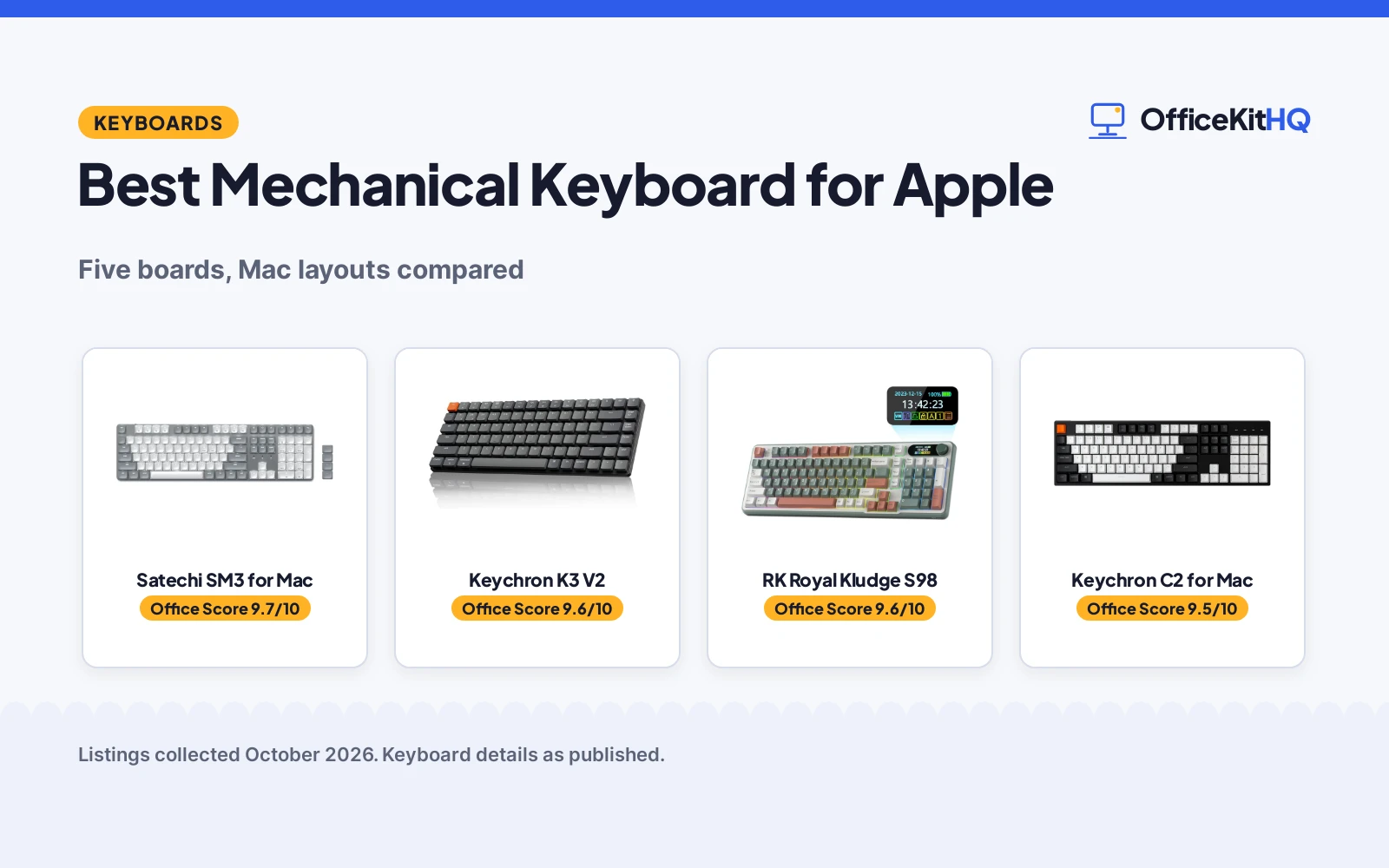
Typing on a Mac all day makes the keyboard the most-touched tool on the desk, and the best mechanical keyboard for apple users is one with a real Mac layout, not a Windows board with stickers. We compared five mechanical keyboards using only what each Amazon listing publishes: key count, switches, connection, backlight and warranty.
OfficeKitHQ earns a commission when you buy through links on this page, at no extra cost to you. As an Amazon Associate I earn from qualifying purchases. Affiliate disclosure.
Quick picks
 Best Overall Satechi SM3 for Mac: 108 keys, 4-device connection, 2-year warranty Check price on Amazon
 Best Wired Keychron C2 for Mac: 104 keys, hot-swap switches, Mac layout Check price on Amazon
 Best Low-Profile Keychron K3 V2: Low-profile wireless mechanical Check price on Amazon
 Best with Knob AULA F75 Pro: Wireless mechanical with knob Check price on Amazon
 Best Compact Wireless RK Royal Kludge S98: Wireless mechanical keyboard Check price on Amazon
The picks
| # | Product | Office Score | Buy |
|---|---|---|---|
| 1 | Satechi SM3 for Mac | 9.7/10 | Buy on Amazon |
| 2 | Keychron K3 V2 | 9.6/10 | Buy on Amazon |
| 3 | RK ROYAL KLUDGE S98 | 9.6/10 | Buy on Amazon |
| 4 | Keychron C2 for Mac | 9.5/10 | Buy on Amazon |
| 5 | AULA F75 Pro Wireless | 9.5/10 | Buy on Amazon |

Satechi SM3 for Mac
A full-size 108-key low-profile mechanical keyboard designed for macOS with Bluetooth, 2.4GHz and wired USB-C for up to 4 devices.
Pros
- Designed for macOS with dedicated Mac shortcuts
- 108 keys with numeric keypad, low-profile brown switches
- Bluetooth 5.0, 2.4GHz and USB-C for up to 4 devices
- 2-year limited warranty
Cons
- No hot-swap support stated
- No safety certification stated
- Full-size may crowd small desks
- White backlight only, no color options stated
Detailed Review
The Satechi SM3 is built around Apple setups. It is a full-size 108-key wireless mechanical keyboard with a numeric keypad and low-profile brown switches for tactile feedback. The listing says it is designed for macOS with dedicated Mac shortcuts, and it is also compatible with Windows, iPad and Chromebooks. The aluminum construction with removable keycaps suits an office desk.
Connection is flexible: dual Bluetooth 5.0, a 2.4GHz USB receiver, or wired USB-C, for up to 4 devices simultaneously. The rechargeable 2500mAh battery charges over USB-C. The white LED backlight offers 14 patterns, 3 brightness levels and 4 LED speeds, adjustable via F5/F6. The box includes 2 Windows keycaps, 2 Alt keycaps, a USB-C cable and the receiver.
The 2-year limited warranty against defects in materials and workmanship is the strongest warranty among the five. The low-profile design is meant to reduce hand fatigue during long typing sessions. At 16.9 inches wide, it needs a full-size desk.
Its Office Score of 9.7/10 comes from performance 35/35, build 22/25, value 22/25, safety 0/10 and warranty 4/5: 83 of 100 points, placed on our 9.2 to 9.8 scale.
Key Specifications
| Keys | 108 |
|---|---|
| Switches | Low-profile brown |
| Battery | 2500mAh |
| Warranty | 2-year limited |
Figures as published on the retailer listing, collected 17 October 2026. Performance figures are manufacturer rated.
Safety and Warranty
What this listing states. No FCC or other safety listing is stated, so safety scores zero. 2-year limited warranty. It does not say everything a buyer needs, such as who pays return shipping, so warranty scores 4 of 5. See How We Pick.
Fit the desk first. Check the stated size against your desk depth and keyboard tray, and charge or pair as the manual describes. No keyboard, mouse or wrist rest prevents or treats injury.
This is general buying information, not professional advice. Follow each product manual and local rules, and see our Safety Disclaimer.

Keychron K3 V2
Low-profile 75% wireless mechanical keyboard with Bluetooth 5.1 for 3 devices.
Pros
- Bluetooth 5.1 connects up to 3 devices
- Low-profile 75% layout, 84 keys
- Brown tactile switches
- QMK firmware with Keychron Launcher
Cons
- No number pad for heavy Excel work
- Single-color white backlight only
- Low-profile feel is not for everyone
- No hot-swap stated
Detailed Review
The listing describes the K3 V2 as an ultra-slim 75% wireless mechanical keyboard with 84 keys, Bluetooth 5.1 for 3 devices, USB-C wired mode, white LED backlight and brown tactile switches, with QMK firmware and the Keychron Launcher. It states a 1 year limited warranty and a weight of 500 g.
Who it's for: bankers who commute or travel and want a slim wireless board. Who should skip it: heavy Excel users who need a number pad, and anyone who wants full-height keycaps.
Its Office Score of 9.6/10 comes from performance 29/35, build 21/25, value 18/25, safety not scored (non-powered gear) and warranty 1/5: 69 of 90 points, placed on our 9.2 to 9.8 scale.
Key Specifications
| Layout | 75%, 84 keys |
|---|---|
| Connectivity | Bluetooth 5.1 / USB-C |
| Switch | Brown tactile |
| Weight | 500 g |
Figures as published on the retailer listing, collected 17 October 2026. Performance figures are manufacturer rated.
Safety and Warranty
What this listing states. This product does not plug in or run on a battery, so safety is not part of its score. Warranty Description: 1 year limited warranty. It does not say everything a buyer needs, such as who pays return shipping, so warranty scores 1 of 5. See How We Pick.
Fit the desk first. Check the stated size against your desk depth and keyboard tray, and charge or pair as the manual describes. No keyboard, mouse or wrist rest prevents or treats injury.
This is general buying information, not professional advice. Follow each product manual and local rules, and see our Safety Disclaimer.

RK ROYAL KLUDGE S98
96% wireless mechanical keyboard with a smart display, knob and hot-swap switches.
Pros
- 96% layout with 98 keys and number pad
- BT 5.0, 2.4G dongle and USB-C wired
- Smart display and volume knob
- Hot-swap PCB for 3-pin and 5-pin switches
Cons
- 3 pounds, heavy for a commute
- No device count stated for Bluetooth
- Linear switches are louder in spirit than browns
- 96% layout still drops some keys
Detailed Review
The listing describes the S98 as a 96% top-mount board with 98 keys, a smart display, a volume knob, BT 5.0, a 2.4G dongle and USB-C wired mode, with pre-lubed linear switches on a hot-swap PCB. It states a 1 Year Warranty and a weight of 3 pounds. No device count is stated for the Bluetooth connection.
Who it's for: bankers who want a full-function board in a tighter frame with wireless flexibility. Who should skip it: commuters who carry the board daily, and anyone who wants brown switches for a quieter desk.
Its Office Score of 9.6/10 comes from performance 30/35, build 21/25, value 18/25, safety not scored (non-powered gear) and warranty 1/5: 70 of 90 points, placed on our 9.2 to 9.8 scale.
Key Specifications
| Layout | 96%, 98 keys |
|---|---|
| Connectivity | BT 5.0 / 2.4G / USB-C |
| Switch | Linear, pre-lubed, hot-swap |
| Weight | 3 pounds |
Figures as published on the retailer listing, collected 17 October 2026. Performance figures are manufacturer rated.
Safety and Warranty
What this listing states. This product does not plug in or run on a battery, so safety is not part of its score. Warranty Description: 1 Year Warranty. It does not say everything a buyer needs, such as who pays return shipping, so warranty scores 1 of 5. See How We Pick.
Fit the desk first. Check the stated size against your desk depth and keyboard tray, and charge or pair as the manual describes. No keyboard, mouse or wrist rest prevents or treats injury.
This is general buying information, not professional advice. Follow each product manual and local rules, and see our Safety Disclaimer.

Keychron C2 for Mac
A full-size 104-key wired mechanical keyboard with a Mac-optimized layout, hot-swappable Gateron G Pro Brown switches and white backlight.
Pros
- Mac-optimized layout with dedicated Siri key
- Hot-swappable Gateron G Pro Brown switches
- 50 million keystroke lifespan stated
- Extra keycaps for Mac and Windows included
Cons
- Wired USB-C only, no wireless
- No warranty stated
- No safety certification stated
- Full-size may crowd small desks
Detailed Review
The Keychron C2 is a hot-swappable 104-key full-size wired mechanical keyboard made for Mac and Windows. The layout is optimized for Mac with all necessary multimedia and function keys, plus a dedicated Siri or Cortana key, and extra keycaps for both systems are included. The pre-installed Gateron Brown switches are rated for a 50 million keystroke lifespan.
Hot-swap support covers almost all MX-style 3-pin and 5-pin mechanical switches, so the typing feel can be changed without soldering. The USB Type-C braided cable gives a constant power supply, and the inclined bottom frame with 2-level adjustable feet aims for comfortable typing. The white LED backlight shines through ABS keycaps with a static white mode.
It is the only wired-only board here, which suits a fixed desk where wireless is not needed. No warranty is stated in the listing. At 17.12 inches wide, it is the widest board here.
Its Office Score of 9.5/10 comes from performance 33/35, build 21/25, value 21/25, safety 0/10 and warranty 0/5: 75 of 100 points, placed on our 9.2 to 9.8 scale.
Key Specifications
| Keys | 104 |
|---|---|
| Switches | Gateron G Pro Brown |
| Connection | Wired USB-C |
| Keystroke lifespan | 50 million |
Figures as published on the retailer listing, collected 17 October 2026. Performance figures are manufacturer rated.
Safety and Warranty
What this listing states. This product does not plug in or run on a battery, so safety is not part of its score. No warranty term, so warranty scores zero. See How We Pick.
Fit the desk first. Check the stated size against your desk depth and keyboard tray, and charge or pair as the manual describes. No keyboard, mouse or wrist rest prevents or treats injury.
This is general buying information, not professional advice. Follow each product manual and local rules, and see our Safety Disclaimer.

AULA F75 Pro Wireless
Suits a desk worker who wants a compact 75% wireless board with a knob; skip it if you need a full number pad.
Pros
- 81-key 75% layout with tri-mode connection
- Hot-swap base for 3-pin and 5-pin switches
- Multi-function knob for volume and lighting
- Side-printed PBT keycaps, 4000mAh battery
Cons
- Spec table lists QWERTZ layout
- 6-month warranty
- 4000mAh battery, smaller than the 8000mAh picks
- No number pad on the 75% layout
Detailed Review
AULA lists the F75 Pro as a 75% wireless mechanical keyboard with 81 keys, tri-mode connection, a multi-function knob and hot-swap support for 3-pin and 5-pin switches. The bullets state pre-lubed Reaper switches, side-printed PBT keycaps, a 4000mAh battery and a 6-month warranty. The spec table gives dimensions of 12.7 x 5.64 x 1.7 inches and a weight of 1.02 kg. One oddity: the spec table lists the layout as QWERTZ.
Who it's for: a desk worker who wants a compact 75% wireless board with a knob. Who should skip it: anyone who needs a full number pad.
Its Office Score of 9.5/10 comes from performance 30/35, build 20/25, value 20/25, safety 0/10 and warranty 3/5: 73 of 100 points, placed on our 9.2 to 9.8 scale.
Key Specifications
| Keys | 81 |
|---|---|
| Battery | 4000mAh |
| Connection | Tri-mode |
| Warranty | 6 months |
Figures as published on the retailer listing, collected 17 October 2026. Performance figures are manufacturer rated.
Safety and Warranty
What this listing states. No FCC or other safety listing is stated, so safety scores zero. 6 Months. It does not say everything a buyer needs, such as who pays return shipping, so warranty scores 3 of 5. See How We Pick.
Fit the desk first. Check the stated size against your desk depth and keyboard tray, and charge or pair as the manual describes. No keyboard, mouse or wrist rest prevents or treats injury.
This is general buying information, not professional advice. Follow each product manual and local rules, and see our Safety Disclaimer.
As an Amazon Associate I earn from qualifying purchases.
Compare the picks
| Keyboard | Verdict | Keys | Connection | Backlight | Warranty | Amazon |
|---|---|---|---|---|---|---|
| Satechi SM3 for Mac | Top pick | 108 | Bluetooth, 2.4GHz, USB-C | White LED, 14 patterns | 2-year limited | View on Amazon |
| Keychron C2 for Mac | Best wired | 104 | Wired USB-C | White | Not stated | View on Amazon |
| Keychron K3 V2 | Best low-profile | Not stated | Wireless | Not stated | Not stated | View on Amazon |
| AULA F75 Pro | Best with knob | Not stated | Wireless | Not stated | Not stated | |
| RK Royal Kludge S98 | Best compact wireless | Not stated | Wireless | Not stated | Not stated | View on Amazon |
Keyboard details as published on each listing, collected 17 October 2026.
How we scored them
The Shop Score weighs fit for Apple setups, build and layout, value, safety and warranty. Two listings state a warranty; the other three state none. How we pick explains the weights.
| Product | Office Score | Perf. /35 | Build /25 | Value /25 | Safety /10 | Warranty /5 |
|---|---|---|---|---|---|---|
| Satechi SM3 for Mac | 9.7 | 35 | 22 | 22 | 0 | 4 |
| Keychron C2 for Mac | 9.5 | 33 | 21 | 21 | 0 | 0 |
Scores run from 9.2 to 9.8: each product’s point total is placed on that range, so more points always means a higher score.
How to choose the best mechanical keyboard for apple
Mac layout
The Satechi SM3 is designed for macOS with dedicated Mac shortcuts, and the Keychron C2 has a Mac-optimized layout with a dedicated Siri key plus extra keycaps for both systems. The other three state no Mac-specific layout. If you use Mac shortcuts all day, a Mac layout saves constant remapping. A Windows-layout board on a Mac means the Command and Option keys sit in unfamiliar spots, which slows touch typists.
Wired or wireless
The Satechi SM3 connects via Bluetooth 5.0, 2.4GHz or wired USB-C for up to 4 devices. The Keychron C2 is wired USB-C only. The AULA F75 Pro, RK S98 and Keychron K3 V2 are wireless per their titles. Wireless suits a clean desk and switching between Mac, iPad and phone. Wired suits a fixed workstation where the board never moves and charging is one less thing to manage.
Switches
The Satechi SM3 uses low-profile brown switches for tactile feedback, and the Keychron C2 uses hot-swappable Gateron G Pro Brown switches with a 50 million keystroke lifespan. The other three state no switch type. Hot-swappable means you can change switches without soldering, which matters if you want to try a different feel later. Brown switches give a tactile bump without a loud click, a common pick for shared offices.
Size
The Satechi SM3 is a full-size 108-key board with a numeric keypad, and the Keychron C2 is a full-size 104-key board. The other three state no key count. Full-size suits spreadsheet work and data entry where the number pad gets daily use. Smaller boards suit tight desks and leave more room for the mouse, but you lose the dedicated number pad.
Backlight
The Satechi SM3 has a white LED backlight with 14 patterns, 3 brightness levels and 4 LED speeds. The Keychron C2 has a white backlight. The other three state no backlight. A backlight helps in dim rooms; if you type in a bright office, it matters less.
Which keyboard for which Mac user
The Satechi SM3 fits a Mac-first desk. It is designed for macOS with dedicated shortcuts, connects to up to 4 devices over Bluetooth, 2.4GHz or wired USB-C, and carries the only stated warranty here at 2 years. The 108-key full-size layout with a number pad suits anyone who lives in spreadsheets.
The Keychron C2 fits a fixed workstation. It is wired USB-C only, so there is no battery to charge and no wireless dropouts. The hot-swappable Gateron G Pro Brown switches and the 50 million keystroke rating suit heavy typists who want to customize the feel later without soldering.
The Keychron K3 V2, AULA F75 Pro and RK S98 are listed as wireless mechanical keyboards with minimal detail in their titles. They suit a buyer who wants a wireless board and is comfortable with the limited facts stated. Check the full listing before buying, since key count, switches and warranty are not stated.
Setup Notes
- Pair Bluetooth boards before plugging in the receiver to avoid conflicts.
- Keep the extra Mac/Windows keycaps that come in the box.
- Charge wireless boards fully before the first use.
Frequently Asked Questions
Do these work with Mac?
The Satechi SM3 is designed for macOS and the Keychron C2 has a Mac-optimized layout. The other three are wireless mechanical keyboards per their titles with no system compatibility stated.
Which has a numeric keypad?
The Satechi SM3 is a full-size 108-key board with a numeric keypad. The Keychron C2 is a full-size 104-key board.
Which have a warranty stated?
The Satechi SM3 lists a 2-year limited warranty. The other four state no warranty.
Are the switches hot-swappable?
The Keychron C2 is hot-swappable for MX-style 3-pin and 5-pin switches. The Satechi SM3 does not state hot-swap support.
Which is best for a shared office?
The Satechi SM3 uses low-profile brown switches described as quieter for office and shared spaces. The Keychron C2 uses Gateron G Pro Brown switches.
Do they work with iPad?
The Satechi SM3 lists compatibility with iPad and most USB-C devices. The Keychron C2 states Mac and Windows compatibility.
Related guides
See every keyboards guide and all computer peripherals guides.
More guides: wireless keyboard for Mac, mechanical keyboard for quiet typing and mechanical keyboard for non-gamers.



