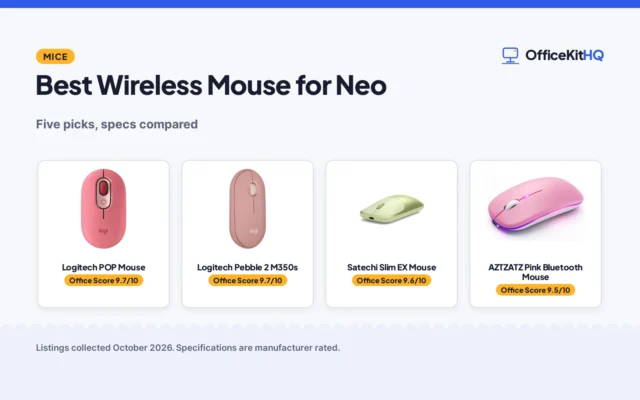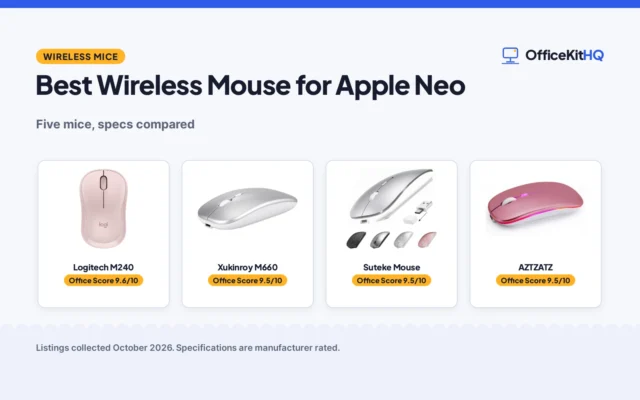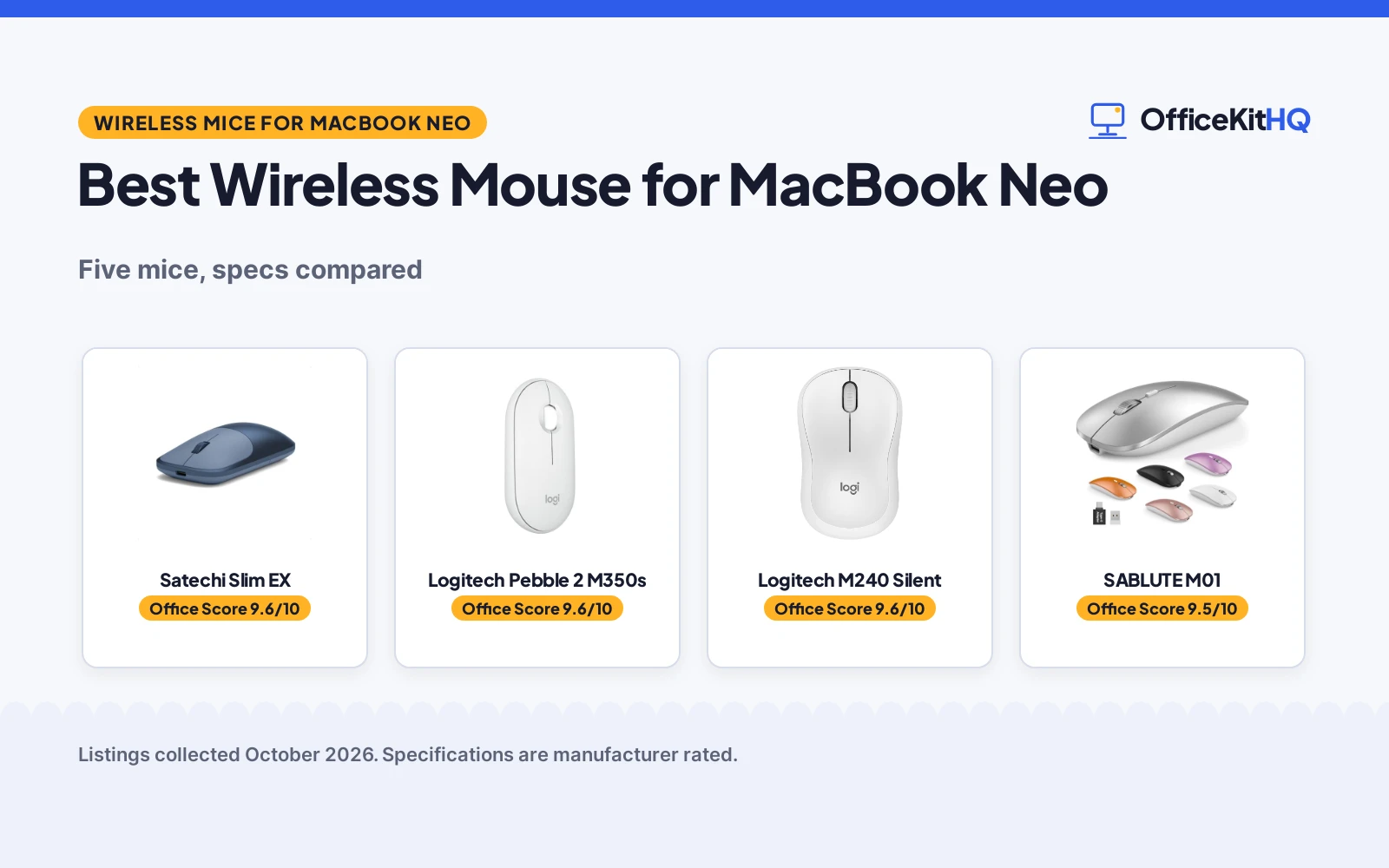
The best wireless mouse for macbook neo is the one that pairs in seconds, stays quiet through a long call, and still has charge left at the end of the day. A mouse that drops its connection mid-sentence or needs a receiver the laptop has no port for is a mouse that stays in the drawer. This article compares the wireless mice below by connection, quiet clicks, DPI, battery life, size and warranty, using only what each listing publishes.
OfficeKitHQ earns a commission when you buy through links on this page, at no extra cost to you. As an Amazon Associate I earn from qualifying purchases. Affiliate disclosure.
Quick picks
 Best Overall Satechi Slim EX: Aluminum shell, 3-device switching, USB-C rechargeable, 2-year warranty Check price on Amazon
 Best Battery Life Logitech Pebble 2 M350s: 2-year battery life, quiet clicks, connects to 3 devices, MacBook Neo stated Check price on Amazon
 Best DPI Choice SABLUTE M01: 1200, 1600 and 2000 DPI, USB-C adapter included, 70 hours per charge Check price on Amazon
 Best Range RAPIQUE R306C: 480 hours on one AA battery, 10 m range, 800, 1200 and 1600 DPI Check price on Amazon
Our desk picks
| # | Product | Office Score | Buy |
|---|---|---|---|
| 1 | Satechi Slim EX | 9.6/10 | Buy on Amazon |
| 2 | Logitech Pebble 2 M350s | 9.6/10 | Buy on Amazon |
| 3 |  Logitech M240 | 9.6/10 | Buy on Amazon |
| 4 | SABLUTE M01 | 9.5/10 | Buy on Amazon |
| 5 | RAPIQUE R306C | 9.4/10 | Buy on Amazon |

Satechi Slim EX
An aluminum wireless mouse that switches between two Bluetooth channels and a 2.4 GHz USB-C receiver, with quiet clicks and a battery rated up to three months of use.
Pros
- Anodized aluminum shell and metal wheel
- Switches between two Bluetooth channels and a 2.4 GHz USB-C receiver with no re-pairing
- USB-C rechargeable battery gives up to three months of continuous use
- 2-year limited warranty stated
Cons
- No DPI levels are stated
- Two Bluetooth channels, one fewer than the 3-device picks
- No click-noise figure is stated, unlike the Pebble 2 at 90%
- The USB-C receiver is a separate piece to carry and keep track of
Detailed Review
Satechi lists the Slim EX as a wireless mouse with an anodized aluminum shell and a metal wheel, quiet clicks and a precision-machined wheel. It switches between two Bluetooth channels and a 2.4 GHz USB-C receiver with no re-pairing, and it works with macOS, Windows, iPadOS and Android. The USB-C rechargeable, removable battery gives up to three months of continuous use and over a year in sleep mode. The box includes the USB-C cable and a user manual, and Satechi backs the mouse with a 2-year limited warranty. The listing gives a 4.33 by 2.4 in footprint.
Who it's for: someone who wants a metal mouse that moves between a Mac, a Windows machine and a tablet without re-pairing. Who should skip it: anyone who needs stated DPI levels or a third Bluetooth channel.
Its Office Score of 9.6/10 comes from performance 32/35, build 22/25, value 21/25, safety 0/10 and warranty 4/5: 79 of 100 points, placed on our 9.2 to 9.8 scale.
Key Specifications
| Connection | Bluetooth and 2.4 GHz |
|---|---|
| Battery | USB-C rechargeable, up to 3 months |
| Shell | Anodized aluminum |
| Warranty | 2-year limited warranty |
These specs mirror the retailer listing as of 19 November 2026; performance figures are stated by the brand.
Safety and Warranty
What this listing states. No FCC or other safety listing is stated, so safety scores zero. 2-year limited warranty. It does not say everything a buyer needs, such as who pays return shipping, so warranty scores 4 of 5. See How We Pick.
Fit the desk first. Check the stated size against your desk depth and keyboard tray, and charge or pair as the manual describes. No keyboard, mouse or wrist rest prevents or treats injury.
This is general buying information, not professional advice. Follow each product manual and local rules, and see our Safety Disclaimer.

Logitech Pebble 2 M350s
A slim Bluetooth mouse that connects to up to 3 devices, cuts click noise by 90% with Silent Touch, and runs for 2 years on the included battery.
Pros
- Connects to up to 3 devices across Windows, macOS, iPadOS and ChromeOS
- Silent Touch removes 90% of click noise
- 2 years of battery life with auto-sleep, battery included
- Stated as compatible with MacBook Neo laptops
Cons
- No DPI levels are stated
- Logi Bolt USB receiver is not included
- Bluetooth only, with no 2.4 GHz receiver in the box
- 1-year warranty is shorter than the 2-year terms here
Detailed Review
Logitech lists the M350s Pebble 2 as a slim Bluetooth mouse in Tonal White with a round, minimalist shape and a minimum of 58% certified post-consumer recycled plastic in its plastic parts. It connects to up to 3 devices across Windows, macOS, iPadOS and ChromeOS and switches between them with the Easy-Switch button. The middle button can be personalized with the Logi Options+ app, and Silent Touch Technology removes 90% of click noise. Battery life is stated at 2 years with an auto-sleep power-saving mode, and the battery is included. The listing states compatibility with MacBook Neo laptops and an instant Bluetooth connection; the Logi Bolt USB receiver is not included. A 1 Year Limited Hardware Warranty is stated, and the listing gives a 4.2 by 2.31 by 1.05 in footprint.
Who it's for: someone who works across a MacBook Neo, a tablet and another machine and wants quiet clicks and a long battery life. Who should skip it: anyone who needs a receiver in the box or stated DPI levels.
Its Office Score of 9.6/10 comes from performance 30/35, build 21/25, value 22/25, safety 0/10 and warranty 3/5: 76 of 100 points, placed on our 9.2 to 9.8 scale.
Key Specifications
| Connection | Bluetooth, up to 3 devices |
|---|---|
| Battery | 2 years, battery included |
| Clicks | Silent Touch, 90% less click noise |
| Warranty | 1-year limited hardware warranty |
These specs mirror the retailer listing as of 19 November 2026; performance figures are stated by the brand.
Safety and Warranty
What this listing states. No FCC or other safety listing is stated, so safety scores zero. 1 Year Limited Hardware Warranty. It does not say everything a buyer needs, such as who pays return shipping, so warranty scores 3 of 5. See How We Pick.
Fit the desk first. Check the stated size against your desk depth and keyboard tray, and charge or pair as the manual describes. No keyboard, mouse or wrist rest prevents or treats injury.
This is general buying information, not professional advice. Follow each product manual and local rules, and see our Safety Disclaimer.

Logitech M240
For the quiet desk, this Bluetooth mouse cuts click noise by 90 percent and runs 18 months on a battery.
Pros
- 90% reduced click sound with the same click feel, per the listing
- 18-month battery life with auto sleep, per the listing
- Bluetooth with no dongle, 33 ft range, per the listing
- 1 Year Limited Hardware Warranty is stated
Cons
- 3 non-customizable buttons, per the listing
- No stated DPI figure
- 73.8 g with no stated dimensions in ounces
- Off-white shows dirt faster than darker colors
Detailed Review
Logitech lists the M240 Silent as a Bluetooth mouse with 90% reduced click sound, 18-month battery life and a 33 ft range. The spec table gives 4.7 by 3.6 in, a 73.8 g weight and a 1 Year Limited Hardware Warranty.
Who it's for: someone who wants silence and the longest battery life. Who should skip it: anyone who needs customizable buttons.
Its Office Score of 9.6/10 comes from performance 29/35, build 20/25, value 20/25, safety 7/10 and warranty 3/5: 79 of 100 points, placed on our 9.2 to 9.8 scale.
Key Specifications
| Connection | Bluetooth |
|---|---|
| Battery | 18 months |
| Range | 33 ft |
| Warranty | 1 Year Limited Hardware Warranty |
Figures as published on the retailer listing, collected 17 October 2026. Performance figures are manufacturer rated.
Safety and Warranty
What this listing states. macOS compatibility is stated, so safety scores 7 of 10. 1 Year Limited Hardware Warranty. It does not say everything a buyer needs, such as who pays return shipping, so warranty scores 3 of 5. See How We Pick.
Fit the desk first. Check the stated size against your desk depth and keyboard tray, and charge or pair as the manual describes. No keyboard, mouse or wrist rest prevents or treats injury.
This is general buying information, not professional advice. Follow each product manual and local rules, and see our Safety Disclaimer.

SABLUTE M01
A rechargeable Bluetooth and 2.4 GHz mouse that switches between 3 devices, offers 1200, 1600 and 2000 DPI, and ships with a USB-C adapter.
Pros
- Connects up to 3 devices over dual Bluetooth 5.2 and 2.4 GHz
- USB-A receiver and USB-C adapter are both included
- Three DPI levels: 1200, 1600 and 2000
- Weighs 60 g with a slim 1.1-inch profile
Cons
- Up to 70 hours of use per charge is the lowest battery figure here
- A full charge takes about 2 hours
- Rear USB 3.0 ports may cause more wireless interference, per the listing
- The USB-C adapter comes in a small bag that is easy to misplace
Detailed Review
SABLUTE lists the M01 as a rechargeable Bluetooth wireless mouse that connects up to 3 devices over dual Bluetooth 5.2 and 2.4 GHz and switches between them in seconds. It works with macOS, iPadOS, Windows and ChromeOS, and the box includes a 2.4 GHz USB-A receiver and a USB-C adapter for MacBook Air and Pro. A full charge takes about 2 hours and gives up to 70 hours of use, and the front USB-C port lets the mouse keep working while it charges. The maker gives two heights, 0.1 and 1.1 inches; check before ordering. The mouse has quiet-click buttons, three DPI levels at 1200, 1600 and 2000, a slim 1.1-inch profile and a 60 g weight. A 2-Year Worry-Free Warranty is stated.
Who it's for: someone who wants three DPI levels, a USB-C adapter in the box and a mouse that charges while it works. Who should skip it: anyone who wants longer than 70 hours per charge or a mouse without a receiver to keep track of.
Its Office Score of 9.5/10 comes from performance 28/35, build 20/25, value 20/25, safety 0/10 and warranty 4/5: 72 of 100 points, placed on our 9.2 to 9.8 scale.
Key Specifications
| Connection | Bluetooth 5.2 and 2.4 GHz |
|---|---|
| DPI | 1200, 1600, 2000 |
| Battery | Up to 70 hours, about 2 hours to charge |
| Weight | 60 g |
These specs mirror the retailer listing as of 19 November 2026; performance figures are stated by the brand.
Safety and Warranty
What this listing states. No FCC or other safety listing is stated, so safety scores zero. 2-Year Worry-Free Warranty. It does not say everything a buyer needs, such as who pays return shipping, so warranty scores 4 of 5. See How We Pick.
Fit the desk first. Check the stated size against your desk depth and keyboard tray, and charge or pair as the manual describes. No keyboard, mouse or wrist rest prevents or treats injury.
This is general buying information, not professional advice. Follow each product manual and local rules, and see our Safety Disclaimer.

RAPIQUE R306C
A slim USB-C wireless mouse with silent clicks, 800, 1200 and 1600 DPI, and up to 480 hours of use on one AA battery.
Pros
- Up to 480 hours of use on one AA battery
- USB-C receiver plugs in with no adapters or drivers
- Three DPI levels: 800, 1200 and 1600
- Symmetrical shape suits right- and left-handed users
Cons
- AA battery is not included
- 2.4 GHz only, with no Bluetooth connection
- Scroll wheel moves up and down only, not left or right
- No dimensions are stated
Detailed Review
RAPIQUE lists the R306C as a slim USB-C wireless mouse in White with silent clicks and a soft, silent scroll wheel that moves up and down only. It plugs into a USB-C device with no adapters or drivers and works with MacBook Air, MacBook Pro, Mac, iPad Pro and Air and other modern computers. The mouse switches between 800, 1200 and 1600 DPI with a press, connects over 2.4 GHz at up to 10 meters, and runs up to 480 hours on one AA battery, which is not included. An auto-sleep mode and an ON/OFF switch save power when the mouse is idle, and the symmetrical shape suits right- and left-handed users. A 1 year warranty is stated.
Who it's for: someone who wants a plug-in USB-C mouse, long battery life and three DPI levels. Who should skip it: anyone who needs Bluetooth or a battery in the box.
Its Office Score of 9.4/10 comes from performance 27/35, build 19/25, value 20/25, safety 0/10 and warranty 3/5: 69 of 100 points, placed on our 9.2 to 9.8 scale.
Key Specifications
| Connection | 2.4 GHz USB-C receiver |
|---|---|
| DPI | 800, 1200, 1600 |
| Battery | Up to 480 hours, one AA battery |
| Range | Up to 10 meters |
These specs mirror the retailer listing as of 19 November 2026; performance figures are stated by the brand.
Safety and Warranty
What this listing states. No FCC or other safety listing is stated, so safety scores zero. 1 year. It does not say everything a buyer needs, such as who pays return shipping, so warranty scores 3 of 5. See How We Pick.
Fit the desk first. Check the stated size against your desk depth and keyboard tray, and charge or pair as the manual describes. No keyboard, mouse or wrist rest prevents or treats injury.
This is general buying information, not professional advice. Follow each product manual and local rules, and see our Safety Disclaimer.
As an Amazon Associate I earn from qualifying purchases.
More picks to compare
 Afaartcci Rechargeable Wireless MouseSilent Bluetooth mouse with 500mAh battery and 7 LED lights for laptopsCheck on Amazon
 Satechi Slim EX Wireless MouseSpace Black version of the Slim EX with aluminum shell and 2-year warrantyCheck on Amazon
 Apple Magic MouseMulti-Touch rechargeable mouse that pairs automatically with a MacCheck on Amazon
Specs compared
| Mouse | Office Score | Connection | DPI | Battery | Size | Warranty | Amazon |
|---|---|---|---|---|---|---|---|
| Satechi Slim EX | 9.6/10 | Bluetooth and 2.4 GHz | Not stated | Up to 3 months | 4.33 x 2.4 in | 2 years | View on Amazon |
| Logitech Pebble 2 M350s | 9.6/10 | Bluetooth | Not stated | 2 years | 4.2 x 2.31 x 1.05 in | 1 year | View on Amazon |
| SABLUTE M01 | 9.5/10 | Bluetooth 5.2 and 2.4 GHz | 1200, 1600, 2000 | Up to 70 hours | 4.4 x 2.3 x 1.1 in | 2 years | View on Amazon |
| RAPIQUE R306C | 9.4/10 | 2.4 GHz USB-C | 800, 1200, 1600 | Up to 480 hours | Not stated | 1 year | View on Amazon |
| Logitech M240 Silent | 9.6/10 | Bluetooth | Not stated | Not stated | Not stated | Not stated |
We quote these figures from each listing as the brand rates them; captured 19 November 2026. Four of the five state a warranty term; none states a safety certification.
How to choose the best wireless mouse for macbook neo
Start with the connection: Bluetooth or a receiver
Bluetooth keeps every port free, while a receiver gives a dedicated link. The Pebble 2 and the M240 connect over Bluetooth only, and the Pebble 2 switches between up to 3 devices with its Easy-Switch button. The Satechi pairs two Bluetooth channels with a 2.4 GHz USB-C receiver, and the SABLUTE pairs dual Bluetooth 5.2 with a 2.4 GHz USB-A receiver and a USB-C adapter in the box. The RAPIQUE uses a 2.4 GHz USB-C receiver with no Bluetooth. A types of wireless mouse guide covers the trade-offs, and a mouse that switches between machines suits a desk shared by a laptop and a tablet.
Match DPI to the work
DPI sets how far the cursor moves for a small hand movement. The SABLUTE switches between 1200, 1600 and 2000 DPI with one click, and the RAPIQUE switches between 800, 1200 and 1600 DPI with a press. The Satechi and the Pebble 2 state no DPI levels, so a buyer who changes sensitivity between documents and design work should pick one of the two that lists it. A wireless mouse for work roundup covers the same choice for office use.
Check battery life and charging
Battery figures here use different units, so read each one as the maker states it. The Pebble 2 states 2 years of battery life with auto-sleep and includes the battery. The Satechi charges over USB-C and runs up to three months of continuous use, with over a year in sleep mode. The SABLUTE charges in about 2 hours for up to 70 hours of use and keeps working while it charges through the front USB-C port. The RAPIQUE runs up to 480 hours on one AA battery, and the battery is not included. A wireless mouse battery size guide explains which batteries to keep on hand.
Measure the mouse against the desk
Size decides whether a mouse rides in a laptop sleeve or stays on the desk. The SABLUTE is 4.4 in long with a 1.1-inch profile and weighs 60 g, the Satechi is 4.33 in long, and the Pebble 2 is 4.2 in long. The RAPIQUE states no dimensions, and the M240 states none either, so there is nothing to measure against for those two. The table below lines up the connection, DPI and battery figures for all five.
| Mouse | Connection | DPI | Battery |
|---|---|---|---|
| Satechi Slim EX | Bluetooth and 2.4 GHz | Not stated | Up to 3 months |
| Logitech Pebble 2 M350s | Bluetooth | Not stated | 2 years |
| SABLUTE M01 | Bluetooth 5.2 and 2.4 GHz | 1200, 1600, 2000 | Up to 70 hours |
| RAPIQUE R306C | 2.4 GHz USB-C | 800, 1200, 1600 | Up to 480 hours |
| Logitech M240 Silent | Bluetooth | Not stated | Not stated |
Figures as stated in each listing. Battery life varies with use, and the RAPIQUE figure counts one AA battery.
Setup Notes
- Measure the space beside the laptop first: the Satechi is 4.33 in long, the Pebble 2 is 4.2 in long, and the SABLUTE is 4.4 in long.
- Keep a USB-C cable free for the Satechi and the SABLUTE, which charge over USB-C; the RAPIQUE needs one AA battery, and the battery is not included.
- Plug the SABLUTE receiver into a front USB 2.0 port when one is available; the listing warns that rear USB 3.0 ports may cause more wireless interference.
- Store the SABLUTE receiver under the mouse and keep its USB-C adapter in its small bag so neither piece goes missing on a trip.
FAQ
Does the Logitech Pebble 2 work with a MacBook Neo?
Yes. The listing states it is compatible with MacBook Neo laptops, with an instant Bluetooth connection.
Which of these mice connect to three devices?
The Pebble 2 and the SABLUTE each connect to up to 3 devices. The Satechi connects to two Bluetooth channels plus a 2.4 GHz receiver.
Which mouse lets you change DPI?
The SABLUTE switches between 1200, 1600 and 2000 DPI, and the RAPIQUE switches between 800, 1200 and 1600 DPI. The Satechi and the Pebble 2 state no DPI levels.
How long does the battery last on these mice?
The Pebble 2 states 2 years of battery life, the Satechi up to three months of continuous use, the RAPIQUE up to 480 hours, and the SABLUTE up to 70 hours per charge.
Do these mice need a receiver?
The Satechi and RAPIQUE include a receiver, and the SABLUTE includes a USB-A receiver and a USB-C adapter. The Pebble 2 and the M240 connect over Bluetooth, and the Pebble 2 Logi Bolt receiver is not included.
Score breakdown
The Office Score weighs performance (connection, DPI and quiet clicks), build (shell, size and weight), value for the stated specs, safety and warranty. For a mouse, safety means a stated safety certification or battery safety claim on the listing; none of these listings states one, so safety scores zero across the group. Four listings state a warranty term: the Satechi and SABLUTE at 2 years, and the Pebble 2 and RAPIQUE at 1 year. How we pick explains the weights.
| Product | Office Score | Perf. /35 | Build /25 | Value /25 | Safety /10 | Warranty /5 |
|---|---|---|---|---|---|---|
| Satechi Slim EX | 9.6 | 32 | 22 | 21 | 0 | 4 |
| Logitech Pebble 2 M350s | 9.6 | 30 | 21 | 22 | 0 | 3 |
| SABLUTE M01 | 9.5 | 28 | 20 | 20 | 0 | 4 |
| RAPIQUE R306C | 9.4 | 27 | 19 | 20 | 0 | 3 |
Score placement follows the weighted total: the lowest totals read 9.2, the highest 9.8, and everything between keeps its order.
More for your workspace
See every mice and mouse pads guide and all monitor mounts, keyboards and mice guides. Also see our best wireless mouse for macbook pro. Also see our best wireless mouse for macbook air. Also see our best wireless mouse for laptop. Also see our best wireless mouse for travel.
More picks: wireless mice for multiple computers, mouse pads for wireless mice, wireless mouse setup.