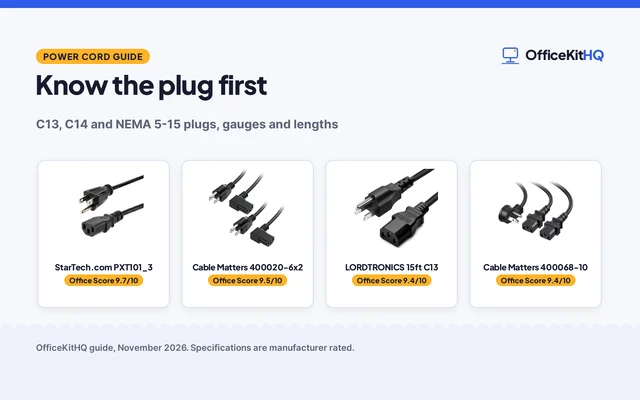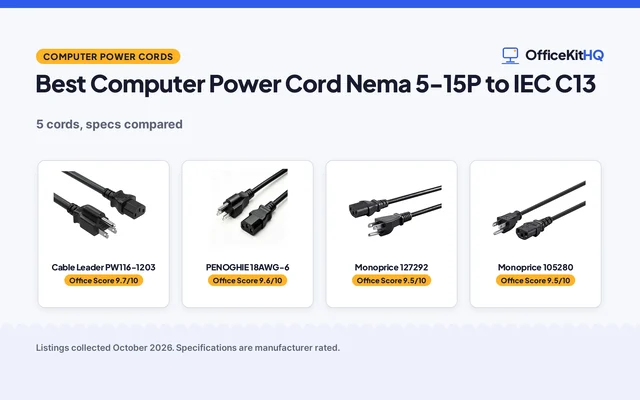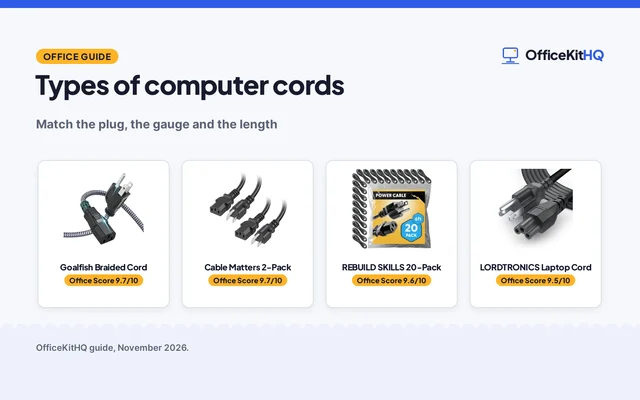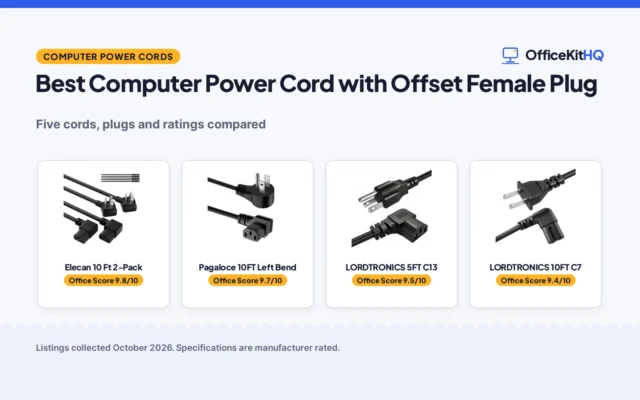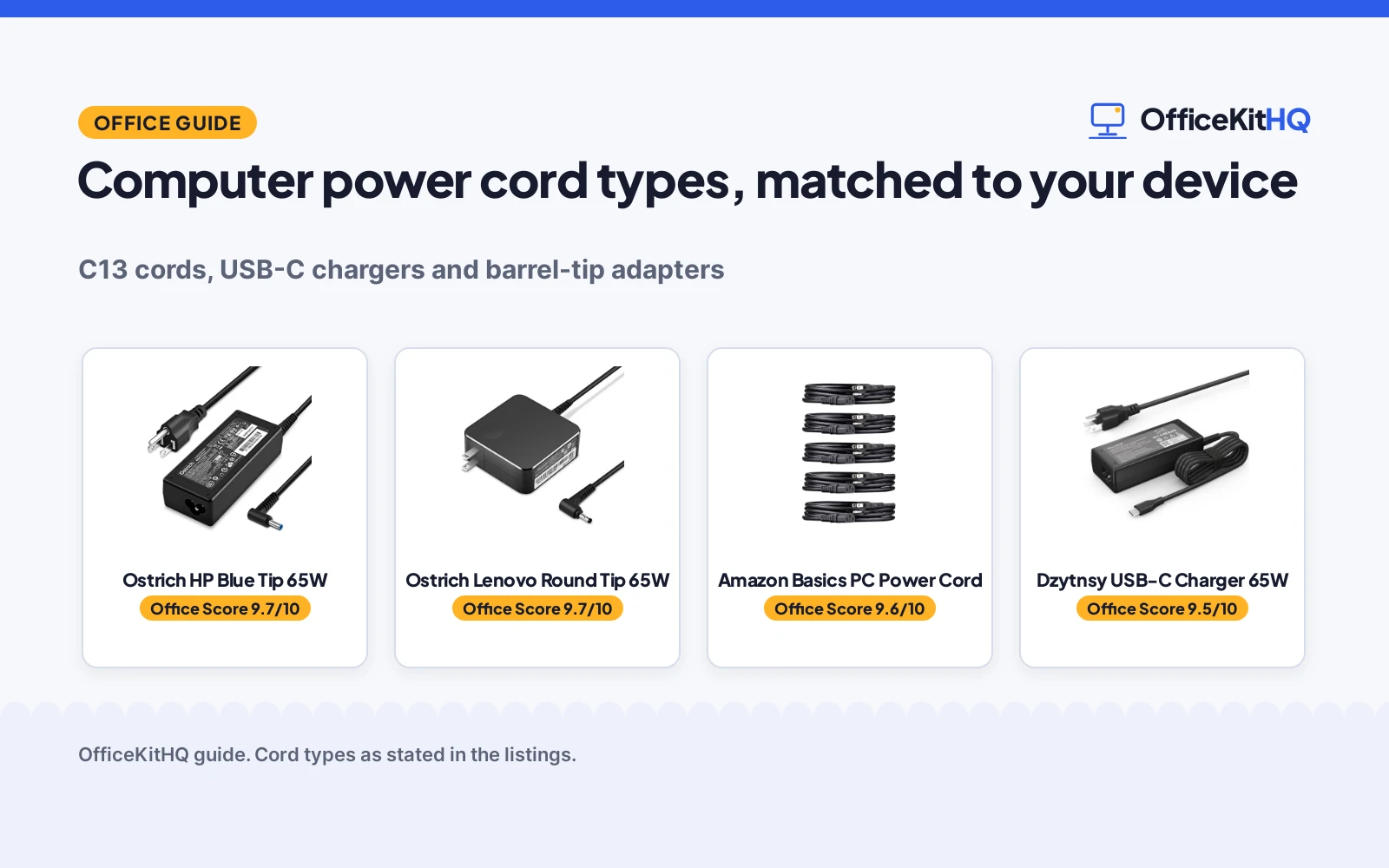
Computer power cord types come down to the socket on the device: a desktop or a monitor takes a mains power cord, a Chromebook or a ThinkPad takes a USB-C charger or a round-tip adapter, and the wrong plug simply does not fit. The type also sets the wattage and the voltage, so matching the plug is only part of the job. This guide walks through the types, how to match the plug and the power, and what safety marks to look for.
OfficeKitHQ earns a commission when you buy through links on this page, at no extra cost to you. As an Amazon Associate I earn from qualifying purchases. Affiliate disclosure.
The quick answer: computer power cord types
Match the cord to the socket first, then to the power. A mains cord with a NEMA 5-15P plug on the wall end and an IEC320C13 plug on the device end fits desktops, monitors, printers and TVs. A USB-C charger fits laptops that charge over USB-C, at 65W in the listings here. A round-tip adapter fits Lenovo laptops and a blue-tip adapter fits HP laptops, each at 65W with 45W compatibility stated.
Cord types at a glance
The plug column decides whether the cord fits at all, so read it before the rest.
| Type | Plug | Power the listings state | Fits | Amazon |
|---|---|---|---|---|
| Mains PC cord | NEMA 5-15P to IEC320C13 | 125 Volts, 18 AWG | Desktops, monitors, printers, TVs | |
| USB-C charger | USB-C | 65W, 20V at 3.25A | Chromebooks and ThinkPads that charge over USB-C | |
| Round-tip adapter | Round tip | 65W, 20V at 3.25A | Lenovo and ThinkPad laptops | |
| Blue-tip adapter | Blue tip, 4.5 mm / 3.0 mm | 65W, 19.5V at 3.33A | HP Smart Blue Tip laptops |
Every cord above needs the right socket: the plug shape matters, and the wattage comes next.
Match the plug to the socket
Start with the socket on the device. A desktop, a monitor, a printer or a TV takes a mains cord with a NEMA 5-15P plug on the wall end and a C13 plug on the device end, and the Amazon Basics listing states a NEMA 5-15P to IEC320C13 cord in a 5-pack. A laptop that charges over USB-C takes a USB-C charger; Dzytnsy states a 65W charger with a 1.2m AC cable. Lenovo laptops take a round-tip adapter at 65W, and HP laptops take a blue-tip adapter at 4.5 mm outer and 3.0 mm inner diameter, also at 65W. If the plug does not match the socket, the cord cannot fit, no matter what wattage it states.
Match the wattage and the voltage
Wattage and voltage come after the plug. A 65W adapter can replace a 45W adapter where the listing states compatibility with 45W, as the Dzytnsy and Ostrich listings do. The Lenovo adapter states 20V at 3.25A for 65W and 20V at 2.25A for 45W, while the HP adapter states 19.5V at 3.33A for 65W and 19.5V at 2.3A for 45W. The USB-C charger states outputs of 5V, 9V and 15V at 3A, or 20V at 3.25A. Input runs from 100 to 240V on the listings here. Never swap in a charger with a different voltage than the laptop takes.
Safety marks to look for
Check the listing for a safety mark before you buy. The Amazon Basics cord states a UL listing for safety, and the Ostrich listings state a listing by a leading American product laboratory for electrical safety and design, with protection against short circuiting, overvoltage, overcurrent and internal overheating. The cord states 18 AWG wire and 125 Volts. The Ostrich listings warn against chargers with no safety listing. If a listing states no safety mark and no protections, look for a listing that does.
The gear
The listings below cover the types above: a universal mains cord for desktops and monitors, a USB-C charger for Chromebooks, and a round-tip and a blue-tip adapter for Lenovo and HP laptops.
| # | Product | Office Score | Buy |
|---|---|---|---|
| 1 |  Ostrich HP Blue Tip 65W | 9.7/10 | Buy on Amazon |
| 2 |  Ostrich Lenovo Round Tip 65W | 9.7/10 | Buy on Amazon |
| 3 |  Amazon Basics PC Power Cord | 9.6/10 | Buy on Amazon |
| 4 |  Dzytnsy USB-C Charger 65W | 9.5/10 | Buy on Amazon |

Ostrich HP Blue Tip 65W
A 65W HP charger with a smart blue tip, 19.5V output and a 4.5 mm outer, 3.0 mm inner tip.
Pros
- 65W output at 19.5V and 3.33A, with 45W compatibility stated
- Tip size stated: 4.5 mm outer, 3.0 mm inner
- Listed by a leading American product laboratory for electrical safety
- Lifetime exchange if the product becomes defective
Cons
- Fits HP Smart Blue Tip models only
- No cable length is stated in the listing
- Compatibility list needs checking against your exact HP model
- Fixed 19.5V output suits only HP laptops that take that voltage
Detailed Review
Ostrich lists this charger at 65W, with 100 to 240V input at 50 to 60 Hz and 19.5V at 3.33A output, plus 45W compatibility at 19.5V and 2.3A. The connector is a smart blue tip at 4.5 mm outer and 3.0 mm inner diameter, and the listing names HP EliteBook, ProBook, Pavilion, Stream and Chromebook models. A leading American product laboratory lists the product as meeting standards for electrical safety and design, with protection against short circuiting, overvoltage, overcurrent and internal overheating. Returns and exchanges are stated within 30 days of purchase, with a lifetime exchange if the product becomes defective.
Who it's for: an HP laptop owner whose charger takes a smart blue tip, with a stated tip size and a lifetime exchange. Who should skip it: anyone with a Lenovo, Dell or USB-C laptop, or anyone who needs a different voltage than 19.5V.
Its Office Score of 9.7/10 comes from performance 30/35, build 21/25, value 20/25, safety 9/10 and warranty 4/5: 84 of 100 points, placed on our 9.2 to 9.8 scale.
Key Specifications
| Output | 19.5V, 3.33A, 65W |
|---|---|
| Input | 100-240V, 50-60 Hz |
| Tip size | 4.5 mm outer, 3.0 mm inner |
| Also fits | 45W at 19.5V, 2.3A |
Figures as published on the retailer listing, collected 12 November 2026. Performance figures are manufacturer rated.
Safety and Warranty
What this listing states. Listed by a leading American product laboratory for electrical safety and design, with protection against short circuiting, overvoltage, overcurrent and internal overheating, so safety scores 9 of 10. Lifetime exchange if the product becomes defective. It does not say everything a buyer needs, such as who pays return shipping, so warranty scores 4 of 5. See How We Pick.
Power and heat. Use the supplied adapter, treat power delivery wattage and display support as the maker's claims for your laptop model, and give the dock room to vent.
This is general buying information, not professional advice. Follow each product manual and local rules, and see our Safety Disclaimer.
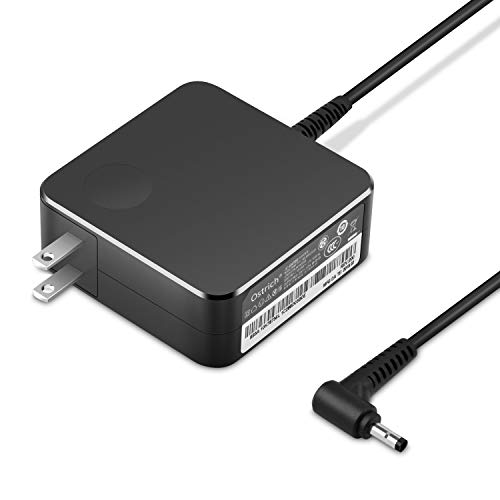
Ostrich Lenovo Round Tip 65W
A 65W Lenovo charger with a round tip, 20V output and 45W compatibility.
Pros
- 65W output at 20V and 3.25A, with 45W compatibility stated
- 110 to 240V input suits worldwide use, per the listing
- Listed by a leading American product laboratory for electrical safety
- Lifetime exchange is stated if the product becomes defective
Cons
- Fits Lenovo and ThinkPad systems only
- No tip diameter is stated in the listing
- No cable length is stated in the listing
- Fixed 20V output suits only Lenovo laptops that take that voltage
Detailed Review
Ostrich lists this charger at 65W, with 20V at 3.25A maximum output and 20V at 2.25A for 45W, and an input range of 110 to 240V at 50 to 60 Hz. The listing states compatibility with Lenovo Yoga, IdeaPad and ThinkPad systems, with a round tip power supply. A leading American product laboratory lists the product as meeting standards for electrical safety and design, with protection against short circuiting, overvoltage, overcurrent and internal overheating. Returns and exchanges are stated within 30 days of purchase, with a lifetime exchange if the product becomes defective.
Who it's for: a Lenovo or ThinkPad owner who needs a round-tip charger with a stated voltage and a lifetime exchange. Who should skip it: anyone with an HP, Dell or USB-C laptop, or anyone who needs a different voltage than 20V.
Its Office Score of 9.7/10 comes from performance 30/35, build 20/25, value 20/25, safety 9/10 and warranty 4/5: 83 of 100 points, placed on our 9.2 to 9.8 scale.
Key Specifications
| Output | 20V, 3.25A, 65W |
|---|---|
| Input | 110-240V, 50/60 Hz |
| Tip | Round tip |
| Also fits | 45W at 20V, 2.25A |
Figures as published on the retailer listing, collected 12 November 2026. Performance figures are manufacturer rated.
Safety and Warranty
What this listing states. Listed by a leading American product laboratory for electrical safety and design, with protection against short circuiting, overvoltage, overcurrent and internal overheating, so safety scores 9 of 10. Lifetime exchange if the product becomes defective. It does not say everything a buyer needs, such as who pays return shipping, so warranty scores 4 of 5. See How We Pick.
Power and heat. Use the supplied adapter, treat power delivery wattage and display support as the maker's claims for your laptop model, and give the dock room to vent.
This is general buying information, not professional advice. Follow each product manual and local rules, and see our Safety Disclaimer.

Amazon Basics PC Power Cord
A 5-pack of 6 ft universal PC power cords, 18 AWG, NEMA 5-15P to IEC320C13, UL listed for safety.
Pros
- 5-pack covers a PC, a monitor and a printer
- 18 AWG wire and 125 Volts are stated
- UL listed for safety, per the listing
- NEMA 5-15P to IEC320C13 fits most PCs, monitors and printers
Cons
- No warranty term is stated in the listing
- Only a 6 ft length is listed
- Suits only devices with a C13 socket
- Mains-powered gear only, not laptops that charge over USB-C
Detailed Review
Amazon Basics lists this as a universal 6 ft replacement power cord in a 5-pack, with 18 AWG wire, a NEMA 5-15P to IEC320C13 connector and 125 Volts. The listing states a 3-pin power connector, UL listing for safety and compatibility with most PCs, monitors, printers and more. The spec table lists a 5-pack at 2.26 lb, and no warranty term is stated.
Who it's for: anyone replacing a lost C13 cord for a PC, a monitor or a printer who wants a UL-listed cord. Who should skip it: anyone who needs a laptop charger or a cord longer than 6 ft.
Its Office Score of 9.6/10 comes from performance 29/35, build 20/25, value 21/25, safety 9/10 and warranty 0/5: 79 of 100 points, placed on our 9.2 to 9.8 scale.
Key Specifications
| Length | 6 ft |
|---|---|
| Wire gauge | 18 AWG |
| Connectors | NEMA 5-15P to IEC320C13 |
| Pack | 5-pack |
Figures as published on the retailer listing, collected 12 November 2026. Performance figures are manufacturer rated.
Safety and Warranty
What this listing states. UL listed for safety, so safety scores 9 of 10. No warranty term, so warranty scores zero. See How We Pick.
Power and heat. Use the supplied adapter, treat power delivery wattage and display support as the maker's claims for your laptop model, and give the dock room to vent.
This is general buying information, not professional advice. Follow each product manual and local rules, and see our Safety Disclaimer.

Dzytnsy USB-C Charger 65W
A 65W USB-C charger with outputs from 5V to 20V, 45W compatibility and a 1.2m AC cable in the box.
Pros
- 65W USB-C output with 5V, 9V, 15V and 20V steps stated
- Compatible with 45W laptops, per the listing
- Lists HP, Lenovo, Dell, Acer and Samsung Chromebook models
- Compact at 2.0 by 1.6 by 1.0 in and 0.6 lb
Cons
- No safety listing such as UL is stated
- Warranty entry reads only as 1, with no term stated
- Suits laptops that charge over USB-C only
- Compatibility lists need checking against your exact model
Detailed Review
Dzytnsy lists this charger at 65W over USB-C, with 100 to 240V input at 1.6A and 50 to 60 Hz and outputs of 5V, 9V and 15V at 3A or 20V at 3.25A. The listing states 45W compatibility and names HP Chromebook, Lenovo ThinkPad and Yoga, Dell Latitude and XPS, Acer Chromebook Spin and Samsung models. The package states a charger and a 1.2m AC cable, at 2.0 by 1.6 by 1.0 in and 0.6 lb. The warranty entry reads only as 1, with no unit, so no warranty term is stated, and no safety listing is stated.
Who it's for: a Chromebook or ThinkPad owner who charges over USB-C and wants a compact 65W charger. Who should skip it: anyone whose laptop takes a barrel tip, or anyone who wants a stated safety listing and warranty term.
Its Office Score of 9.5/10 comes from performance 32/35, build 21/25, value 21/25, safety 0/10 and warranty 0/5: 74 of 100 points, placed on our 9.2 to 9.8 scale.
Key Specifications
| Output | 20V, 3.25A, 65W |
|---|---|
| Input | 100-240V, 1.6A, 50-60 Hz |
| Size | 2.0 by 1.6 by 1.0 in |
| In the box | Charger and 1.2m AC cable |
Figures as published on the retailer listing, collected 12 November 2026. Performance figures are manufacturer rated.
Safety and Warranty
What this listing states. No UL, FCC or over-current protection statement is stated, so safety scores zero. No warranty term, so warranty scores zero. See How We Pick.
Power and heat. Use the supplied adapter, treat power delivery wattage and display support as the maker's claims for your laptop model, and give the dock room to vent.
This is general buying information, not professional advice. Follow each product manual and local rules, and see our Safety Disclaimer.
As an Amazon Associate I earn from qualifying purchases.
FAQ
Can I use a 65W charger on a 45W laptop?
Yes, where the listing states it. The Dzytnsy and Ostrich listings state compatibility with 45W, so a 65W adapter can charge a 45W laptop where the tip and the voltage match. Check the tip size and the voltage before you buy.
What is a C13 power cord?
A C13 power cord is a mains cord with a NEMA 5-15P plug on the wall end and an IEC320C13 plug on the device end. The Amazon Basics listing states a 6 ft cord in a 5-pack, with 18 AWG wire, 125 Volts and a UL listing for safety.
Does a USB-C charger work with any laptop?
No. A USB-C charger works with laptops that charge over USB-C, at the wattage and voltage the listing states. The Dzytnsy listing names HP, Lenovo, Dell, Acer and Samsung Chromebook models.
How do I know which tip my laptop needs?
Match the tip the listing states to the socket on your laptop. A Lenovo laptop takes a round tip, and an HP laptop takes a blue tip at 4.5 mm outer and 3.0 mm inner diameter.
More for your workspace
See every connectivity guide, the best USB-C hubs and the HDMI cable types guide.