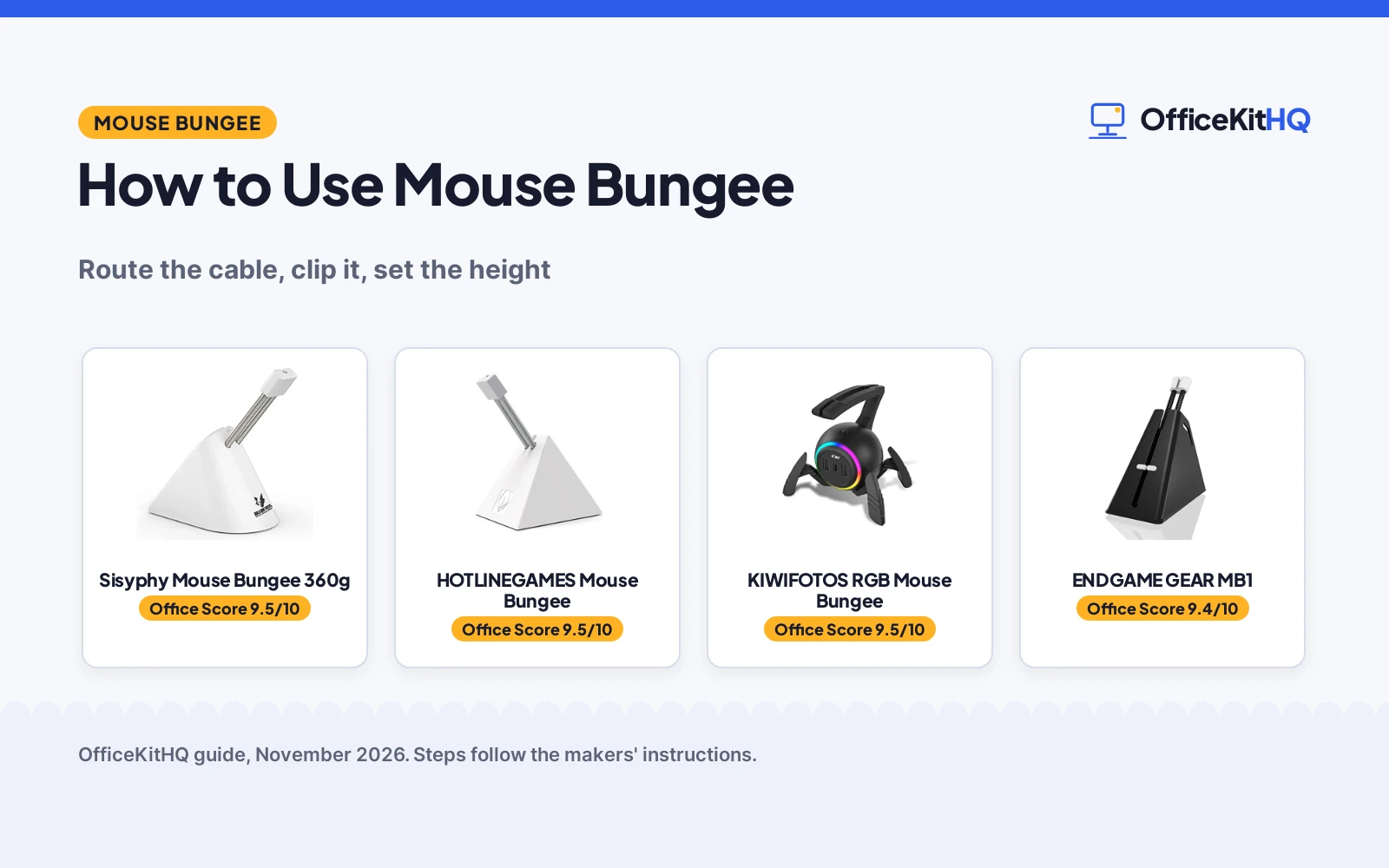
At a desk, a mouse cable drags across the pad, catches on the edge, and pulls the mouse off course, and how to use mouse bungee is the fix that keeps the cable off the desk. Route the cable through the bungee, clip it in place, and set the arm height so the cable hangs free.
OfficeKitHQ earns a commission when you buy through links on this page, at no extra cost to you. As an Amazon Associate I earn from qualifying purchases. Affiliate disclosure.
The quick answer
Route the mouse cable through the bungee, clip it in place, and set the arm height so the cable hangs free above the desk. Place the bungee behind the mouse, with enough slack for full mouse movement and no drag on the pad.
How to use mouse bungee
The steps below cover the whole job: route, clip, set the height, and place the bungee. Each step names the bungee in this guide that handles it.
Step 1: Route the cable through the bungee
Take the mouse cable and pass it through the bungee arm, from the back of the bungee toward the mouse. The ENDGAME GEAR example works this way: route the cable through the MB1 bungee and the cable sits in the clamp. The KIWIFOTOS example works differently: the soft silicone arm wraps the cable, so the cable never separates from the bungee during use.
Step 2: Clip the cable in place
Close the clip around the cable so the cable stays put without pinching. The Sisyphy example holds the cord in 3 different locations, so pick the location that gives the cable a straight run to the mouse. The HOTLINEGAMES example uses a rubber clip that holds all types of mouse cable.
Step 3: Set the arm height
Raise or lower the arm until the cable hangs free above the desk with no drag on the pad. The Sisyphy example extends up to 3 inches, and the HOTLINEGAMES example bends to a comfortable angle and height. The ENDGAME GEAR example adjusts the arm height to keep the wire from snagging on edges.
Step 4: Place the bungee behind the mouse
Set the bungee behind the mouse, on a flat part of the desk, with the weighted base flat on the surface. The Sisyphy example stands on a 12.7 oz weighted base with rubber footing, and the HOTLINEGAMES example stays put on anti-slip rubber feet. Leave enough slack between the bungee and the mouse for full movement. An extended mouse pad gives the mouse room to move.
The gear
Route the cable, clip it and set the height, then pick the bungee that handles the step you care about most: height adjustment, travel, lights and ports, or simple routing.
| # | Product | Office Score | Buy |
|---|---|---|---|
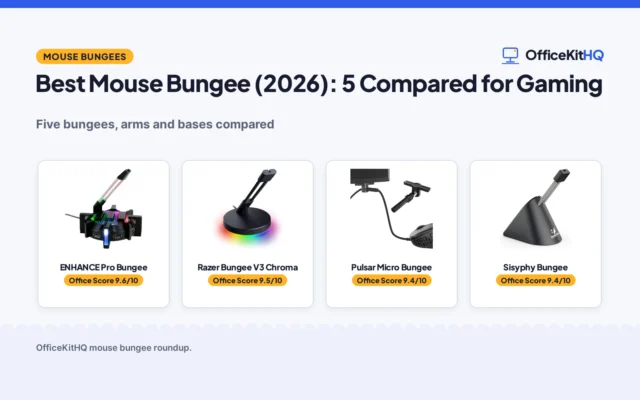
| 1 |  Sisyphy Mouse Bungee 360g | 9.5/10 | Buy on Amazon |
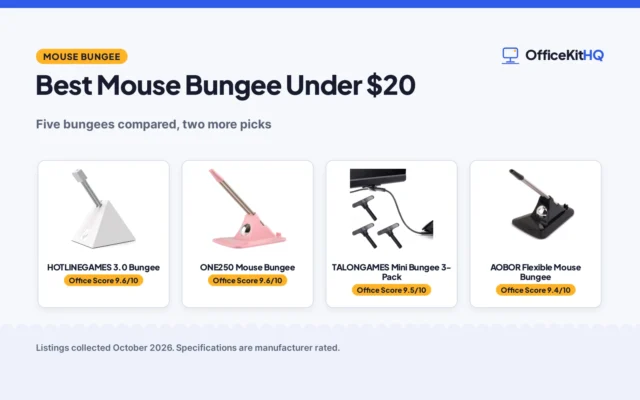
| 2 |  HOTLINEGAMES Mouse Bungee | 9.5/10 | Buy on Amazon |
| 3 |  KIWIFOTOS RGB Mouse Bungee | 9.5/10 | Buy on Amazon |
| 4 |  ENDGAME GEAR MB1 | 9.4/10 | Buy on Amazon |

Sisyphy Mouse Bungee 360g
A 360g gaming mouse bungee with a height-adjustable spring arm that extends up to 3 inches, a flexible rubber clip and a 12.7 oz weighted base.
Pros
- Height-adjustable spring arm extends up to 3 inches
- Flexible rubber clip holds the cord in 3 different locations
- 12.7 oz weighted base with non-slip rubber footing
- Drag-free mouse movement with no cable snag
Cons
- White color only
- 360g base is heavy to carry
- No USB hub or extra ports are included
- No warranty term is stated
Detailed Review
Sisyphy lists a 360g gaming mouse bungee with a height-adjustable spring arm, a flexible rubber clip and a 12.7 oz weighted base. The arm extends up to 3 inches so the mouse wire sits at the ideal height, and the clip holds the cord in 3 different locations. The bungee measures 2.52 by 3.82 by 3.35 inches, with rubber footing that stands it in place. It handles the height step: set the arm, clip the cord, and the cable hangs free with no drag or snag.
Who it's for: owners who want a height-adjustable bungee with a heavy base that stays put during fast mouse moves. Who should skip it: anyone who wants a portable bungee or a USB hub.
Its Office Score of 9.5/10 comes from performance 30/35, build 22/25, value 21/25, safety 0/10 and warranty 0/5: 73 of 100 points, placed on our 9.2 to 9.8 scale.
Key Specifications
| Weight | 360 g, 12.7 oz base |
|---|---|
| Arm | Height-adjustable spring arm, up to 3 in |
| Clip | Flexible rubber clip, 3 locations |
| Size | 2.52 by 3.82 by 3.35 in |
These specs mirror the retailer listing as of 14 November 2026; performance figures are stated by the brand.
Safety and Warranty
What this listing states. This product does not plug in or run on a battery, so safety is not part of its score. No warranty term, so warranty scores zero. See How We Pick.
Fit the desk first. Check the stated size against your desk depth and keyboard tray, and charge or pair as the manual describes. No keyboard, mouse or wrist rest prevents or treats injury.
This is general buying information, not professional advice. Follow each product manual and local rules, and see our Safety Disclaimer.

HOTLINEGAMES Mouse Bungee
A 220g mouse bungee with a bendable arm and a rubber clip that holds all types of mouse cable, with anti-slip rubber feet and a retractable spring design.
Pros
- Bendable arm lets you select a comfortable angle and height
- Rubber clip holds all types of mouse cable
- 220g weight with anti-slip rubber feet stays put
- Retractable spring design folds small for travel
Cons
- White is the only color stated
- No height figure is stated
- No USB hub is included
- No warranty term is stated
Detailed Review
HOTLINEGAMES lists a 220g mouse bungee with a bendable arm, a rubber clip and anti-slip rubber feet. The clip holds all types of mouse cable, and the bendable arm lets you select a comfortable angle and height. The embedded cable design keeps the mouse cable from tangling and protects it from friction and drag. It handles the angle and travel step: bend the arm to the height you want, clip the cable, and the retractable spring folds small for travel.
Who it's for: owners who play FPS games or work at a desk and want a portable bungee with a bendable arm. Who should skip it: anyone who wants a stated height figure or a USB hub.
Its Office Score of 9.5/10 comes from performance 28/35, build 22/25, value 21/25, safety 0/10 and warranty 0/5: 71 of 100 points, placed on our 9.2 to 9.8 scale.
Key Specifications
| Weight | 220 g |
|---|---|
| Arm | Bendable, with rubber clip |
| Feet | Anti-slip rubber feet |
| Design | Retractable spring, compact |
These specs mirror the retailer listing as of 14 November 2026; performance figures are stated by the brand.
Safety and Warranty
What this listing states. This product does not plug in or run on a battery, so safety is not part of its score. No warranty term, so warranty scores zero. See How We Pick.
Fit the desk first. Check the stated size against your desk depth and keyboard tray, and charge or pair as the manual describes. No keyboard, mouse or wrist rest prevents or treats injury.
This is general buying information, not professional advice. Follow each product manual and local rules, and see our Safety Disclaimer.
KIWIFOTOS RGB Mouse Bungee
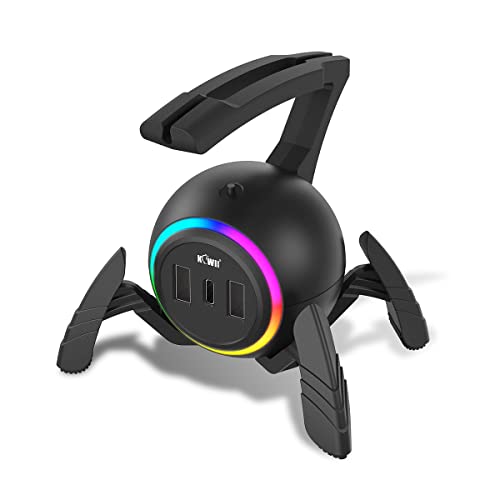
An RGB mouse bungee with a flexible silicone arm that wraps the cable, a heavy metal block base, 13 RGB light modes and a 2-port USB hub with Type-C.
Pros
- Flexible silicone arm wraps the cable so it never separates
- 13 RGB light modes across 3 light effects
- 2 USB 2.0 ports and Type-C ports on the front and back
- 1.5m Type-C cable included in the package
Cons
- USB ports handle data transfer only and cannot charge a device
- RGB lights need the included Type-C cable for power
- Arm height is adjustable with no inch figure stated
- Detachable silicone arm can separate from the unit
Detailed Review
KIWIFOTOS lists an RGB mouse bungee with a flexible silicone arm, a non-slip rubber base and a built-in heavy metal block. The silicone arm wraps the cable so it never separates, and the base holds firm during intense mouse flicks. The bungee has 13 RGB light modes across 3 light effects, 2 USB 2.0 ports and Type-C ports on the front and back, and a 1.5m Type-C cable in the package. It handles the cable-wrap and desk-power step: wrap the cable in the silicone arm, plug devices into the hub, and the cable holder on the side collects the slack.
Who it's for: owners who want RGB lighting and a USB hub with their bungee. Who should skip it: anyone who needs the USB ports to charge a device.
Its Office Score of 9.5/10 comes from performance 29/35, build 21/25, value 20/25, safety 0/10 and warranty 0/5: 70 of 100 points, placed on our 9.2 to 9.8 scale.
Key Specifications
| Arm | Flexible silicone, detachable |
|---|---|
| Lights | 13 RGB modes, 3 light effects |
| Ports | 2 USB 2.0, Type-C front and back |
| Cable | 1.5 m Type-C included |
These specs mirror the retailer listing as of 14 November 2026; performance figures are stated by the brand.
Safety and Warranty
What this listing states. No FCC or other safety listing is stated, so safety scores zero. No warranty term, so warranty scores zero. See How We Pick.
Fit the desk first. Check the stated size against your desk depth and keyboard tray, and charge or pair as the manual describes. No keyboard, mouse or wrist rest prevents or treats injury.
This is general buying information, not professional advice. Follow each product manual and local rules, and see our Safety Disclaimer.

ENDGAME GEAR MB1
A minimalist mouse bungee with an adjustable arm and clamp that holds the cable taut and untangled, with nonslip feet and a light, unobtrusive weight.
Pros
- Adjustable arm and clamp hold the cable taut and untangled
- Clamp tightens without the risk of damaging the cable
- Nonslip feet hold the bungee in place
- Fits all gaming mice with a minimalist design
Cons
- Black color only
- No height figure is stated
- No USB hub, RGB lighting or extra features
- No cable is included
Detailed Review
ENDGAME GEAR lists the MB1 mouse bungee with an adjustable arm and clamp, nonslip feet and a light, unobtrusive weight. The bungee keeps the mouse cable taut and untangled so the mouse can move freely, and the clamp tightens to hold the cable without the risk of damaging it. It handles the routing step: route the cable through the bungee, tighten the clamp, and adjust the arm height so the wire clears the desk edge.
Who it's for: owners who want a simple bungee that routes the cable and stays out of the way. Who should skip it: anyone who wants RGB lighting, a USB hub or a stated height figure.
Its Office Score of 9.4/10 comes from performance 26/35, build 19/25, value 20/25, safety 0/10 and warranty 0/5: 65 of 100 points, placed on our 9.2 to 9.8 scale.
Key Specifications
| Arm | Adjustable height and clamp |
|---|---|
| Feet | Nonslip feet |
| Weight | Light, unobtrusive weight |
| Fit | Fits all gaming mice |
These specs mirror the retailer listing as of 14 November 2026; performance figures are stated by the brand.
Safety and Warranty
What this listing states. This product does not plug in or run on a battery, so safety is not part of its score. No warranty term, so warranty scores zero. See How We Pick.
Fit the desk first. Check the stated size against your desk depth and keyboard tray, and charge or pair as the manual describes. No keyboard, mouse or wrist rest prevents or treats injury.
This is general buying information, not professional advice. Follow each product manual and local rules, and see our Safety Disclaimer.
As an Amazon Associate I earn from qualifying purchases.
FAQ
How do I set up a mouse bungee?
Route the cable through the bungee, clip it in place, set the arm height so the cable hangs free, and place the bungee behind the mouse.
Where should a mouse bungee sit on the desk?
Behind the mouse, on a flat part of the desk, with enough slack between the bungee and the mouse for full movement.
Do mouse bungees work with any mouse?
The bungees in this guide work with almost any corded mouse: the HOTLINEGAMES example holds all types of mouse cable, and the ENDGAME GEAR example fits all gaming mice. See the best ergonomic gaming mice for a mouse that fits your grip.
Can a mouse bungee charge my devices?
No. The KIWIFOTOS example has USB ports, but they handle data transfer only and cannot charge a device.
What is the difference between a mouse bungee and a cable clip?
A mouse bungee holds the cable up on a weighted base with an arm, while a cable clip only grips the cable. The bungee keeps the cable taut and untangled so the mouse moves freely.
More for your workspace
See every computer peripherals guide, including the best extended mouse pads, best ergonomic gaming mice, best gaming mouse and keyboard and best desk mat for mouse and keyboard.