A morning call starts with a dim webcam, a chair that sinks by noon, and a laptop running everything off a hub, and the desk sits at a height that never quite suits the arms resting on it. A standing desk height calculator answers the height question directly: it turns your standing elbow height into the desk height to use. Measure your standing elbow height, set the surface to match, and the keyboard, monitor, and chair all fall into place around that height.
OfficeKitHQ earns a commission when you buy through links on this page, at no extra cost to you. As an Amazon Associate I earn from qualifying purchases. Affiliate disclosure.
The quick answer
Stand in the shoes you usually wear, let your arms hang at your sides, and bend your elbows so your forearms point forward and rest level. Measure from the floor to the underside of your forearm: that measurement is your standing desk height. Set the desk surface to that height, put the keyboard at the same height or a little below it, and set the top of the monitor at or slightly below eye level.
How a standing desk height calculator works
A standing desk height calculator takes a measurement from your body and returns a desk height. The measurement that matters is your standing elbow height, taken from the floor to the underside of your forearm while you stand with your elbows bent and your forearms level. The calculator gives back a desk surface height that matches that measurement, so your forearms rest level when you type. It does not set your chair height, your monitor height, or your keyboard position: those follow from the desk height.
The method works because the desk surface should meet your forearms where they already rest, rather than forcing your arms up or down to meet the desk. When the surface sits too high, your shoulders rise to reach it; when it sits too low, you bend forward to reach the keys.
Set the chair before you measure sitting height
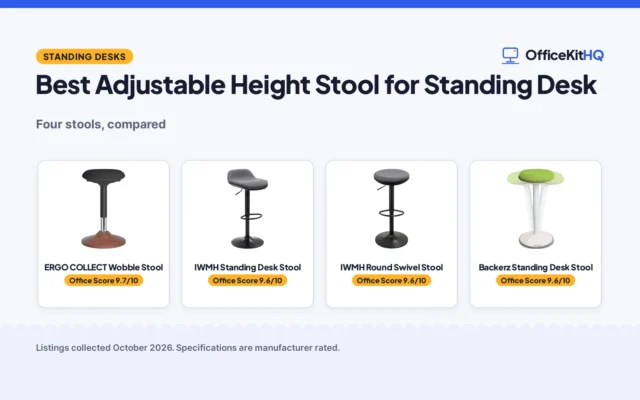
Desk height only works when the chair is right, so set the chair before you measure anything for sitting. Raise or lower the seat until your feet rest flat on the floor and your thighs rest roughly level, with your knees at or slightly below hip height. Sit back in the chair with your shoulders relaxed and your elbows at your sides, bent so your forearms point forward. Have someone measure from the floor to the underside of your forearm: that is the height your keyboard and mouse should sit at when you sit to work.
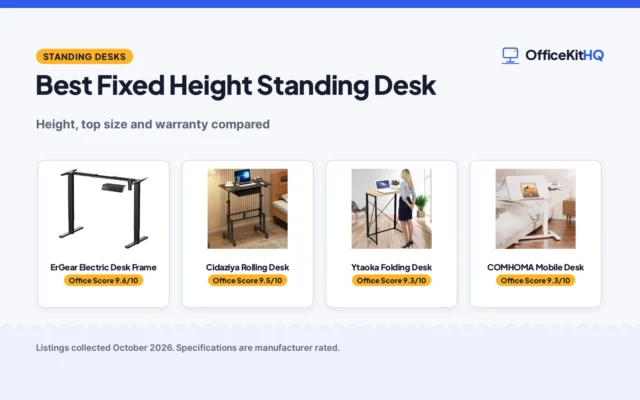
The sitting measurement matters because an adjustable desk has to reach it at its lowest setting as well as your standing height at its highest. Note the sitting height beside the standing height before you shop. If the desk cannot move and sits too high, raise the chair to reach the right elbow height and add a footrest so your feet stay supported.
Measure your standing elbow height
Stand in the shoes you usually wear, with your arms hanging at your sides. Bend your elbows so your forearms point forward and rest level, with your shoulders relaxed and your upper arms hanging straight down. Have someone measure from the floor to the underside of your forearm, keeping the tape straight and level. That measurement is the height for the desk surface while you stand.
Measure again after a short break and compare the readings: if they differ, take the reading that matches how you stand when you settle at the desk. Write the height down beside your sitting height. A desk that cannot reach the standing height will leave you working with your shoulders raised, and a desk that cannot drop to the sitting height will leave you reaching up from the chair.
Set the desk surface and the keyboard
Set the desk surface to your standing elbow height, so your forearms rest level on the surface when you stand to type. The keyboard should sit at that height or a little below it, with your wrists straight and your shoulders relaxed. If the keyboard sits on the desktop, the surface height is the keyboard height; if you use a keyboard tray, the tray should drop the keys just below the surface. A keyboard tray helps when a fixed desk sits too high for comfortable typing.
Check the fit by typing for a while and noticing where your arms rest: your forearms should rest level, your shoulders should stay down and relaxed, and your wrists should stay straight. If your shoulders creep up, the surface is too high; lower the desk or raise the chair. If you bend forward to reach the keys, the surface is too low; raise the desk or add risers under the legs. Adjust in small steps and check again after each change.
Set the monitor height
The top of the screen should sit at or slightly below eye level and about an arm’s length away, so you look slightly down at the middle of the screen. People who wear bifocals or progressive lenses often set it a little lower. A monitor arm or monitor stand moves the screen without changing the desk, which helps when the desk height is set for your elbows rather than for the screen.
When you switch between sitting and standing, the monitor should move with you: the screen height that suits sitting will sit too low when you stand. A monitor arm lets you raise the screen when you stand and lower it when you sit, without moving the desk. Check the screen position each time you change position, and move it before you settle in to work.
Check the fit while you work
A height that looks right on paper can still feel wrong after an hour at the desk, so check the fit while you work rather than trusting the measurement alone. Type for a while, then notice your shoulders, your forearms, and your wrists: shoulders should stay down and relaxed, forearms should rest level, and wrists should stay straight. If anything feels off, change the desk height in small steps and check again.
A chair that sinks, shoes that come off, or a long stretch of standing can all shift the height that feels right. When you share a desk, each person should note their own sitting and standing heights, since a height that suits a person rarely suits another. An adjustable standing desk lets each person set the right height and switch between sitting and standing through the day.
What to check before you buy an adjustable desk
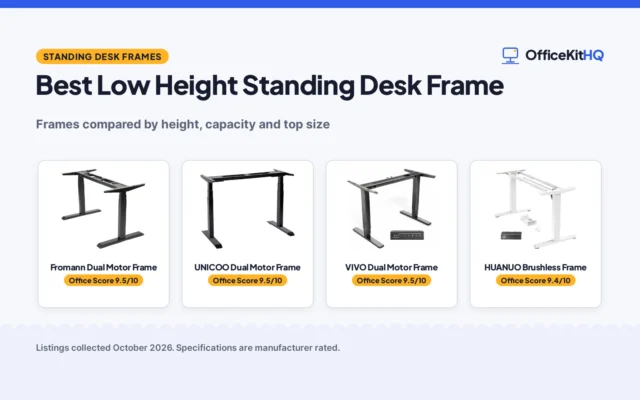
When you shop for a standing desk, check the listed height range against your measured sitting and standing heights. Look for a low setting that reaches your sitting height and a top setting that reaches your standing elbow height. Remember to add the thickness of the desktop if the listing measures the frame only, since the surface you type on sits above the frame.
Plan cables and power before the desk arrives: cables need enough slack to move with the desk as it rises and falls, and the outlet should sit within easy reach so cords do not stretch across the floor. A cable tray or a short power strip mounted under the desktop keeps cords off the floor and clear of the moving frame. Check the weight the desk frame is rated to carry against the gear you plan to put on it, and leave room on the surface for the monitor, keyboard, and the papers you use through the day.
FAQ
What does a standing desk height calculator do?
It turns your standing elbow height into the desk height to use. Measure from the floor to the underside of your forearm while standing with your elbows bent, and that measurement is the height for the desk surface.
Should the keyboard sit at desk height?
At elbow height, at or a little below the desk surface, so your wrists stay straight and your shoulders stay relaxed. A keyboard tray drops the keys below the surface when a fixed desk sits too high.
How is elbow height measured?
Stand in the shoes you usually wear, let your arms hang at your sides, and bend your elbows so your forearms point forward. Have someone measure from the floor to the underside of your forearm.
What if the desk cannot move and sits too high?
Raise the chair until your elbows sit at the desk height and add a footrest so your feet stay supported. A keyboard tray also helps, since it brings the keys down below the desktop.
More for your workspace
See the best standing desks for working from home, the best office chairs for working from home, the best keyboard trays and the best under-desk footrests.