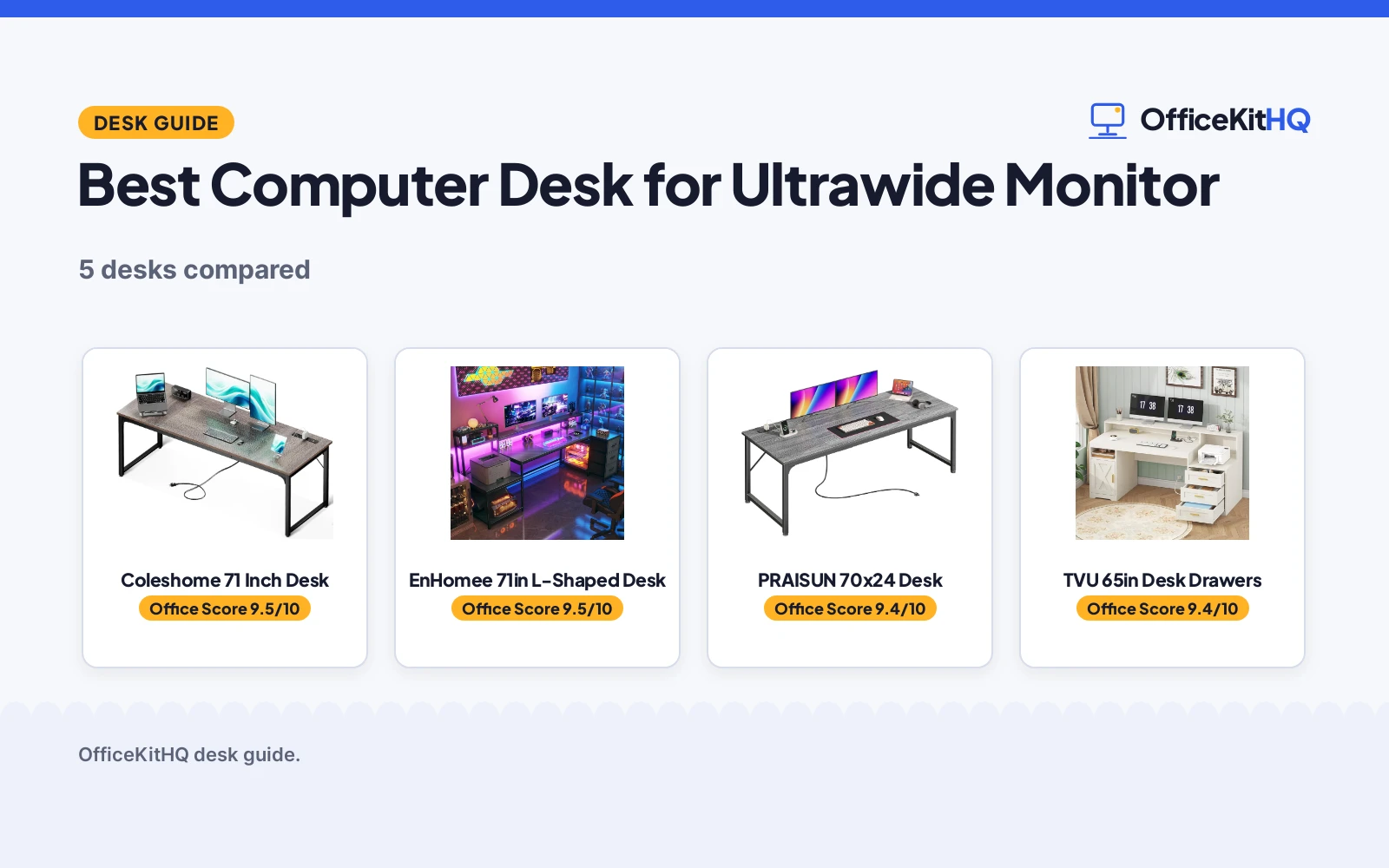
Finding the best computer desk for ultrawide monitor setups starts with width: an ultrawide panel needs room to breathe, plus space for a keyboard, speakers and everything else. We compared five desks on stated width, depth, monitor support, charging and warranty, and ranked them for ultrawide owners. The Coleshome 71 in desk leads on power and warranty; the EnHomee 71 in L-shaped desk is the pick for dual screens and corner setups.
OfficeKitHQ earns a commission when you buy through links on this page, at no extra cost to you. As an Amazon Associate I earn from qualifying purchases. Affiliate disclosure.
Quick picks
- Best overall Coleshome 71 Inch Desk: 71 in wide with built-in charging and the only stated 1-year warranty. Check price on Amazon
- Best for corners EnHomee 71in L-Shaped Desk: L-shape with a 50.4 in monitor shelf for two 27 in monitors. Check price on Amazon
- Biggest surface PRAISUN 70×24 Desk: 70 by 24 in with 4 AC outlets and a reinforced steel frame. Check price on Amazon
- Best storage TVU 65in Desk Drawers: Drawers, cabinet and printer rack with an elevated monitor stand. Check price on Amazon
The picks
Each pick below carries our score.
Compare the picks
Five desks, ranked by stated specs and our scores. The table below uses each listing’s own figures.
| Pick | Width | Depth | Charging | Verdict |
|---|---|---|---|---|
| Coleshome 71 Inch Desk | 70.9 in | 23.6 in | 3 outlets, USB, Type-C | Top pick |
| EnHomee 71in L-Shaped Desk | 71 in | Not stated | 3 AC, USB, Type-C | Best for corners |
| PRAISUN 70×24 Desk | 70 in | 24 in | 4 AC, USB, USB-C | Biggest surface |
| TVU 65in Desk Drawers | 65 in | Not stated | 2 sockets, 2 USB | Best storage |
| PRAISUN 63×24 Desk | 63 in | 24 in | None stated | Most compact |
How we scored them
We scored each desk on width and depth, monitor support, charging options, build and warranty, using only the figures each listing states. Higher totals rank first.
How to choose the best computer desk for ultrawide monitor
Start with width: 70 in or more gives an ultrawide room plus peripherals, while 63 to 65 in works for the monitor alone with a tighter layout. Depth matters too: 24 in of depth keeps the screen at a comfortable distance, versus 23.6 in on the narrower desks here. Look for a monitor shelf or stand to lift the screen to eye level, and for built-in charging so the monitor, laptop and phone share one hub. Check the warranty line: the Coleshome states a 1-year warranty, the others state none.
Frequently Asked Questions
How wide should a desk be for an ultrawide monitor?
The listings here run 63 to 71 in. A 70 in or wider desk leaves room for the monitor plus keyboard and speakers.
Do any of these desks have built-in charging?
Three do: the Coleshome (3 outlets, 1 USB, 1 Type-C), the EnHomee (3 AC, 1 USB, 1 Type-C) and the PRAISUN 70×24 (4 AC, 1 USB, 1 USB-C).
Which desk fits two monitors?
The EnHomee states its 50.4 in monitor stand fits two 27 in monitors side by side; the Coleshome and PRAISUN 70×24 list dual-monitor room on 70 in-plus desktops.
Related guides
See every computer desks guide. Also see our best standing desk for ultrawide monitor. Also see our best standing desk for multiple monitors. Also see our best standing desk for graphic designers.
More picks: monitor stand for 2 monitors, l-shaped desk for multiple monitors and quiet walking pad for standing desk.