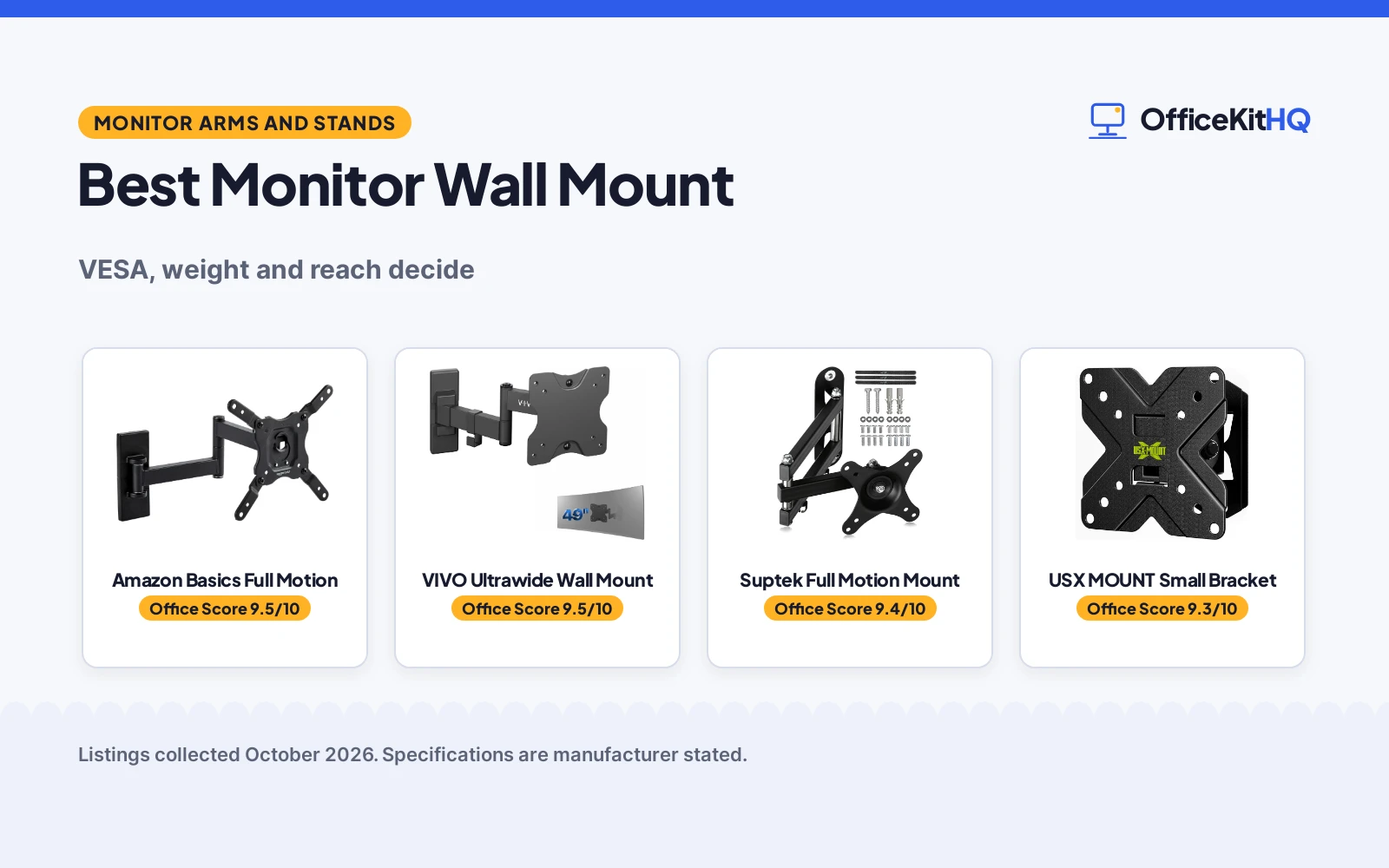
A wall mount is three numbers: VESA pattern, weight and reach. The best monitor wall mount here is the Amazon Basics full motion mount, VESA from 75×75 to 200×200, 40 lbs of capacity and an arm reaching 16.3 inches with 180 degree swivel, the widest brief in the set. The VIVO ultrawide mount follows for screens to 49 inches at 44 lbs in a low profile. The Suptek is the full motion generalist for standard monitors, and the USX MOUNT bracket serves small screens and RVs. We compared stated patterns, capacities, extensions and motion, using only what each listing publishes.
OfficeKitHQ earns a commission when you buy through links on this page, at no extra cost to you. As an Amazon Associate I earn from qualifying purchases. Affiliate disclosure.
Quick picks
 Best Overall Amazon Basics Full Motion: VESA to 200×200, 16.3 inch reach, 180 swivel Check price on Amazon
 Best Ultrawide VIVO Ultrawide Wall Mount: screens to 49 inches, 44 lbs, low profile Check price on Amazon
 Best Small Screen USX MOUNT Small Bracket: RV bracket, 30 degree tilt, 20 minute install Check price on Amazon
The picks
| # | Product | Office Score | Buy |
|---|---|---|---|
| 1 | Amazon Basics Full Motion | 9.5/10 | Buy on Amazon |
| 2 | VIVO Ultrawide Wall Mount | 9.5/10 | Buy on Amazon |
| 3 |  Suptek Full Motion Mount Suptek Full Motion Mount | 9.4/10 | Buy on Amazon |
| 4 | USX MOUNT Small Bracket | 9.3/10 | Buy on Amazon |

Amazon Basics Full Motion
The Amazon Basics full motion articulating wall mount, extending to 16.3 inches with tilt and 180 degree swivel, VESA 75x75 to 200x200, for displays of 12 to 40 inches to 40 lbs.
Pros
- Widest VESA range here, to 200x200
- Extends 16.3 inches, 180 swivel
- Template and hardware included
- Concrete, brick and stud fitting
Cons
- Single stud design
- TV framed, monitor by VESA
- No warranty term stated
- No certification stated
Detailed Review
The listing states a full motion mount for displays from 12 to 40 inches and up to 40 lbs, VESA from 75x75 through 200x200, tilt from +15 to -5 degrees as its bullets put it, articulation from 2.3 inches off the wall to 16.3, and 180 degree swivel, designed for concrete, brick and single wood stud walls with hardware and a mounting template in the box. For a monitor it is overbuilt in the right direction, and its VESA ceiling is the set's highest.
Who it is for: larger monitors and small TVs on real walls, one mount for years of screens. Who should skip it: ultrawide desk users, whose mount is the VIVO below.
Its Office Score of 9.5/10 comes from performance 29/35, build 19/25, value 16/25, safety not scored (non-powered gear) and warranty 0/5: 64 of 90 points, placed on our 9.2 to 9.8 scale.
Key Specifications
| VESA | 75x75 to 200x200 |
|---|---|
| Capacity | 40 lbs |
| Extension | 2.3 to 16.3 inch |
| Screens | 12 to 40 inch |
Figures as published on the retailer listing, collected 22 October 2026. Performance figures are manufacturer rated.
Safety and Warranty
What this listing states. This product does not plug in or run on a battery, so safety is not part of its score. No warranty term, so warranty scores zero. See How We Pick.
Match the mount. Check your screen's VESA pattern, size and weight against the stated range, and check that your desk thickness and edge suit a clamp or grommet mount before you drill or clamp.
This is general buying information, not professional advice. Follow each product manual and local rules, and see our Safety Disclaimer.

VIVO Ultrawide Wall Mount
The VIVO MOUNT-VW01M single ultrawide wall mount, high-grade steel, supporting screens to 49 inches and 44 lbs on VESA 75x75 and 100x100, extending 10.5 inches.
Pros
- Ultrawide to 49 inches
- 44 lbs, the set's top capacity
- Low profile against the wall
- High-grade steel build
Cons
- VESA capped at 100x100
- Extension shorter at 10.5 in
- No warranty term stated
- No certification stated
Detailed Review
The listing states a flexible wall mount for most ultrawide monitors up to 49 inches, VESA 75x75 and 100x100, collapsing flat against the wall and extending to 10.5 inches, built of high-grade steel to hold 44 lbs, with +5 to -12 degrees of tilt and 45 degrees of swivel each way. It is the desk worker's mount here: the big curved screen floated off the desk, low and close when parked.
Who it is for: ultrawide owners freeing a desk. Who should skip it: screens with 200x200 VESA, which belong on the Amazon Basics above.
Its Office Score of 9.5/10 comes from performance 29/35, build 19/25, value 15/25, safety not scored (non-powered gear) and warranty 0/5: 63 of 90 points, placed on our 9.2 to 9.8 scale.
Key Specifications
| Screens | To 49 inch ultrawide |
|---|---|
| Capacity | 44 lbs |
| VESA | 75x75, 100x100 |
| Extension | To 10.5 inch |
Figures as published on the retailer listing, collected 22 October 2026. Performance figures are manufacturer rated.
Safety and Warranty
What this listing states. This product does not plug in or run on a battery, so safety is not part of its score. No warranty term, so warranty scores zero. See How We Pick.
Match the mount. Check your screen's VESA pattern, size and weight against the stated range, and check that your desk thickness and edge suit a clamp or grommet mount before you drill or clamp.
This is general buying information, not professional advice. Follow each product manual and local rules, and see our Safety Disclaimer.

Suptek Full Motion Mount
The Suptek full motion monitor wall mount for 13 to 34 inch screens, VESA 75 and 100, holding up to 33 lbs with tilt, swivel, rotate and extension.
Pros
- Full motion in every axis
- 13 to 34 inch screen span
- Gaming room and bedroom fit
- 2.2 pounds, a light bracket
Cons
- 33 lbs capacity, mid set
- VESA limited to 75/100
- No warranty term stated
- No certification stated
Detailed Review
The listing states a full motion bracket for 13 to 34 inch screens at up to 33 lbs on VESA 75 and 100 patterns, with tilt, swivel, rotation and extension, engineered for ergonomic viewing in gaming rooms and bedrooms. It is the generalist: nothing here is the set's extreme, and everything a single monitor needs is present.
Who it is for: a first wall mount for a standard monitor. Who should skip it: heavy or ultrawide screens, above.
Its Office Score of 9.4/10 comes from performance 27/35, build 18/25, value 15/25, safety not scored (non-powered gear) and warranty 0/5: 60 of 90 points, placed on our 9.2 to 9.8 scale.
Key Specifications
| Screens | 13 to 34 inch |
|---|---|
| Capacity | 33 lbs |
| VESA | 75, 100 |
Figures as published on the retailer listing, collected 22 October 2026. Performance figures are manufacturer rated.
Safety and Warranty
What this listing states. This product does not plug in or run on a battery, so safety is not part of its score. No warranty term, so warranty scores zero. See How We Pick.
Match the mount. Check your screen's VESA pattern, size and weight against the stated range, and check that your desk thickness and edge suit a clamp or grommet mount before you drill or clamp.
This is general buying information, not professional advice. Follow each product manual and local rules, and see our Safety Disclaimer.

USX MOUNT Small Bracket
The USX MOUNT small wall bracket, an RV and small screen mount with plus minus 30 degree tilt and 45 degree swivel, VESA to 100x100, for 10 to 32 inch screens to 22 lbs.
Pros
- Widest tilt here, 30 degrees
- Made for RVs and small rooms
- 3-step install, 20 minutes
- Compact and simple
Cons
- 22 lbs, the set's lowest capacity
- VESA to 100x100 only
- No warranty term stated
- No certification stated
Detailed Review
The listing states a bracket for most 10 to 32 inch TVs and monitors on VESA 50x50, 75x75 and 100x100 up to 22 lbs, with plus minus 30 degrees of tilt and 45 degrees of swivel, installed in a stated 3 steps and about 20 minutes, and aimed at RVs among its uses. Small screens in moving or tight rooms are its whole brief, and it does not pretend otherwise.
Who it is for: RV, kitchen and small room screens. Who should skip it: any monitor over 22 lbs or 100x100 VESA.
Its Office Score of 9.3/10 comes from performance 24/35, build 16/25, value 14/25, safety not scored (non-powered gear) and warranty 0/5: 54 of 90 points, placed on our 9.2 to 9.8 scale.
Key Specifications
| Screens | 10 to 32 inch |
|---|---|
| Capacity | 22 lbs |
| Tilt | Plus minus 30 degrees |
Figures as published on the retailer listing, collected 22 October 2026. Performance figures are manufacturer rated.
Safety and Warranty
What this listing states. This product does not plug in or run on a battery, so safety is not part of its score. No warranty term, so warranty scores zero. See How We Pick.
Match the mount. Check your screen's VESA pattern, size and weight against the stated range, and check that your desk thickness and edge suit a clamp or grommet mount before you drill or clamp.
This is general buying information, not professional advice. Follow each product manual and local rules, and see our Safety Disclaimer.
As an Amazon Associate I earn from qualifying purchases.
More picks to compare
 Mount-It! Small TV Wall Mount 19-32Check on Amazon
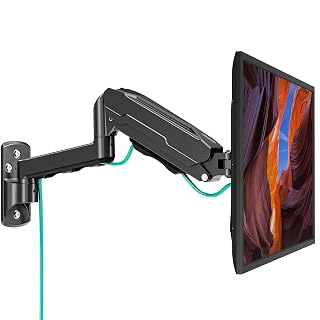 MOUNT PRO Single Monitor Wall MountCheck on Amazon
 VIVO Black 17-32 in Single Monitor WallCheck on Amazon
 ErGear Monitor Wall MountCheck on Amazon
 VIVO Black Dual Monitor Wall MountCheck on Amazon
Compare the picks
| Mount | Verdict | VESA | Capacity | Extension | Amazon |
|---|---|---|---|---|---|
| Amazon Basics Full Motion | Top pick | 75×75 to 200×200 | 40 lbs | 16.3 inch | View on Amazon |
| VIVO Ultrawide Wall Mount | Ultrawide pick | 75×75, 100×100 | 44 lbs | 10.5 inch | View on Amazon |
| Suptek Full Motion Mount | Generalist pick | 75, 100 | 33 lbs | Articulating | View on Amazon |
| USX MOUNT Small Bracket | Small pick | To 100×100 | 22 lbs | Tilt and swivel | View on Amazon |
Specifications are manufacturer stated as listed, collected 22 October 2026.
How we scored them
Scores weigh holding performance, build, value, safety and warranty. The Amazon Basics leads on the breadth of its stated envelope, the only 200×200 VESA here, the longest reach and a hardware and template kit for concrete, brick and stud. The VIVO tops it on capacity and screen size, 44 lbs and 49 inches, and loses the lead only on its 100×100 ceiling. The Suptek and USX follow as honest specialists for standard and small screens. No listing states a warranty term or certification, so those scores sit at zero, and the wall itself, stud, brick or concrete, is the safety figure that matters in practice.
| Product | Office Score | Perf. /35 | Build /25 | Value /25 | Safety /10 | Warranty /5 |
|---|---|---|---|---|---|---|
| Amazon Basics Full Motion | 9.5 | 29 | 19 | 16 | n/a | 0 |
| VIVO Ultrawide Wall Mount | 9.5 | 29 | 19 | 15 | n/a | 0 |
| Suptek Full Motion Mount | 9.4 | 27 | 18 | 15 | n/a | 0 |
| USX MOUNT Small Bracket | 9.3 | 24 | 16 | 14 | n/a | 0 |
Scores run from 9.2 to 9.8: each product’s point total is placed on that range, so more points always means a higher score. Safety counts only for powered gear or where the listing states safety features; where it does not apply, the score is taken over the remaining 90 points.
How to choose the best monitor wall mount
Measure the back of your screen first
The four bolt holes decide everything. Measure their spacing in millimetres: 75×75 and 100×100 cover most monitors, larger screens and TVs step to 200×200, which only the Amazon Basics reaches here. Weigh the screen against the capacity with headroom, since an arm at full extension levers harder than the static figure suggests, and check the wall: the Amazon Basics states concrete, brick and single wood stud designs, and no mount in this class belongs on drywall alone. The desk-side alternative lives in the single arm monitor mount roundup.
Reach is a working distance
Extension figures, 16.3 inches on the Amazon Basics, 10.5 on the VIVO, are not vanity numbers: they are how far the screen floats toward you for close work and how flat it parks after. Corner and shared desks want the long arm and the 180 degree swivel; a screen that lives in one place against one wall wants the VIVO’s low profile. Buy the motion you will perform weekly, not the motion that impresses once.
Frequently Asked Questions
Which mount fits a 200×200 VESA screen?
Only the Amazon Basics here, whose stated range runs from 75×75 through 200×200, for screens of 12 to 40 inches up to 40 lbs.
Which mount suits an ultrawide monitor?
The VIVO MOUNT-VW01M, built for ultrawides to 49 inches and 44 lbs on 75×75 and 100×100 patterns, in high-grade steel with a low profile.
Can these mount on any wall?
The Amazon Basics listing states concrete, brick and wood stud walls. Treat the wall as part of the specification; a mount is only as strong as its fixing.
Which is best for an RV or small screen?
The USX MOUNT bracket, sized for 10 to 32 inch screens to 22 lbs, with the widest tilt here at plus minus 30 degrees and a stated 20 minute, 3-step install.
Related guides
See every monitor arm and stand guide.
More picks: browse single arm monitor mounts.