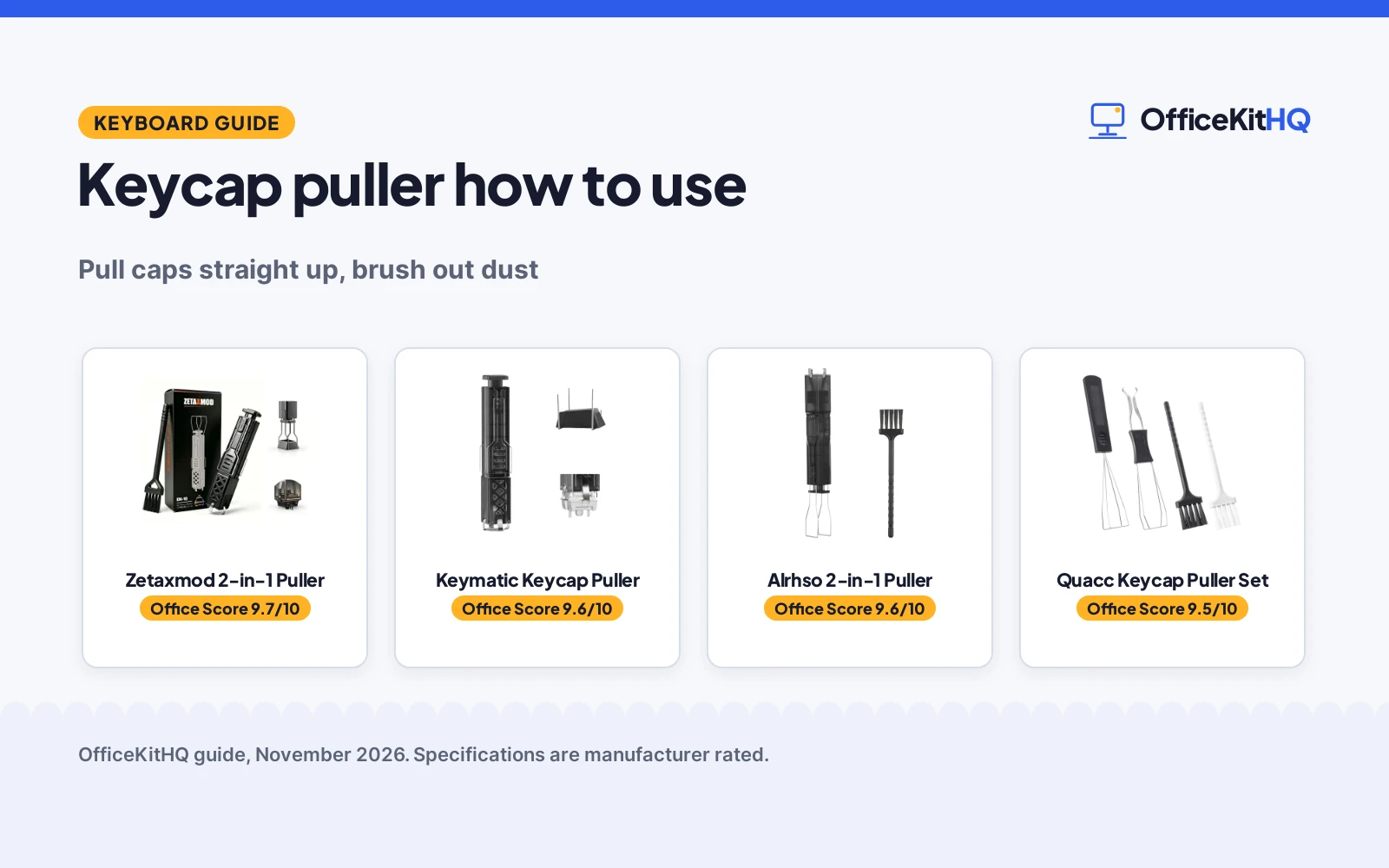
Learning keycap puller how to use is the first step when the keys at your home desk start to feel gritty under your fingers and the dust below them needs a way out. A puller lifts each cap straight off its switch so you can brush the board clean, swap a cap or reach a switch, then press everything back into place. The steps below show the grip, the lift and the clean-up, and the gear section names the tools that handle each part.
OfficeKitHQ earns a commission when you buy through links on this page, at no extra cost to you. As an Amazon Associate I earn from qualifying purchases. Affiliate disclosure.
The quick answer
Hook the puller under opposite sides of a keycap, squeeze gently until the wire or claws grip the cap, then pull straight up with steady pressure. Work across the board one cap at a time and keep the caps in order, then brush out the dust before you press each cap back down until it seats.
Step 1: Line the puller up with the cap
Set the keyboard on the desk with the caps facing up and pick the cap you want to lift. Slide the wire loops or the claws of the puller down around the cap until they sit under its edges, with the grip even on each side. A wire puller wraps the cap from opposite sides, while a claw puller clamps the shaft from multiple angles.
Step 2: Grip and lift straight up
Squeeze the puller gently until the wire or claws hold the cap, then pull straight up with steady pressure and no sideways twist. If a cap resists, reset the grip and lift again rather than forcing it, since even pressure on each side is what keeps the cap and the switch in good shape. Set each cap aside in order.
Step 3: Brush out the dust
With the caps off, brush the dust and debris from the board, the switch housings and the narrow crevices between switches. The small detail brush reaches into tight spots and the long-bristle brush sweeps the wider runs, and the mini cleaning brush in some sets does the same job on slots and switch housings. The guide to cleaning a gaming keyboard covers the full routine.
Step 4: Press the caps back on
Line each cap up over its switch and press it straight down until it seats with a firm click. Work through the board in order and check the layout as you go, since a cap on the wrong switch is easy to miss until you type.
Keycap puller how to use: the gear
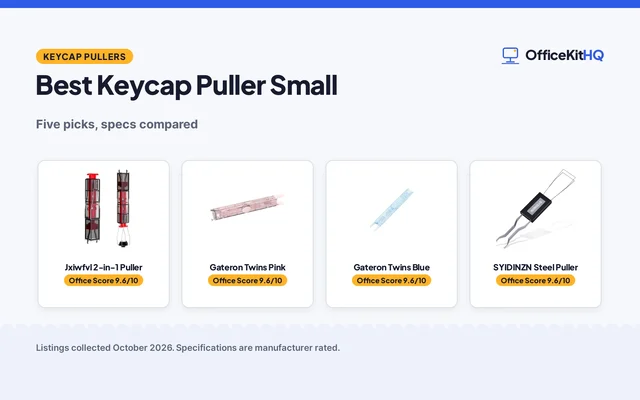
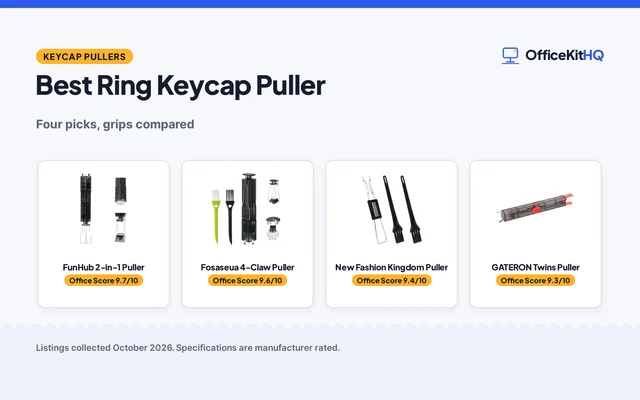
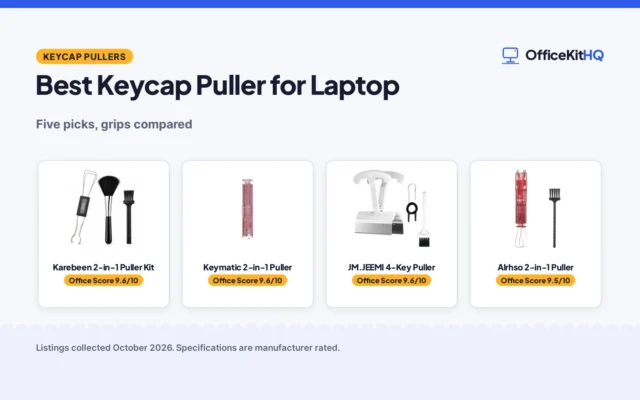
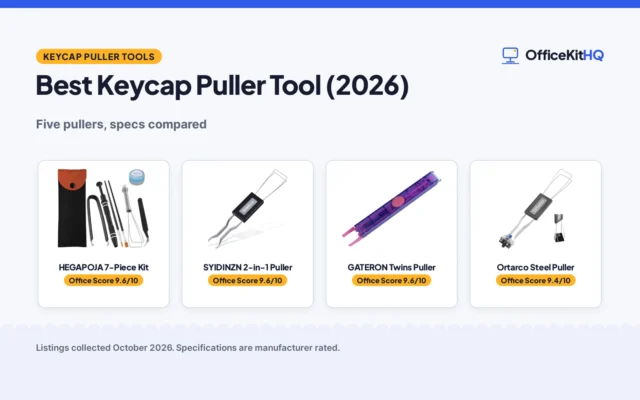
The steps above need a puller that grips the cap evenly and lifts straight up, and the 4 tools below cover that job: wire pullers for caps, claw pullers for caps and switches, and brushes for the clean-up between them.
| # | Product | Office Score | Buy |
|---|---|---|---|
| 1 |  Zetaxmod 2-in-1 Puller | 9.7/10 | Buy on Amazon |
| 2 |  Keymatic Keycap Puller | 9.6/10 | Buy on Amazon |
| 3 |  Alrhso 2-in-1 Puller | 9.6/10 | Buy on Amazon |
| 4 | 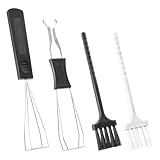 Quacc Keycap Puller Set | 9.5/10 | Buy on Amazon |

Zetaxmod 2-in-1 Puller
A 2-in-1 switch and keycap puller with 304 stainless steel claws, a one-touch eject design, 2 brushes and an English instruction manual.
Pros
- 2-in-1 design pulls switches and keycaps with one tool
- 304 stainless steel claws resist rust and abrasion, per the listing
- One-touch eject design and semi-auto structure speed up switch removal
- Package includes a small detail brush, a long-bristle brush and an English manual
Cons
- Title names one cleaning brush while the bullets list 2 brushes
- The 15 to 20 minutes saved claim has no stated baseline
Detailed Review
Zetaxmod lists this as a 2-in-1 switch puller and keycap puller with a 4-prong design, a semi-auto structure and a one-touch eject design. The listing states 304 stainless steel claws that resist rust and abrasion, while the bullets describe a manganese-steel body, so the two material statements do not match. The package holds one small detail brush and one long-bristle brush plus an English instruction manual, even though the title names a single cleaning brush and the spec table lists 1 item. The listing states the tool saves approximately 15 to 20 minutes compared with ordinary switch pullers, and the 24-month brand warranty is stated in the spec table.
Who it's for: a keyboard hobbyist who wants one tool for caps and switches, with brushes and a manual in the box. Who should skip it: anyone who wants a single material statement or a cleaner parts list before buying.
Its Office Score of 9.7/10 comes from performance 32/35, build 21/25, value 21/25, safety 8/10 and warranty 4/5: 86 of 100 points, placed on our 9.2 to 9.8 scale.
Key Specifications
| Design | 2-in-1 switch and keycap puller |
|---|---|
| Claws | 4-prong, 304 stainless steel |
| In the box | 2 brushes and an English manual |
| Warranty | 24-month brand warranty |
These specs mirror the retailer listing as of 13 November 2026; performance figures are stated by the brand.
Safety and Warranty
What this listing states. Finger-safe use and stainless-steel claws that resist rust are stated, so safety scores 8 of 10. 24-month brand warranty. It does not say everything a buyer needs, such as who pays return shipping, so warranty scores 4 of 5. See How We Pick.
Fit the desk first. Check the stated size against your desk depth and keyboard tray, and charge or pair as the manual describes. No keyboard, mouse or wrist rest prevents or treats injury.
This is general buying information, not professional advice. Follow each product manual and local rules, and see our Safety Disclaimer.

Keymatic Keycap Puller
A 2-in-1 keycap and switch puller with a 4-claw grip, one-press eject and Cherry MX, hot-swap and magnetic switch compatibility.
Pros
- 2-in-1 design covers keycap and switch removal with one tool
- 4-claw grip fastens switches from all directions and needs no adjustment
- Works with Cherry MX switches, hot-swap mechanical and magnetic switches plus common stabilizers
- One-press eject design turns switch removal into a single press
Cons
- 30-Day warranty covers only a short period
- No weight is stated
- No brush or cleaning tool is included
Detailed Review
Keymatic lists this as a 2-in-1 keycap and switch puller with a 4-claw grip and a one-press eject design. The listing states compatibility with Cherry MX switches, hot-swap mechanical and magnetic switches plus common stabilizers, and it states the tool cuts 15 to 20 minutes off keyboard tuning time compared with regular pullers. The title and bullets say Pink, while the spec table says Color Black, so trust the title and bullets over the spec table. The spec table gives product dimensions of 5.0 inches x 1.0 inches x 1.0 inches and a 30-Day warranty.
Who it's for: someone who swaps Cherry MX, hot-swap or magnetic switches and wants one tool for caps and switches. Who should skip it: anyone who wants a cleaning brush in the box or a longer warranty term.
Its Office Score of 9.6/10 comes from performance 30/35, build 20/25, value 21/25, safety 7/10 and warranty 2/5: 80 of 100 points, placed on our 9.2 to 9.8 scale.
Key Specifications
| Design | 2-in-1 keycap and switch puller |
|---|---|
| Grip | 4-claw grip, one-press eject |
| Compatibility | Cherry MX, hot-swap, magnetic switches |
| Product dimensions | 5.0 inches x 1.0 inches x 1.0 inches |
These specs mirror the retailer listing as of 13 November 2026; performance figures are stated by the brand.
Safety and Warranty
What this listing states. Four-claw grip shields keyboard parts from unintended damage, per the listing, so safety scores 7 of 10. 30-Day warranty. It does not say everything a buyer needs, such as who pays return shipping, so warranty scores 2 of 5. See How We Pick.
Fit the desk first. Check the stated size against your desk depth and keyboard tray, and charge or pair as the manual describes. No keyboard, mouse or wrist rest prevents or treats injury.
This is general buying information, not professional advice. Follow each product manual and local rules, and see our Safety Disclaimer.

Alrhso 2-in-1 Puller
A 2-in-1 keycap and switch puller with a 4-claw grip, one-press ejection and an ABS body that weighs 60 grams.
Pros
- 2-in-1 design removes keycaps and switches with one tool
- ABS body weighs only 60 grams, per the listing
- Four-claw pressing structure clamps the shaft from multiple angles
- Compatible with most hot-swappable mechanical keyboards and standard MX-style switches
Cons
- No Warranty is stated in the spec table
- No dimensions are stated
Detailed Review
Alrhso lists this as a 2-in-1 keycap puller and switch puller with a 4-claw grip and one-press ejection. The spring mechanism clamps the shaft when pressed down and ejects it with a light press, and the ABS body weighs 60 grams. The title says cleaning brushes while the bullets name one mini cleaning brush, and the spec table lists PartNumber 5478BNOU1415 against Model 5478HQXM8770. The listing states compatibility with most hot-swappable mechanical keyboards and standard MX-style switches, and the spec table states No Warranty.
Who it's for: someone who wants a light 2-in-1 puller for regular cleaning and switch swaps. Who should skip it: anyone who wants a warranty term or a stated set of dimensions.
Its Office Score of 9.6/10 comes from performance 29/35, build 20/25, value 20/25, safety 7/10 and warranty 0/5: 76 of 100 points, placed on our 9.2 to 9.8 scale.
Key Specifications
| Design | 2-in-1 keycap and switch puller |
|---|---|
| Grip | 4-claw grip, one-press ejection |
| Body | ABS, 60 grams |
| Compatibility | Hot-swappable keyboards, MX-style switches |
These specs mirror the retailer listing as of 13 November 2026; performance figures are stated by the brand.
Safety and Warranty
What this listing states. Four-claw grip distributes pressure evenly and helps avoid damage during disassembly, per the listing, so safety scores 7 of 10. No warranty term, so warranty scores zero. See How We Pick.
Fit the desk first. Check the stated size against your desk depth and keyboard tray, and charge or pair as the manual describes. No keyboard, mouse or wrist rest prevents or treats injury.
This is general buying information, not professional advice. Follow each product manual and local rules, and see our Safety Disclaimer.

Quacc Keycap Puller Set
A set of 2 stainless steel keycap pullers and 2 keyboard brushes, with wire pullers that stretch and adjust in shape.
Pros
- Set holds 2 keycap pullers and 2 keyboard brushes
- Wire pullers stretch and adjust in shape to fit most mechanical keyboards
- Dual-purpose design pulls keys and shafts with even pressure on each side
- Brushes wipe away debris trapped under the key caps
Cons
- No warranty term is stated
- No dimensions or weight are stated
- No named switch types are stated
Detailed Review
Quacc lists this as a set of 2 stainless steel keycap pullers with 2 keyboard brushes. The bullets say the puller is made of high-quality plastic and stainless steel, which does not match the stainless steel title, and the wire can be stretched and adjusted in shape to fit most mechanical keyboards. The dual-purpose design pulls keys and shafts with even pressure on each side, and the PVC brushes wipe away debris trapped under the key caps. No warranty term, dimensions or weight are stated.
Who it's for: someone who wants a spare puller and brushes for cleaning several keyboards. Who should skip it: anyone who wants a named switch puller or a warranty term.
Its Office Score of 9.5/10 comes from performance 28/35, build 19/25, value 21/25, safety 6/10 and warranty 0/5: 74 of 100 points, placed on our 9.2 to 9.8 scale.
Key Specifications
| Set contents | 2 keycap pullers, 2 keyboard brushes |
|---|---|
| Material | Plastic and stainless steel |
| Brushes | PVC |
| Compatibility | Most mechanical keyboards |
These specs mirror the retailer listing as of 13 November 2026; performance figures are stated by the brand.
Safety and Warranty
What this listing states. Even pressure on each side reduces possible damage, per the listing, so safety scores 6 of 10. No warranty term, so warranty scores zero. See How We Pick.
Fit the desk first. Check the stated size against your desk depth and keyboard tray, and charge or pair as the manual describes. No keyboard, mouse or wrist rest prevents or treats injury.
This is general buying information, not professional advice. Follow each product manual and local rules, and see our Safety Disclaimer.
As an Amazon Associate I earn from qualifying purchases.
FAQ
Can a keycap puller remove switches too?
Some can. The Zetaxmod, Keymatic and Alrhso tools (on Amazon) in this guide are 2-in-1 designs that pull keycaps and switches, while the Quacc set is listed for keys and shafts with 2 brushes for cleaning.
Will a keycap puller damage my keycaps?
A puller that grips with even pressure on each side lowers the chance of damage, and the claw tools here spread the grip across 4 claws. Lift straight up, reset the grip if a cap resists, and avoid pulling at an angle.
How long does it take to pull all the keycaps?
The listings state that a 2-in-1 puller saves about 15 to 20 minutes compared with ordinary switch pullers. The exact time depends on the size of the board and how many caps you lift.
What should come with a keycap puller?
A brush helps, and some sets add more. The Zetaxmod package lists a small detail brush, a long-bristle brush and an English instruction manual, the Alrhso set lists a mini cleaning brush, and the Quacc set lists 2 keyboard brushes with its 2 pullers.
Do keycap pullers fit all mechanical keyboards?
The Alrhso tool fits most hot-swappable mechanical keyboards and standard MX-style switches, the Keymatic tool (on Amazon) fits Cherry MX, hot-swap mechanical and magnetic switches plus common stabilizers, and the Quacc wire fits most mechanical keyboards.
More for your workspace
See the guide to cleaning a gaming keyboard, how to remove keyboard switches without a tool, mechanical keyboard repair and the best mechanical keyboards.