At a home desk, the monitor sits too low on its factory foot, the laptop crowds the keyboard, and the cables spill across the surface. Types of monitor mounts clear that clutter in different ways: a desk arm lifts the screen off the desk, a pole mount shares one upright between screens, a wall mount clears the desk entirely, and a stand raises the screen on its own base. The sections below explain each type, the sizes and weights the makers list for it, and how to match one to a desk and a screen.
OfficeKitHQ earns a commission when you buy through links on this page, at no extra cost to you. As an Amazon Associate I earn from qualifying purchases. Affiliate disclosure.
The quick answer
Most home desks use a single desk arm that clamps or bolts to the back edge and holds one screen on a VESA plate. Larger or heavier screens suit a heavy-duty arm or a wall mount, a shared pole suits two screens side by side, and a stand suits a desk where drilling or clamping is not wanted. Every mount below uses the VESA 75x75mm or 100x100mm patterns the listings state, so the first check is always the pattern on the back of the screen.
Types of monitor mounts at a glance
| Mount type | Screen size the maker lists | Weight the maker lists |
|---|---|---|
| Single desk arm | 13 to 34 in (ErGear) | 4.84 to 19.8 lbs (ErGear) |
| Heavy-duty desk arm | 13 to 49 in (ErGear) | 37.4 lbs (ErGear) |
| Pole mount arm | 13 to 32 in (HUANUO) | Up to 22 lbs (HUANUO) |
| Tall pole arm | 13 to 34 in (WALI) | 22 lbs (WALI) |
| Wall mount arm | 24 to 57 in (ARES WING) | 60 lbs (ARES WING) |
Ranges differ because each maker lists its own arm. The VESA pattern is the same across these listings: 75x75mm or 100x100mm.
Desk clamp and grommet arms
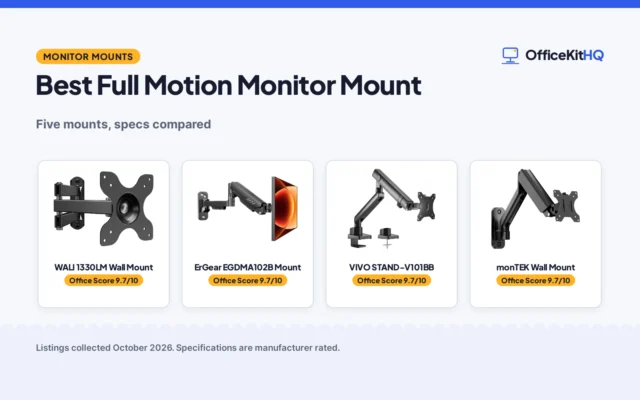
A desk arm attaches to the back edge of the desk and holds the screen on a short arm with a VESA plate. ErGear lists a single arm for 13 to 34 in screens at 4.84 to 19.8 lbs, with height adjustment up to 17.5 in and reach up to 18.1 in, tilt of +80°/-50°, ±90° swivel and 360° rotation. The same maker lists a heavy-duty arm for 13 to 49 in screens at 37.4 lbs, with reach up to 21.2 in and height up to 22.2 in. HUANUO lists a single arm for 13 to 32 in screens at 4.4 to 19.8 lbs, with tilt from -50° to +85° and a screen lift of 39.6 cm from the desktop. The clamp version grips the edge of the desk, while the grommet version passes a bolt through a hole in the desktop. ErGear lists C-clamp mounting for desks 0.39 to 2.56 in thick and grommet mounting for desks 0.39 to 2.95 in thick, and HUANUO lists a tabletop range of 0.59 to 3.54 in. Measure the desk thickness before ordering, and check the underside is clear of beams or panels where the clamp will sit.
Pole mounts
A pole mount arm clamps onto an upright pole instead of the desk edge, so the screen can slide up or down the pole and share the upright with another screen. HUANUO lists a pole mount arm for 13 to 32 in screens up to 22 lbs, with 14.88 in of reach, ±45° tilt, ±90° swivel and 360° rotation, fitting poles from 1 to 2.4 in in diameter. The maker notes the pole is not included, so this type suits a desk pole, a floor stand pole or a cart pole already in place. WALI lists a tall single arm on a 31.5 in pole for 13 to 34 in screens at 22 lbs, with a C-clamp and a 3.5 in diameter grommet base for a 3 in thick desk. Pole mounts suit a shared workstation or another screen added to an existing pole, and the height is set on the pole before the screen goes on.
Wall mounts
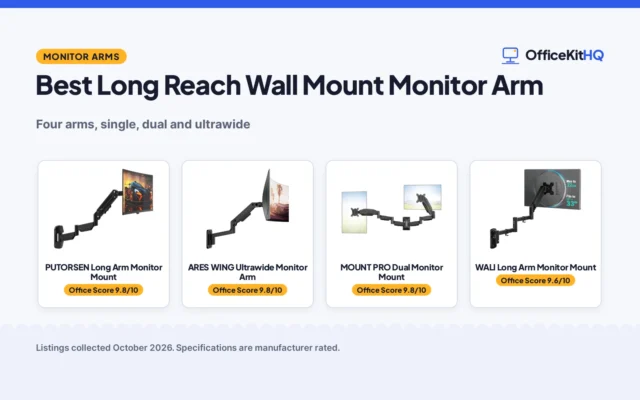
A wall mount arm bolts to the wall and holds the screen clear of the desk. ARES WING lists a wall mount for 24 to 57 in screens at 60 lbs, with +60° to -20° tilt, ±90° swivel and ±90° rotation, for VESA 75×75 or 100×100. The maker lists mounting onto a wood stud, solid concrete or a brick wall, and notes a VESA adapter is required for screens without VESA holes. A wall mount suits a desk pushed against a wall or a screen that stays in one place, and the wall must be the kind the maker lists.
Monitor stands and risers
A monitor stand or riser sits on the desk and lifts the screen on its own base, with no clamp, hole or wall fixing. Stands suit a desk where clamping is not wanted, a rented desk, or a screen that moves between rooms. They give less height range than an arm and no swivel or tilt beyond what the stand itself allows, so check the listed height and the VESA pattern before choosing one. A monitor stand size guide covers how to pick the height and width.
How to choose the best types of monitor mounts
Start with the screen, then the desk, then the mount point. The listings below give the figures to check.
Match the VESA pattern
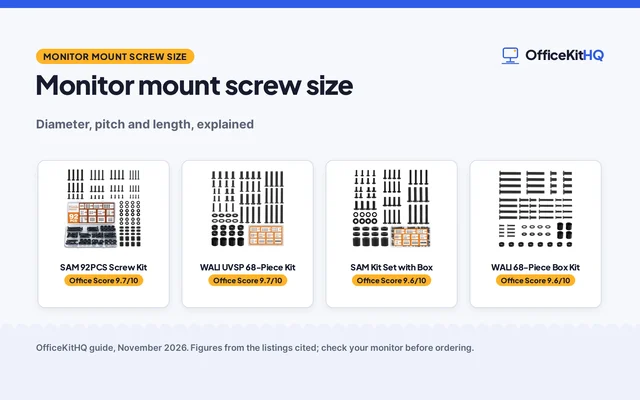
Every listing here uses VESA 75x75mm or 100x100mm. Check the holes on the back of the screen and the pattern the arm lists, and confirm the screws with a monitor mount screw size guide. A screen without VESA holes needs an adapter, as ARES WING notes for its wall mount.
Check screen size and weight
Match the screen size and weight to the range the maker lists. A 13 to 32 in screen at 4.4 to 19.8 lbs fits the single arms HUANUO lists, while a 13 to 49 in screen at 37.4 lbs needs the heavy-duty arm ErGear lists. A wall mount at 60 lbs covers the heaviest screens in these listings, including 57 in ultrawide screens ARES WING lists.
Measure the desk
For a clamp or grommet arm, measure the desk thickness and compare it with the range the maker lists: ErGear lists 0.39 to 2.56 in for its C-clamp and 0.39 to 2.95 in for its grommet base, and HUANUO lists 0.59 to 3.54 in. Check the underside is clear where the clamp will sit, and that the desk edge is strong enough for the clamp. A monitor set-up guide covers height, distance and gear once the mount is on.
Pick the mount point
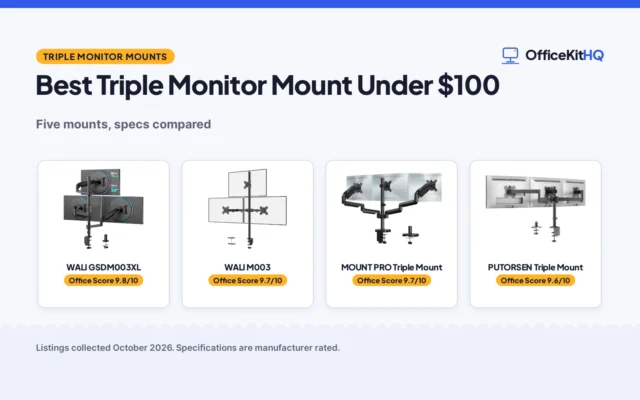
Choose the mount point by how the desk is used. A clamp arm keeps the desk surface clear and moves with the screen. A pole mount suits a shared pole or a screen that slides to a new height often. A wall mount suits a fixed screen on a desk against a wall. For two screens side by side, a dual monitor arm setup guide covers mounting screens side by side, and a vertical monitor setup guide covers portrait orientation, which the arms here support with 360° rotation.
FAQ
What VESA patterns do monitor mounts use?
The listings here use VESA 75x75mm or 100x100mm. Check the pattern on the back of the screen before ordering, since the arm and the screen must share the same pattern.
How much weight can a monitor arm hold?
Single desk arms in these listings hold 4.4 to 19.8 lbs, the heavy-duty arm ErGear lists holds 37.4 lbs, and the wall mount ARES WING lists holds 60 lbs. Match the screen weight to the capacity the maker lists for that arm.
Do monitor arms fit any desk?
Not every desk. ErGear lists C-clamp mounting for desks 0.39 to 2.56 in thick and grommet mounting for desks 0.39 to 2.95 in thick, and HUANUO lists a range of 0.59 to 3.54 in. Measure the desk and check the underside is clear where the clamp will sit.
Can a monitor be mounted on a wall?
Yes, with a wall mount arm. ARES WING lists a wall mount for 24 to 57 in screens at 60 lbs, for mounting onto a wood stud, solid concrete or a brick wall, and notes a VESA adapter is required for screens without VESA holes.
What is the difference between a clamp mount and a grommet mount?
A clamp mount grips the back edge of the desk, while a grommet mount passes through a hole in the desktop. Both hold the same arm, so the choice comes down to the desk edge and whether a hole is already there or wanted.
More for your workspace
See the desks guides, the monitor setup guide, the monitor arms and the monitor stands.