
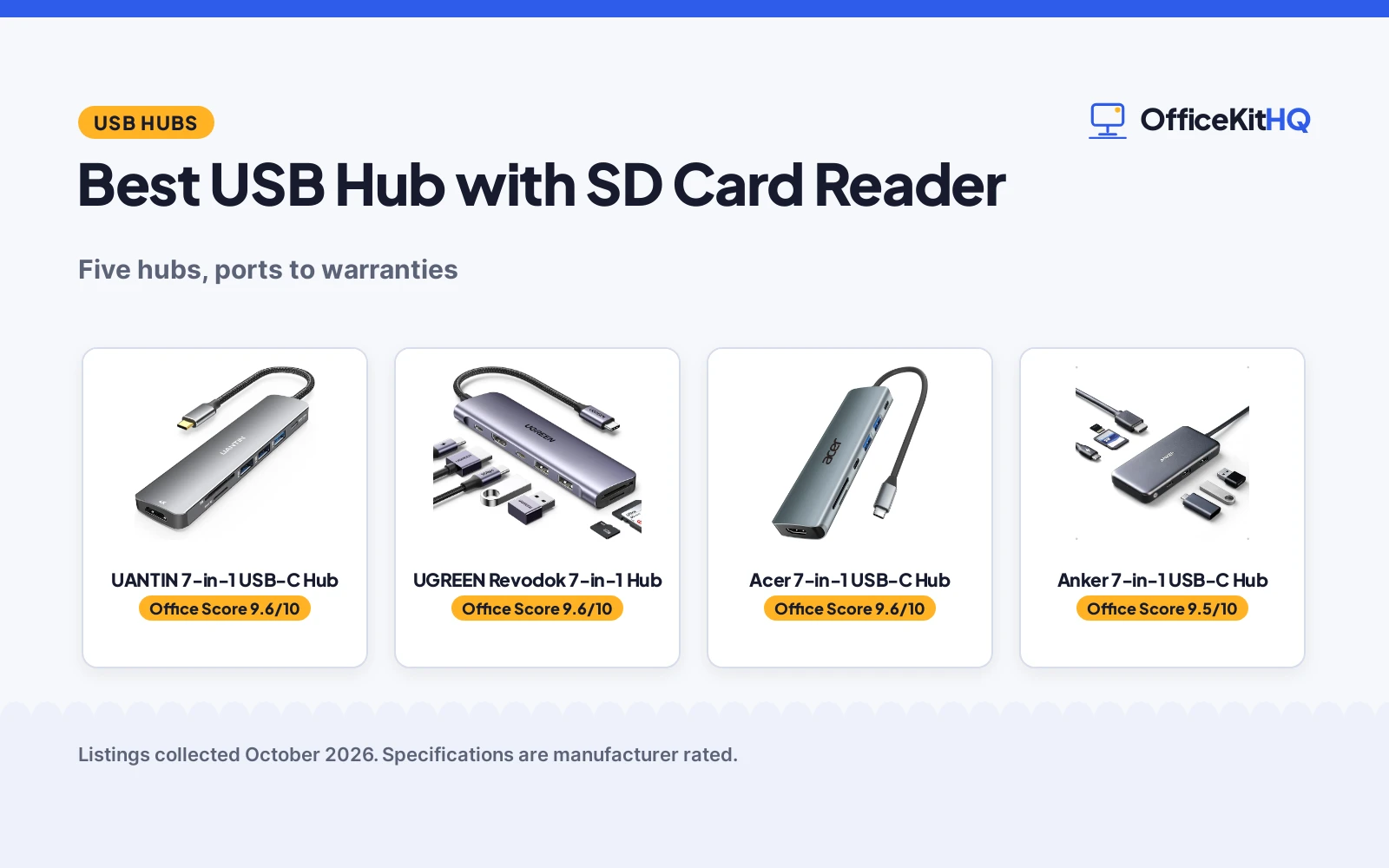
The best usb hub with sd card reader turns one laptop port into a full workstation: extra USB ports for drives and peripherals, 4K video output for a monitor, pass-through charging so the laptop stays powered, and quick access to camera cards without a separate reader. We compared five hubs by port counts, transfer speeds, HDMI support, charging wattage, card reader details and stated warranties, using only what each listing publishes. Four of the five combine video, charging and card reading in a 7-in-1 layout, while the fifth is a data-only hub with a long cable.
OfficeKitHQ earns a commission when you buy through links on this page, at no extra cost to you. As an Amazon Associate I earn from qualifying purchases. Affiliate disclosure.
Quick picks
 Best Overall UANTIN 7-in-1 USB-C Hub: 100W PD, 4K HDMI, 3 USB-A, 5 Gbps, 2-year warranty Check price on Amazon
 Best Warranty UGREEN Revodok 7-in-1 Hub: 100W PD, 4K HDMI, 5 Gbps, aluminum, 24-month warranty Check price on Amazon
 Best Travel Acer 7-in-1 USB-C Hub: 100W PD, 4K HDMI, 5 Gbps, 68 g aluminum, 1-year warranty Check price on Amazon
 Best Anker Anker 7-in-1 USB-C Hub: 85W PD, 4K HDMI, 5 Gbps, 7 ports, 18-month warranty Check price on Amazon
 Best Cable Length Aceele 6-in-1 USB 3.0 Hub: 5 Gbps, 4 ft cable, micro USB power, overcurrent protection Check price on Amazon
The picks
| # | Product | Office Score | Buy |
|---|---|---|---|
| 1 | UANTIN 7-in-1 USB-C Hub | 9.6/10 | Buy on Amazon |
| 2 | UGREEN Revodok 7-in-1 Hub | 9.6/10 | Buy on Amazon |
| 3 | Acer 7-in-1 USB-C Hub | 9.6/10 | Buy on Amazon |
| 4 | Anker 7-in-1 USB-C Hub | 9.5/10 | Buy on Amazon |
| 5 | Aceele 6-in-1 USB 3.0 Hub | 9.3/10 | Buy on Amazon |

UANTIN 7-in-1 USB-C Hub
A 7-port USB-C hub with 4K HDMI, 100W pass-through charging, three USB-A ports and a 2-year manufacturer warranty, suited to laptops that need full desk expansion.
Pros
- 100W PD pass-through with 4K HDMI at 30Hz
- 3 USB-A ports plus a USB-C data port, all at 5 Gbps
- Aluminum housing at 1.9 ounces
- 2-year manufacturer warranty
Cons
- No certification is stated
- One USB 2.0 port only supports 480 Mb/s
- No Ethernet port is listed
- No individual port switches are listed
Detailed Review
The UANTIN 7-in-1 expands a USB-C port into 7 ports: 4K HDMI, 3 USB-A, 1 USB-C data and 1 USB-C PD, with 100W pass-through charging and an SD/TF card reader. One wrinkle: the spec table lists 6 total USB ports against the 7-port title and bullets, so we trust the title and bullets. The aluminum housing weighs 1.9 ounces and carries a 2-year manufacturer warranty.
Who it's for: laptop users who want three USB-A ports plus 100W charging in one hub. Who should skip it: anyone needing an Ethernet port or a stated safety certification.
Its Office Score of 9.6/10 comes from performance 33/35, build 21/25, value 21/25, safety 0/10 and warranty 3/5: 78 of 100 points, placed on our 9.2 to 9.8 scale.
Key Specifications
| Number of Ports | 7 |
|---|---|
| Data Transfer Rate | 5 Gbps |
| Power Delivery | 100W PD |
| Item Weight | 1.9 ounces |
Figures as published on the retailer listing, collected 19 October 2026. Performance figures are manufacturer rated.
Safety and Warranty
What this listing states. No UL, FCC or over-current protection statement is stated, so safety scores zero. The listing states a 2 years manufacturer warranty. It does not say everything a buyer needs, such as who pays return shipping, so warranty scores 3 of 5. See How We Pick.
Power and heat. Use the supplied adapter, treat power delivery wattage and display support as the maker's claims for your laptop model, and give the dock room to vent.
This is general buying information, not professional advice. Follow each product manual and local rules, and see our Safety Disclaimer.

UGREEN Revodok 7-in-1 Hub
A 7-port USB-C hub with 4K HDMI, 100W PD input, 5 Gbps data ports and a 24-month warranty, suited to MacBook and Windows laptops.
Pros
- 100W PD input with 4K HDMI
- 5 Gbps USB-C and dual USB-A data ports
- Aluminum housing
- 24-month warranty
Cons
- Only 95W reaches the laptop; 5W is reserved for the hub
- No certification is stated
- No Ethernet port is listed
- 0.1 kg, heavier than the 68 g Acer
Detailed Review
The UGREEN Revodok 7-in-1 offers 4K HDMI, USB-C and dual USB-A 5 Gbps data ports, an SD/TF reader and 100W PD input. One wrinkle: the bullets say 100W PD but only 95W of pass-through charging reaches the laptop, with 5W reserved for the hub. The aluminum housing carries a 24-month warranty.
Who it's for: MacBook and Windows laptop owners who want the longest stated warranty here. Who should skip it: anyone who needs the full 100W to reach the laptop.
Its Office Score of 9.6/10 comes from performance 32/35, build 21/25, value 21/25, safety 0/10 and warranty 3/5: 77 of 100 points, placed on our 9.2 to 9.8 scale.
Key Specifications
| Number of Ports | 7 |
|---|---|
| Data Transfer Rate | 5 Gbps |
| Power Delivery | 100W PD input, 95W pass-through |
| Enclosure Material | Aluminum |
Figures as published on the retailer listing, collected 19 October 2026. Performance figures are manufacturer rated.
Safety and Warranty
What this listing states. No UL, FCC or over-current protection statement is stated, so safety scores zero. The listing states a 24 months warranty. It does not say everything a buyer needs, such as who pays return shipping, so warranty scores 3 of 5. See How We Pick.
Power and heat. Use the supplied adapter, treat power delivery wattage and display support as the maker's claims for your laptop model, and give the dock room to vent.
This is general buying information, not professional advice. Follow each product manual and local rules, and see our Safety Disclaimer.

Acer 7-in-1 USB-C Hub
A 7-port USB-C hub with 4K HDMI, 100W PD, 5 Gbps ports and an aluminum housing, suited to travel and office use at 68 g.
Pros
- 100W max PD with 4K HDMI at 30Hz
- 5 Gbps on two USB-A and one USB-C ports
- Aluminum housing at 68 g
- 1-year manufacturer warranty
Cons
- No certification is stated
- Not for 4K at 60Hz or 2K at 144Hz, per the notes
- No Ethernet port is listed
- Needs a 65W+ charger for best performance, per the notes
Detailed Review
The Acer 7-in-1 packs 4K HDMI at 30Hz, 100W max PD, two USB 3.0 and one USB-C data port at 5 Gbps, plus SD/TF slots in a 68 g aluminum housing. The notes say it is not for 4K at 60Hz or 2K at 144Hz, and recommend a 65W+ charger for best performance. A 1-year manufacturer warranty is stated.
Who it's for: travelers who want 100W charging and 4K output in a 68 g hub. Who should skip it: anyone needing high-refresh video output.
Its Office Score of 9.6/10 comes from performance 33/35, build 21/25, value 21/25, safety 0/10 and warranty 3/5: 78 of 100 points, placed on our 9.2 to 9.8 scale.
Key Specifications
| Number of Ports | 7 |
|---|---|
| Data Transfer Rate | 5 Gbps |
| Power Delivery | 100W max |
| Item Weight | 68 g |
Figures as published on the retailer listing, collected 19 October 2026. Performance figures are manufacturer rated.
Safety and Warranty
What this listing states. No UL, FCC or over-current protection statement is stated, so safety scores zero. The listing states a 1 Year Manufacturer warranty. It does not say everything a buyer needs, such as who pays return shipping, so warranty scores 3 of 5. See How We Pick.
Power and heat. Use the supplied adapter, treat power delivery wattage and display support as the maker's claims for your laptop model, and give the dock room to vent.
This is general buying information, not professional advice. Follow each product manual and local rules, and see our Safety Disclaimer.

Anker 7-in-1 USB-C Hub
A 7-port USB-C hub with 4K HDMI, 85W pass-through charging, 5 Gbps ports and an 18-month warranty, suited to MacBook Air, Pro and XPS owners.
Pros
- 85W max pass-through charging
- 4K HDMI at 30Hz with 5 Gbps data ports
- 7 ports from one USB-C plug
- 18-month warranty
Cons
- 85W PD is the lowest charging here
- ABS housing, not aluminum
- Charger is not included
- No certification is stated
Detailed Review
The Anker 7-in-1 provides 4K HDMI at 30Hz, 85W max pass-through charging, 5 Gbps USB-C and dual USB-A data ports, and an SD/TF reader. The ABS housing measures 8.27 by 2.13 by 0.59 inches and weighs 3.52 ounces. An 18-month warranty is stated; the charger is not included.
Who it's for: MacBook Air, Pro and XPS owners who want Anker's ecosystem. Who should skip it: anyone needing 100W charging or an aluminum housing.
Its Office Score of 9.5/10 comes from performance 30/35, build 19/25, value 20/25, safety 0/10 and warranty 3/5: 72 of 100 points, placed on our 9.2 to 9.8 scale.
Key Specifications
| Number of Ports | 7 |
|---|---|
| Data Transfer Rate | 5 Gbps |
| Power Delivery | 85W max pass-through |
| Item Weight | 3.52 ounces |
Figures as published on the retailer listing, collected 19 October 2026. Performance figures are manufacturer rated.
Safety and Warranty
What this listing states. No UL, FCC or over-current protection statement is stated, so safety scores zero. The listing states an 18-month warranty. It does not say everything a buyer needs, such as who pays return shipping, so warranty scores 3 of 5. See How We Pick.
Power and heat. Use the supplied adapter, treat power delivery wattage and display support as the maker's claims for your laptop model, and give the dock room to vent.
This is general buying information, not professional advice. Follow each product manual and local rules, and see our Safety Disclaimer.

Aceele 6-in-1 USB 3.0 Hub
A 6-port USB 3.0 hub with 5 Gbps transfer, a micro USB power port and a 4 ft cable, suited to desktops where HDMI output is not needed.
Pros
- 4 ft extended cable for desktop placement
- 5 Gbps on USB ports and card slots
- Micro USB power port for transfer stability
- Overcurrent protection on each port
Cons
- No HDMI output
- SD and TF slots cannot be used at the same time
- No warranty term is stated
- No certification is stated
Detailed Review
The Aceele 6-in-1 is a data-only hub: 3 USB 3.0 ports at 5 Gbps, SD/TF slots and a micro USB power port for transfer stability, on a 4 ft cable. The card slots cannot be used at the same time, and the micro USB port cannot charge computers. No warranty term is stated.
Who it's for: desktop users who want a long cable and card access without video output. Who should skip it: anyone needing HDMI or pass-through charging.
Its Office Score of 9.3/10 comes from performance 23/35, build 19/25, value 19/25, safety 0/10 and warranty 0/5: 61 of 100 points, placed on our 9.2 to 9.8 scale.
Key Specifications
| Number of Ports | 6 |
|---|---|
| Data Transfer Rate | 5 Gbps |
| Cable | 4 ft long cable |
| Item Weight | 60 g |
Figures as published on the retailer listing, collected 19 October 2026. Performance figures are manufacturer rated.
Safety and Warranty
What this listing states. This product does not plug in or run on a battery, so safety is not part of its score. No warranty term, so warranty scores zero. See How We Pick.
Power and heat. Use the supplied adapter, treat power delivery wattage and display support as the maker's claims for your laptop model, and give the dock room to vent.
This is general buying information, not professional advice. Follow each product manual and local rules, and see our Safety Disclaimer.
As an Amazon Associate I earn from qualifying purchases.
More picks to compare
 SABRENT USB-C 5-in-1 HubCheck on Amazon
 vienon 5-in-1 USB & USB C HubCheck on Amazon
 WENTER Powered USB Hub 3.0Check on Amazon
 Gitfos Powered USB HubCheck on Amazon
 Yottamaster USB Hub with SD Card ReaderCheck on Amazon
Compare the picks
| Hub | Office Score | Ports | Video | Charging | Warranty | Amazon |
|---|---|---|---|---|---|---|
| UANTIN 7-in-1 USB-C Hub | 9.6/10 | 7 | 4K HDMI | 100W PD | 2 years | View on Amazon |
| UGREEN Revodok 7-in-1 Hub | 9.6/10 | 7 | 4K HDMI | 100W PD | 24 months | View on Amazon |
| Acer 7-in-1 USB-C Hub | 9.6/10 | 7 | 4K HDMI | 100W PD | 1 year | View on Amazon |
| Anker 7-in-1 USB-C Hub | 9.5/10 | 7 | 4K HDMI | 85W PD | 18 months | View on Amazon |
| Aceele 6-in-1 USB 3.0 Hub | 9.3/10 | 6 | None | Micro USB power | Not stated | View on Amazon |
Specifications are manufacturer rated as listed, collected 19 October 2026.
How we scored them
The Office Score weighs performance, build, value, safety and warranty. For a hub, performance means port count, transfer speed, video output and charging wattage; build covers the housing material and stated weight. Safety means stated certifications such as UL or ETL, plus stated protections like overcurrent or short-circuit safeguards. None of the five state a certification, though the Aceele states overcurrent protection on each port. Four of the five state a warranty, from 1 year to 24 months. How we pick explains the weights.
| Product | Office Score | Perf. /35 | Build /25 | Value /25 | Safety /10 | Warranty /5 |
|---|---|---|---|---|---|---|
| UANTIN 7-in-1 USB-C Hub | 9.6 | 33 | 21 | 21 | 0 | 3 |
| UGREEN Revodok 7-in-1 Hub | 9.6 | 32 | 21 | 21 | 0 | 3 |
| Acer 7-in-1 USB-C Hub | 9.6 | 33 | 21 | 21 | 0 | 3 |
| Anker 7-in-1 USB-C Hub | 9.5 | 30 | 19 | 20 | 0 | 3 |
| Aceele 6-in-1 USB 3.0 Hub | 9.3 | 23 | 19 | 19 | 0 | 0 |
Scores run from 9.2 to 9.8: each product’s point total is placed on that range, so more points always means a higher score.
How to choose the best usb hub with sd card reader
Count the ports you actually need
Four of the five are 7-in-1 hubs built around a single USB-C plug; the Aceele is a 6-in-1 with three USB 3.0 ports, a micro USB power port and SD/TF slots. The UANTIN gives you three USB-A ports plus a USB-C data port, while the UGREEN and Acer pair two USB-A ports with one USB-C data port. If your desk is all USB-A peripherals such as a keyboard, mouse and printer, the UANTIN layout fits best. See the full docking stations and USB hubs category for more layouts.
Charging and video in one cable
Pass-through charging ranges from 85W on the Anker to 100W on the UGREEN, Acer and UANTIN. Read the fine print: the UGREEN reserves 5W for the hub itself, so 95W reaches the laptop, and the Acer recommends a 65W+ charger for best performance. Four hubs offer 4K HDMI at 30Hz; the Aceele offers no video output at all, and the Acer notes it is not for 4K at 60Hz or 2K at 144Hz. For drive-heavy desks that need their own power, see our best powered USB hub for external hard drives.
| Hub | Charging | Video | Data speed |
|---|---|---|---|
| UANTIN 7-in-1 | 100W PD | 4K HDMI | 5 Gbps |
| UGREEN Revodok | 100W PD, 95W pass-through | 4K HDMI | 5 Gbps |
| Acer 7-in-1 | 100W max PD | 4K HDMI | 5 Gbps |
| Anker 7-in-1 | 85W max PD | 4K HDMI | 5 Gbps |
| Aceele 6-in-1 | Micro USB power only | None | 5 Gbps |
Card readers and fine print
Every pick has SD and TF slots, but the Aceele cannot read both cards at the same time, so photographers ingesting two cards should look elsewhere. The UGREEN and UANTIN list broad laptop compatibility, including MacBook, XPS and ThinkPad lines, while the Acer adds Windows, ChromeOS and Linux support. The Anker’s charger is not included, so budget for a USB-C charger if you do not own one already. None of the five list an Ethernet port, which matters if your desk needs wired networking.
Match the hub to the laptop
All five connect over USB-C except the Aceele, which uses USB 3.0. The UANTIN names Thunderbolt 3-4 ports among its compatible hardware, and the UGREEN lists MacBook models from M1 through M5 plus iPad Pro and iPhone 15 Pro. The Acer is the lightest 7-in-1 here at 68 g, followed by the UANTIN at 1.9 ounces, which suits a travel bag. The Anker is the largest at 8.27 by 2.13 by 0.59 inches. Check that your laptop’s USB-C port supports PD and video alt mode before relying on charging or HDMI.
When to step up to a docking station
A hub suits one or two peripherals plus a monitor. If you run dual monitors, wired Ethernet and a full desktop of drives every day, a dedicated dock with its own power supply is the better tool. See our best docking station for dual monitors and laptop for that step up. For most single-laptop desks, though, one of these five hubs covers video, charging, storage and card access in a pocketable package.
Setup Notes
- Confirm your laptop’s USB-C port supports PD and video alt mode before relying on charging or HDMI.
- The Aceele’s 4 ft cable suits a desktop tower under the desk; the 7-in-1 hubs use short built-in cables for laptops.
- Use the Aceele’s micro USB power port when running multiple drives to keep transfer speeds stable.
- Match your monitor to 4K at 30Hz; none of these hubs list 4K at 60Hz support.
- Plan for a USB-C charger with the Anker, since one is not included in the box.
Frequently Asked Questions
Do these hubs charge the laptop?
Four do: the UGREEN, Acer and UANTIN at 100W PD, and the Anker at 85W max. The UGREEN passes 95W to the laptop with 5W reserved for the hub. The Aceele has a micro USB power port that stabilizes transfers but cannot charge computers.
Can I use the SD and microSD slots at the same time?
On the Aceele, no: the listing states the two card slots cannot be used at the same time. The other four listings do not state this restriction.
Which hub is best for a desktop computer?
The Aceele, with its 4 ft cable for reaching a tower under the desk and no video circuitry you would not use. See our best USB hub for desktop computer for more options.
Do any of these support 4K at 60Hz?
No. The four HDMI hubs list 4K at 30Hz, and the Acer explicitly notes it is not for 4K at 60Hz or 2K at 144Hz. If high-refresh output matters, look at a dedicated dock instead.
How long are the stated warranties?
The UGREEN states 24 months, the UANTIN states 2 years, the Anker states 18 months, and the Acer states 1 year. The Aceele states no warranty term.
Do any of these have an Ethernet port?
No. None of the five listings include a wired network port. If your desk needs Ethernet, step up to one of the docking stations linked above.
Related guides
See every Docking Stations and USB Hubs guide and all Audio, Power and Connectivity guides. Also see our best USB hub for keyboard and mouse. Also see our best USB hub for PC with long cable. Also see our best USB hub for multiple external hard drives. Also see our best USB hub for wireless devices. Also see our best USB hub for audio production. Also see our best USB hub for recording studio. Also see our best USB hub for live performance. Also see our best USB hub for astrophotography. Also see our best USB hub for Home Assistant Green. Also see our best USB hub for Nvidia Shield Pro. Also see our best USB hub for Vive 3.0 trackers. Also see our best USB hub for Vive tracker dongles. Also see our best monitor stand with USB ports. Also see our best surge protector with USB-C ports.
More picks: docking stations for business, USB hubs with long cables, USB hubs for keyboard and mouse.



